Chapter 5 Setting Up Your Cash Register Parameters
61 Alpha 710ML User’s Guide
Options Dump
This report contains all the parameter option settings for the cash register
and in the following order:
• Print Options
• System Options
• Header text
• Footer text
• Scrolling Messages text
• Others Set-Up options programming
• Tax System
This report can use a lot of paper. Before you print, make sure you have
enough paper installed in the cash register.
To print the Options Dump
ProgrammingMore OptionsOptions Dump
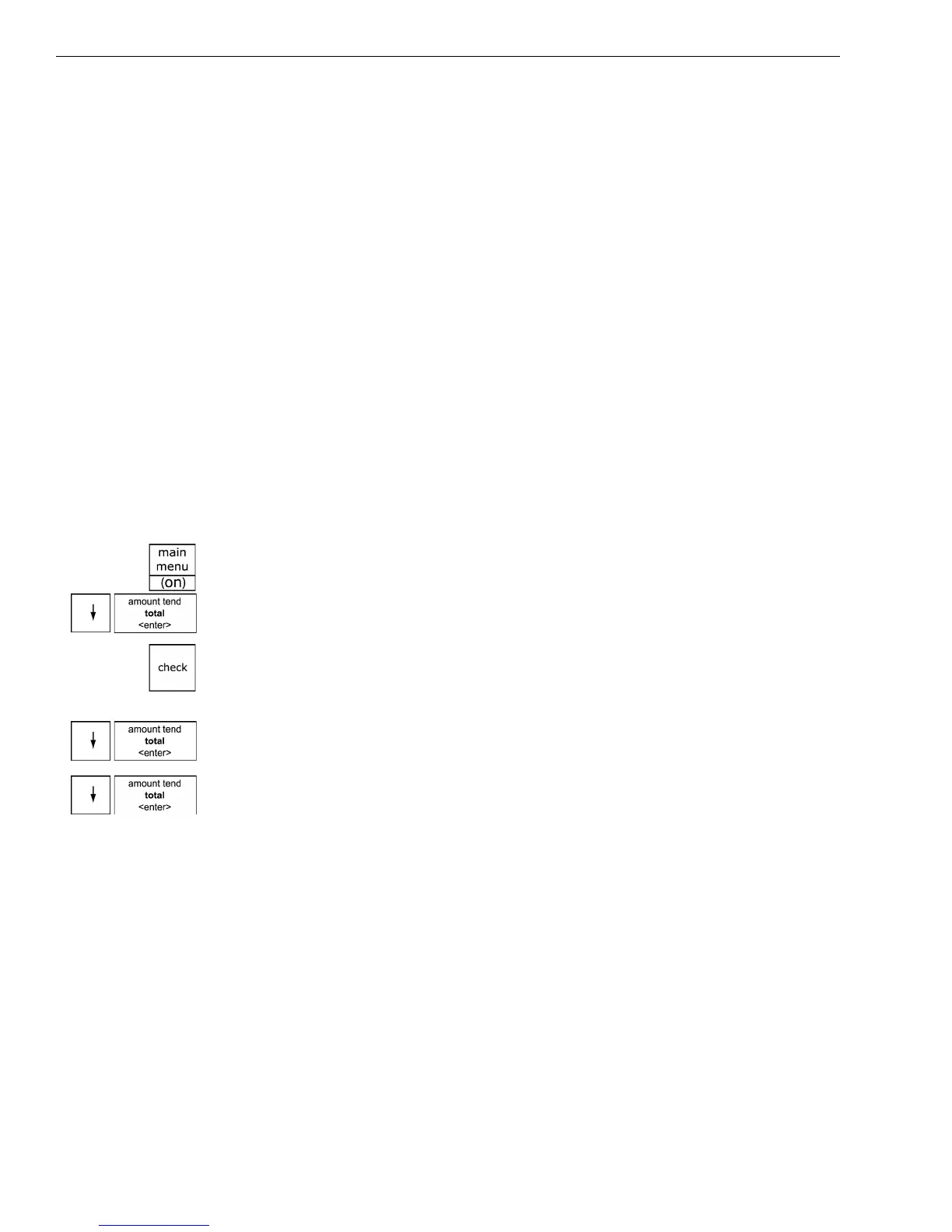
1 Press the Main menu (on) key.
2 Press the Arrow Down key to select Programming. Press the Amount
Tend Total <Enter> key.
3 If you are prompted for a Manager Passcode, type the passcode number
and then press the Check key. If you did not program a Manager
Passcode, go to the next step.
4 Press the Arrow Down key to select More Options. Press the Amount
Tend Total <Enter> key.
5 Press the Arrow Down key to select Options Dump. Press the Amount
Tend Total <Enter> key.



 To Next Page