Chapter 4 Setting Up Your Cash Register - the Basics
39 Alpha 710ML User’s Guide
Programming Scrolling Messages
Use the steps below to program your scrolling message.
To program a scrolling message
ProgrammingMore OptionsText MessagesScroll Messages
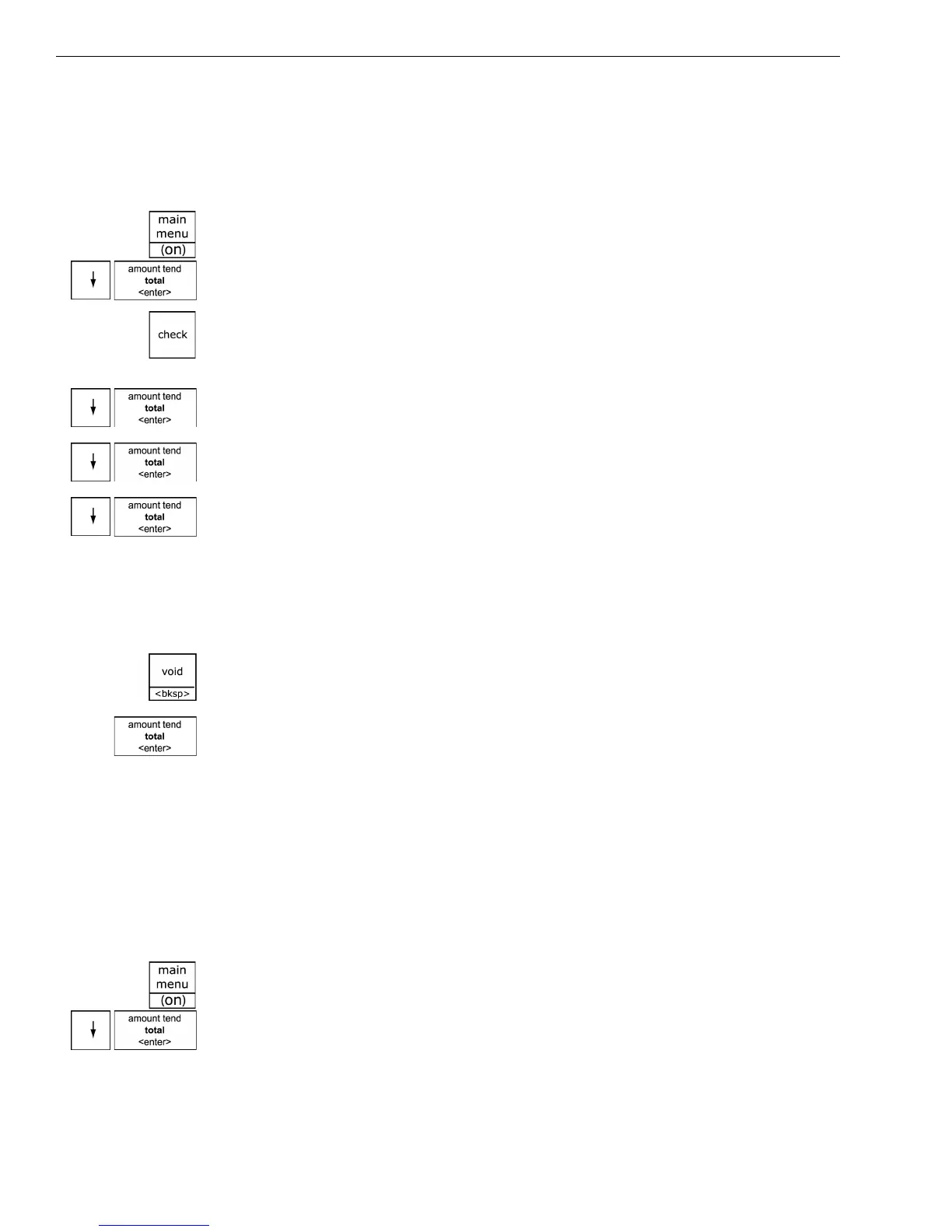
1 Press the Main menu (on) key.
2 Press the Arrow Down key to select Programming. Press the Amount
Tend Total <Enter> key.
3 If you are prompted for a Manager Passcode, type the passcode number
and then press the Check key. If you did not program a Manager
Passcode, go to the next step.
4 Press the Arrow Down key to select More Options. Press the Amount
Tend Total <Enter> key.
5 Press the Arrow Down key to select Text Messages. Press the Amount
Tend Total <Enter> key.
6 Press the Arrow Down key to select Scroll Messages. Press the Amount
Tend Total <Enter> key.
7 Select the scroll message you want to change and follow the instructions
on the screen. For more information about using the Alphanumeric keys
to type letters, see Setting Alphanumeric Descriptions on page 22.
Important
If you enter the wrong character, press the Void <bksp> key to delete the
character. Now you can continue.
8 When you are done, press the Amount Tend Total <Enter> key.
Setting the Scroll Speed
You can set the amount of scroll speed to all scrolling messages. This
includes the customer messages and the programing instructions that
scroll across the bottom of the clerk display in Programming mode. You
can select Slow, Medium, or Fast.
To program the amount of time letters appears
ProgrammingMore OptionsSystem Options6. Scroll Speed
1 Press the Main menu (on) key.
2 Press the Arrow Down key to select Programming. Press the Amount
Tend Total <Enter> key.



 To Next Page