Alpha 710ML User’s Guide 30
Setting X and Manager Passcodes
Setting X and Manager Passcodes
Manager passcodes are available for added security:
• to go to the PRG and Z modes
• to go to the X mode.
After you program a passcode, you must use it every time you go to the
program mode or to go to X or Z report modes, depending on which you
set the passcode for.
When you enter a passcode, it appears as asterisks **** on the displays for
extra security.
To set manager passcodes (also known as PRG/Z passcodes)
ProgrammingSecurity Set UpManager Passcode
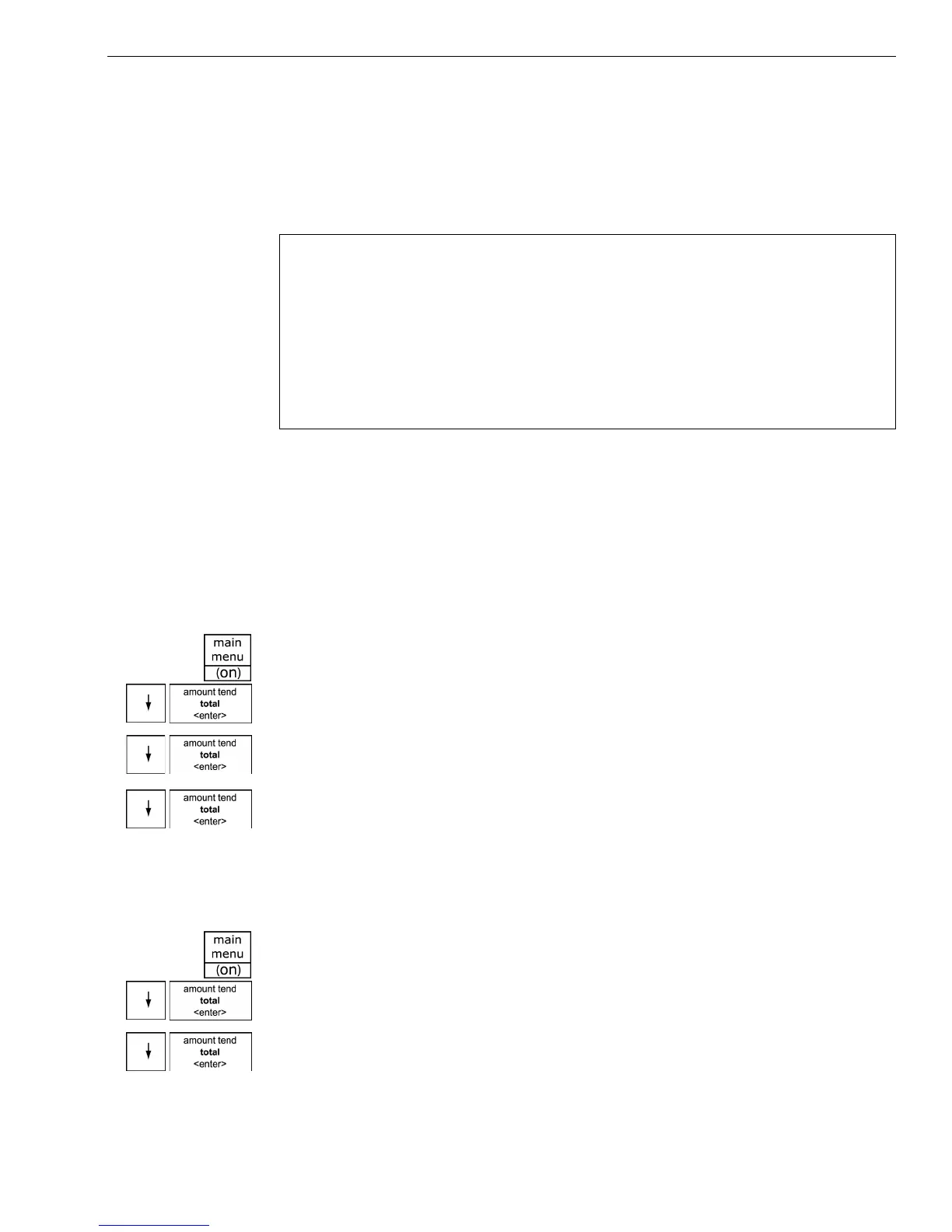
1 Press the press the Main menu (on) key.
2 Press the Arrow Down key to select Programming. Press the Amount
Tend Total <Enter> key.
3 Press the Arrow Down key to select Security Set Up. Press the Amount
Tend Total <Enter> key.
4 Press the Arrow Down key to select Manager Passcode. Press the
Amount Tend Total <Enter> key.
5 Follow the instructions on the display.
To set the X passcode
ProgrammingSecurity Set UpX Mode Passcode
1 Press the press the Main menu (on) key.
2 Press the Arrow Down key to select Programming. Press the Amount
Tend Total <Enter> key.
3 Press the Arrow Down key to select Security Set Up. Press the Amount
Tend Total <Enter> key.
Important
The Manager passcode cannot be 0000 (zeros). The cash register will not
accept this passcode.
Caution
Write your passcodes down in a safe place. If you forget the passcodes,
you must do a Full System Clear procedure. A Full System Clear erases all
transaction information and programming. For details on the Full System
Clear, see Full System Clear on page 97.



 To Next Page