Chapter 11 Examples
109 Alpha 710ML User’s Guide
Paid-Out Sale
Example 23: Indicates money taken out of the cash drawer. Ring up $10.00 to
show money paid out of the cash drawer.
To record monies paid out
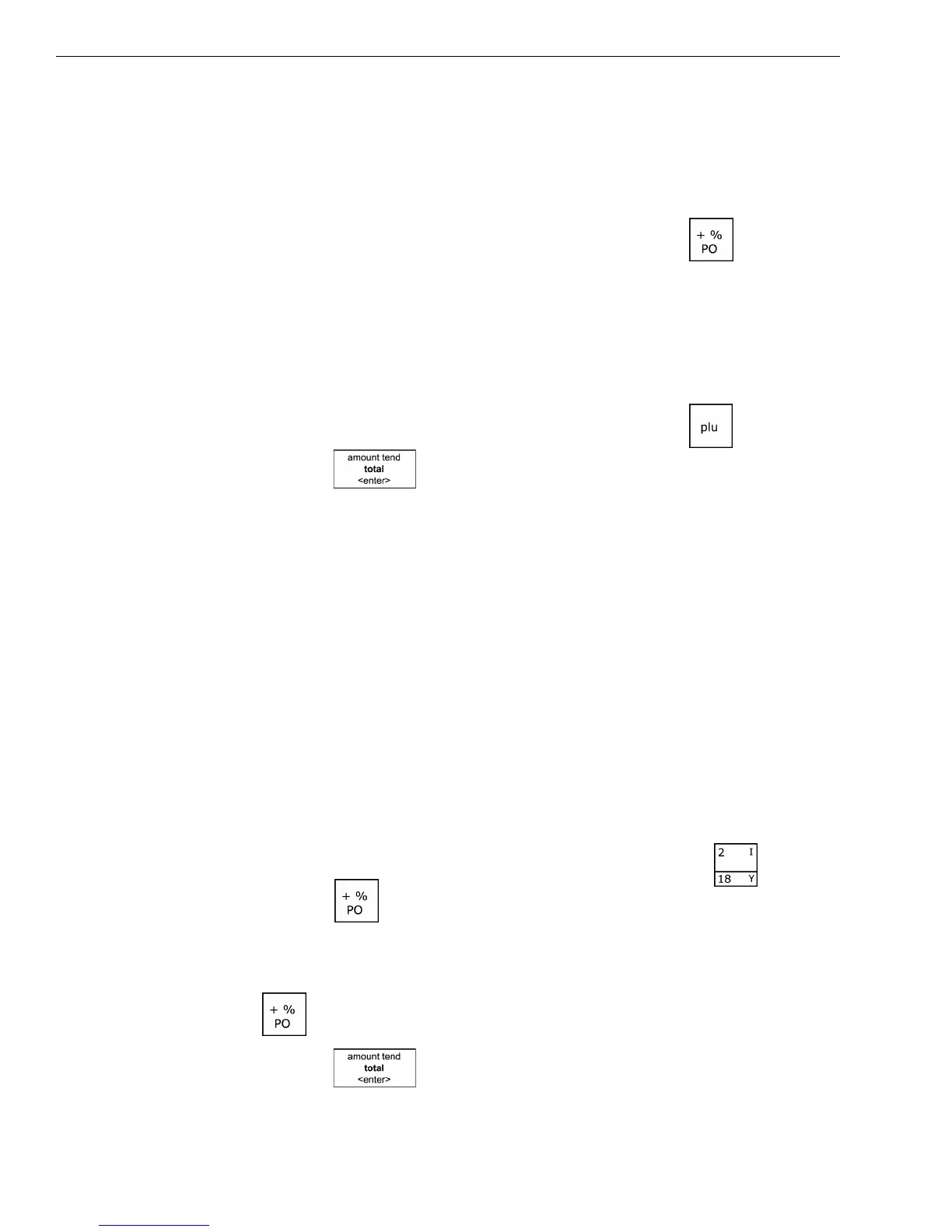
In the Number keys area, press 1000, then press the key.
PLU Sale
Example 24: Assume the PLU # is preset for the price of $1.99 in Department 1.
Ring up the PLU #1.
To ring a PLU sale
1 In the Number keys area, press 1, and then press the key.
2 Press the key.
Note
PLUs follow the same procedure for ringing up Coupons, Refunds, Minus
Percentage Discounts, Plus Percentages, and so on, as with ringing these
items up for a Dept # sale.
Plus Percentage Sale
Example 25: The following are two versions of the Plus Percentage Sale.
Version 1
Note
If no tax is programmed in your cash register, ring up a $1.00 item in
Department 2 and apply a pre-programmed Plus Percentage Rate of 10%.
To ring a PLU percentage sale
1 In the Number keys area, press 100, and then press the key.
2 Press the key.
Note
If the Plus Percentage Rate is NOT pre-programmed, type in the 10% plus
percentage rate by pressing 10 in the round Number keys before pressing
the key.
3 Press the key.



 To Next Page