Chapter 8 Running Reports
81 Alpha 710ML User’s Guide
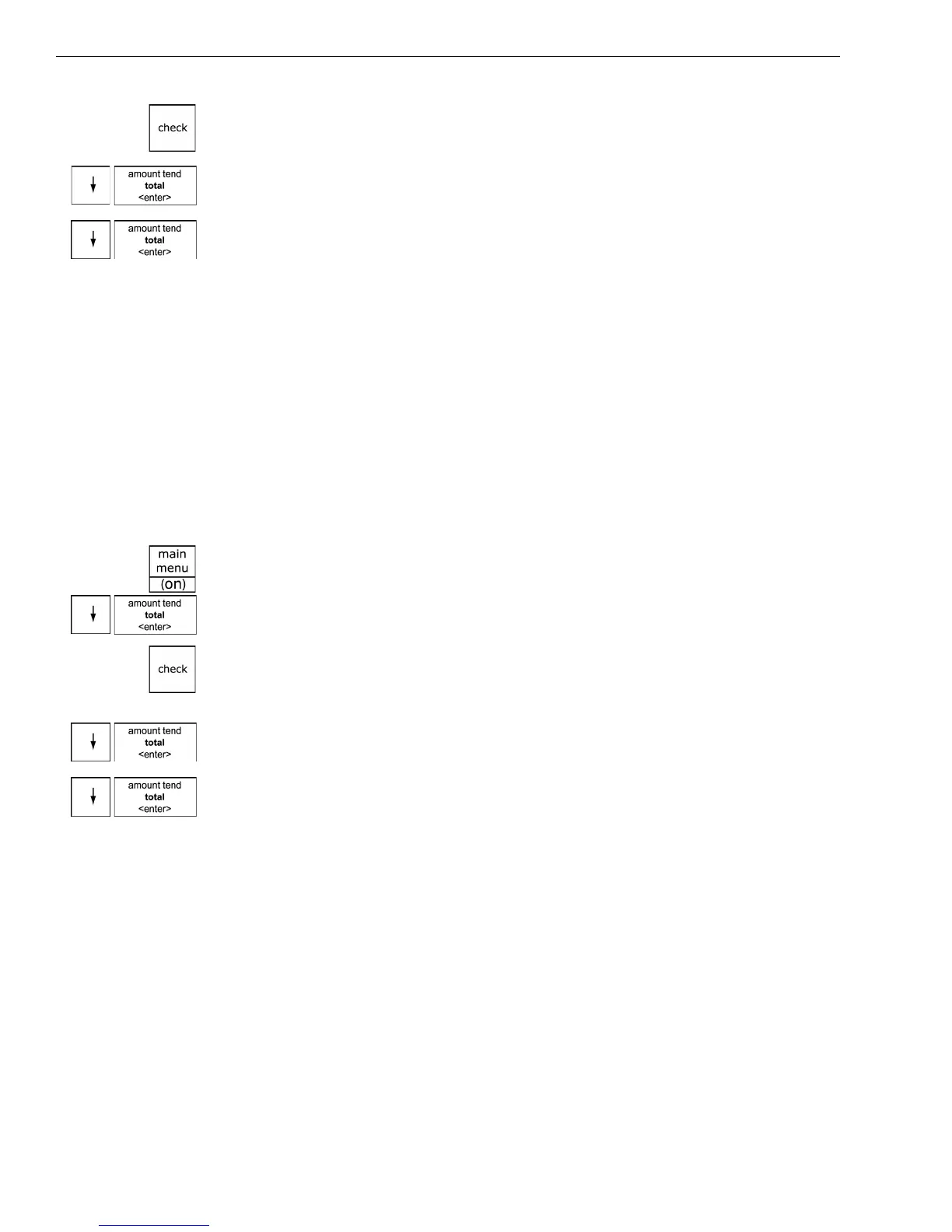
3 If you are prompted for a Manager Passcode, type the passcode number
and then press the Check key. If you did not program a Manager
Passcode, go to the next step.
4 Press the Arrow Down key to select Department Set up. Press the
Amount Tend Total <Enter> key.
5 Press the Arrow Down key to select Depart Conf Report. Press the
Amount Tend Total <Enter> key.
6 Select how you want to see the report. If you select Display, use the
arrow keys to review the report in the clerk screen.
Running the PLU Confirmation Report
The PLU Confirmation Report allows you to check all PLUs programmed
or a range of PLUs by PLU numbers or by the linked department. For
more information about programming PLUs, see Programming PLU
Descriptions on page 42.
To run the PLU confirmation report
ProgrammingPLU Set UpDump Report
1 Press the Main menu (on) key.
2 Press the Arrow Down key to select Programming. Press the Amount
Tend Total <Enter> key.
3 If you are prompted for a Manager Passcode, type the passcode number
and then press the Check key. If you did not program a Manager
Passcode, go to the next step.
4 Press the Arrow Down key to select PLU Set Up. Press the Amount Tend
Total <Enter> key.
5 Press the Arrow Down key to select Dump Report. Press the Amount
Tend Total <Enter> key.
6 Select All PLU, PLU Range, or Linked Department.
7 Select how you want to see the report. If you select Display, use the
arrow keys to review the report in the clerk display.



 To Next Page