Alpha 710ML User’s Guide 20
Using the Displays
The Clerk Screen
The clerk screen prompts you through setting up the cash register and
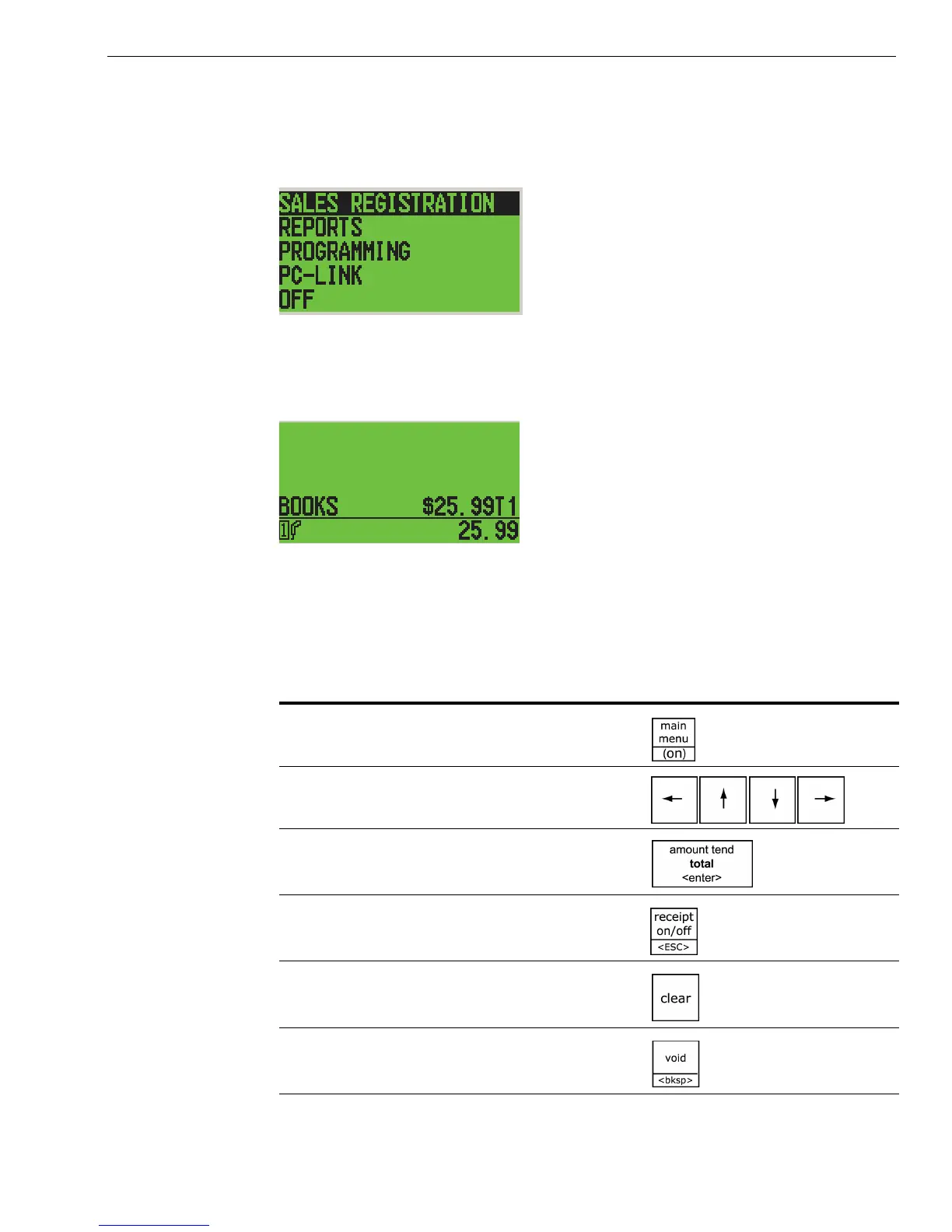
using it to ring up sales. The main screen on the display looks like this:
When ringing up sales, you see the department number or PLU number
on the clerk screen. If a description or name is programmed, this
description appears.
Navigating the Clerk Screen
Navigating the clerk screen is easy. Use these following keys:
Table 2 Navigating the clerk screen
To do this... Press this...
See the main menu
Move up and down through the menu
options
Select the highlighted option
Go back one menu level
Clear your typed entry and start over
Clear the last character entered



 To Next Page