Chapter 10 Troubleshooting
97 Alpha 710ML User’s Guide
Partial Reset
If the cash register did not respond to the Half System Clear, try a Partial
Reset. This procedure requires both your hands or a friend to help.
To do a partial reset
1 Unplug the cash register from the power source.
2 Using the round Number keys, press and hold the 3 key and the 7 key at
the same time. Continue to hold these keys down.
3 While you are still holding down the 3 and 7 keys, plug the cash register
back into the power source.
4 Release the 3 and 7 keys.
5 Continue with normal operations.
Full System Clear
If nothing else works, perform the following procedure.
To do a full system clear
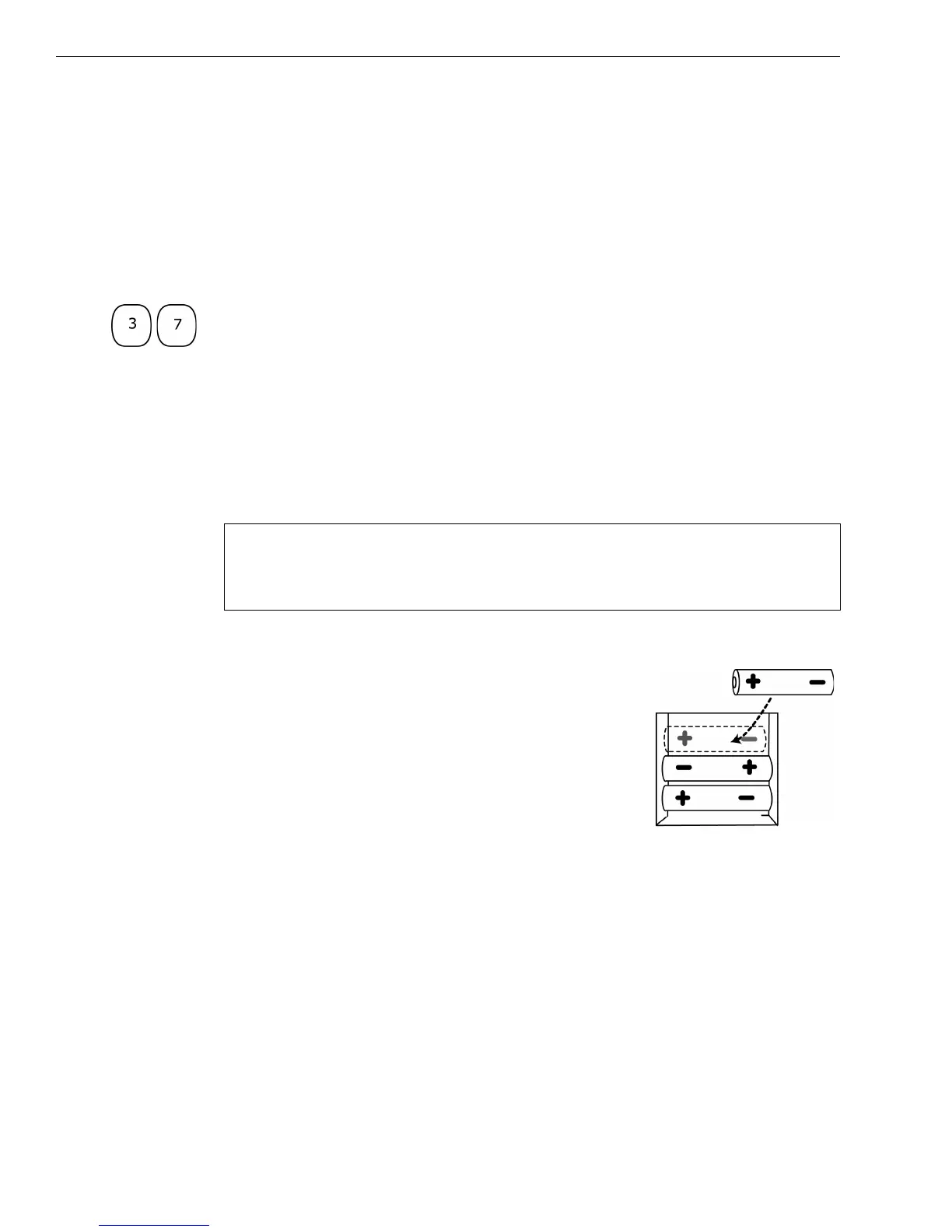
1 Remove all back-up batteries.
2 Unplug the cash register from the power source
and wait 5 minutes.
3 Plug in the cash register.
4 Replace the batteries.
5 Reprogram the cash register.
6 Continue with normal operations.
If Nothing Helps
If a problem still persists, call our Customer Service Support Line toll-free
at 1-800-272-6229.
Caution
This procedure resets the cash register to the factory settings. You lose all
your transaction information and programming information.



 To Next Page