Alpha 710ML User’s Guide 32
Programming Department Keys
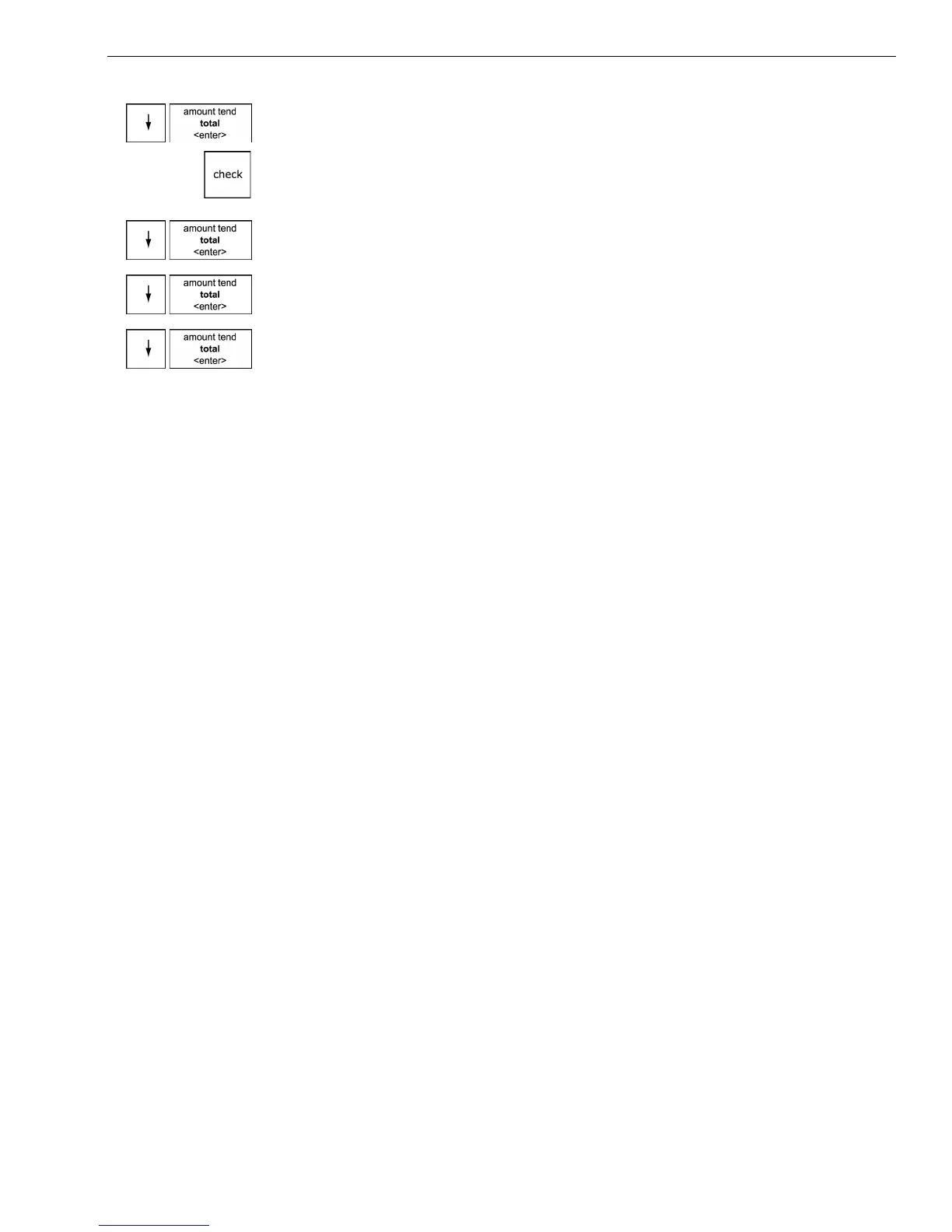
2 Press the Arrow Down key to select Programming. Press the Amount
Tend Total <Enter> key.
3 If you are prompted for a Manager Passcode, type the passcode number
and then press the Check key. If you did not program a Manager
Passcode, go to the next step.
4 Press the Arrow Down key to select More Options. Press the Amount
Tend Total <Enter> key.
5 Press the Arrow Down key to select Others Set Up. Press the Amount
Tend Total <Enter> key.
6 Press the Arrow Down key to select Machine Number. Press the Amount
Tend Total <Enter> key.
7 Follow the instructions on the display.
Programming Department Keys
Departments are a category of merchandise. For example, Department 1
can be Housewares, Department 2 can be Food, Department 3 can be
Womens Clothing, and so on. This helps you track what you are selling.
Each department can be programmed as taxable or non-taxable, so that if
an item needs to be taxed, the proper tax amount is added automatically
when you ring up an item in a taxable department.
You can have as many as 200 departments on your cash register. If you
have many departments, you may want to make a list so other people who
use the cash register can correctly use the department keys.
Programming departments includes up to 8 steps. Not all steps listed
below may apply to your specific needs.
1 Setting Department numbers and assigning to a Department Number key
(for Department numbers 1 through 32)
2 Programming Department Names
3 Programming Department Preset Price
4 Programming Tax Status
5 Setting Standard, Gallonage or Negative Mode
6 Setting Department Type
7 Setting High Amount Lock-out (HALO)
8 Programming Age Verification
For specific information about each of the items above, see the next
sections.



 To Next Page