Chapter 2 Getting Started
5 Alpha 710ML User’s Guide
Setting the Language
At the prompt, you can select English, Spanish, or French. Changing the
language changes the factory programmed words you and the customer
see on the displays. However, changing the language does not translate
any words you program in the cash register, such as PLU descriptions,
header information, and so on.
Note
If you start programming the cash register and then change the language,
you lose all your programming changes.
To set the language when you first set up the cash register
1 When you first turn the register on, you are prompted through all setup
options. Setting the language is the first option.
2 Select the language you want and press the Amount Tend Total <Enter>
key. The language your cash register shows on the operator display is
set.
Installing the Memory Backup Batteries
Your cash register uses 3 AA 1.5 volt batteries for the memory backup
system. These batteries did not come with your cash register and you must
purchase them additionally.
Caution
If you put the batteries in the cash register first, they can damage your cash
register. Put the batteries in when you are prompted.
1 At the prompt, open the Journal Compartment
Cover. Remove the Journal Compartment Cover
and set aside.
2 Move the paper roller bar up and out of the way.
Grab the small handle on the right of the print
roller bar. Push the little handle towards the back
of the cash register and raise the paper roller bar
up. You see a slope down to the paper compartment. The battery cover
is located under the print roller bar, on the slope.
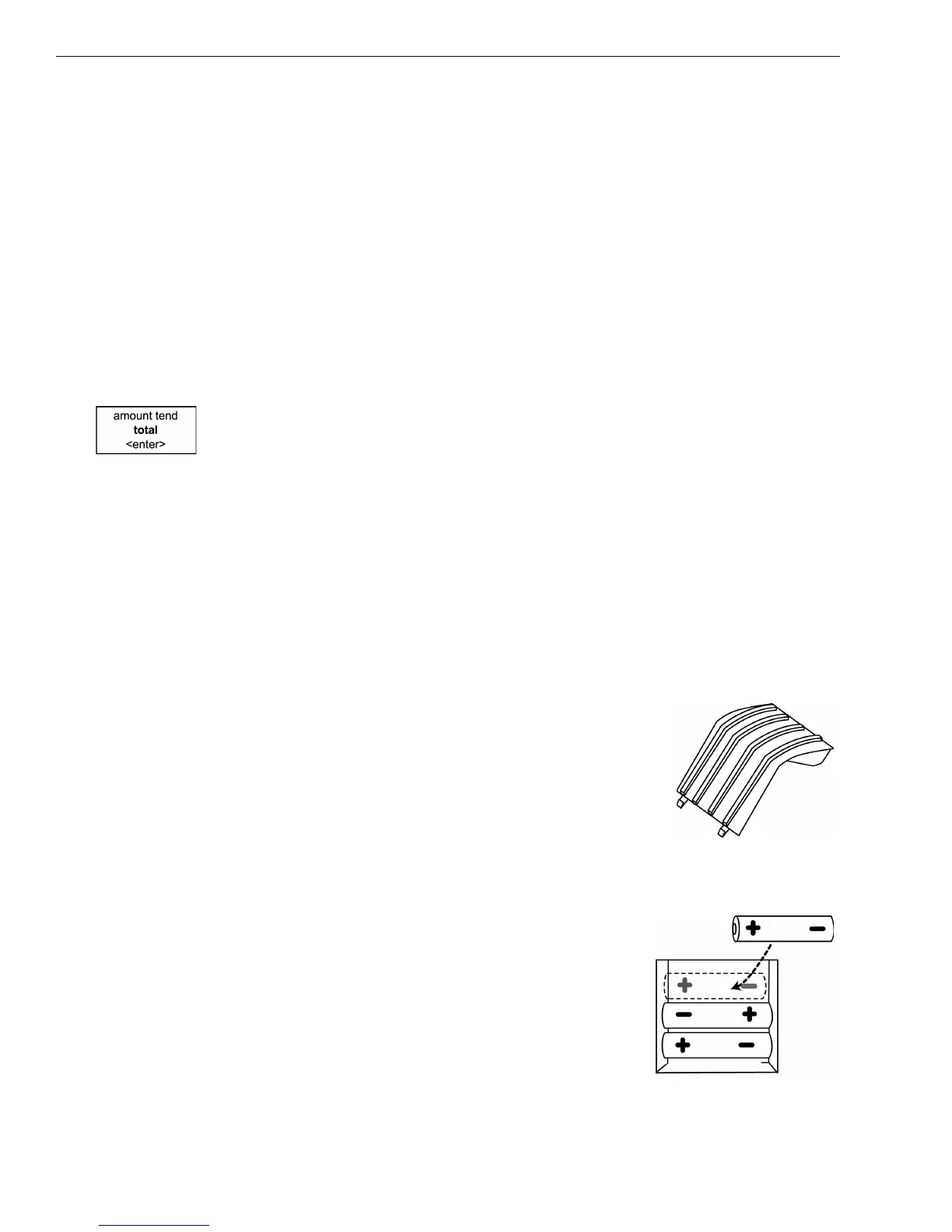
3 Remove the battery cover. Press the edge at the
top of the cover and push to the back. The cover
pops off.
• Put the batteries in the slots. Make sure that
the positive and negative ends are in the right
place. The batteries have a little plus (positive)
and minus (negative) sign on each end to help
you.



 To Next Page