Alpha 710ML User’s Guide 44
Printing the Program Confirmation Report
3 If you are prompted for a Manager Passcode, type the passcode number
and then press the Check key. If you did not program a Manager
Passcode, go to the next step.
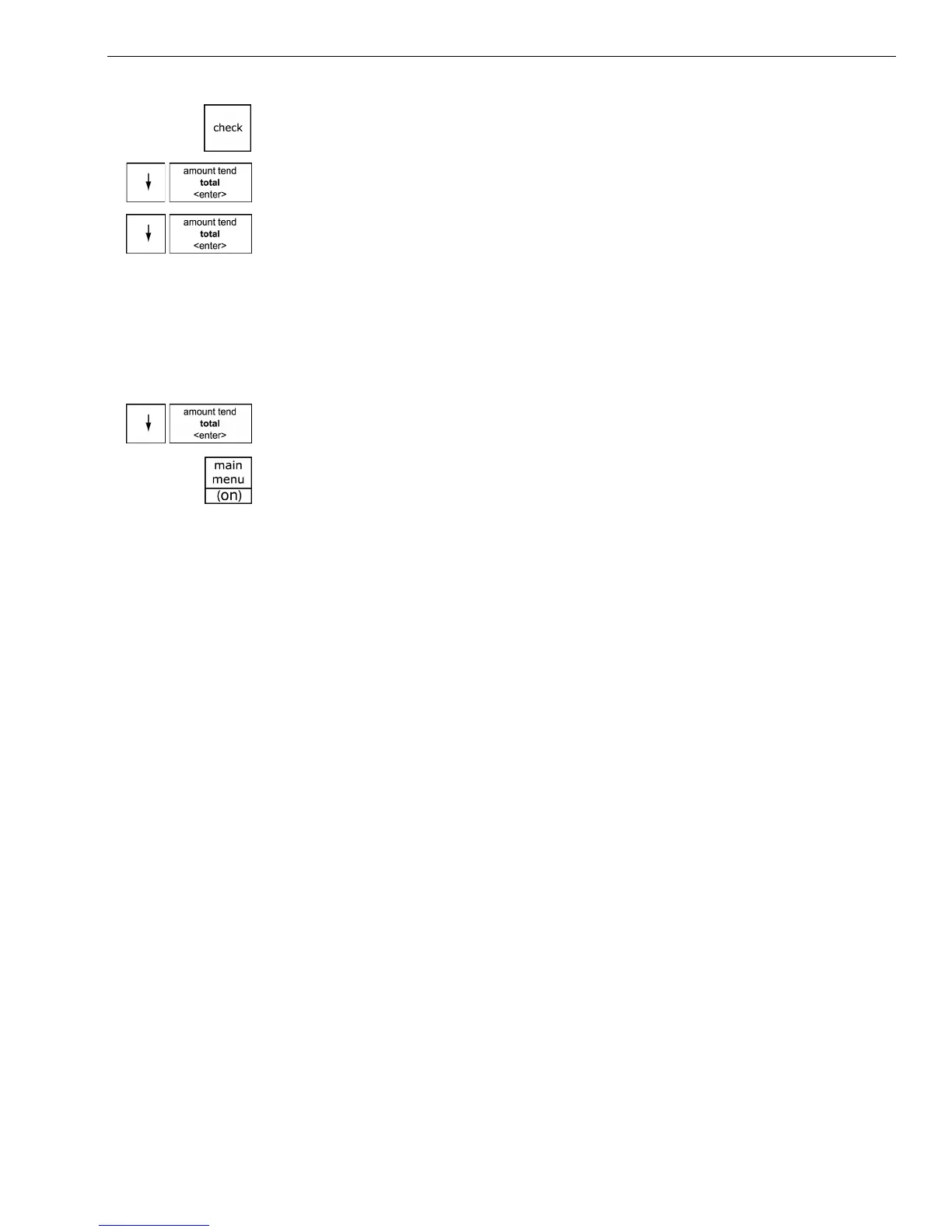
4 Press the Arrow Down key to select PLU Set Up. Press the Amount Tend
Total <Enter> key.
5 Press the Arrow Down key to select New & Edit. Press the Amount Tend
Total <Enter> key.
6 Using the barcode reader, scan the barcode you want for this PLU. Hold
the barcode reader less than ½ inch from the barcode you want to scan.
Press the button on the bottom of the reader. Flick the reader slightly to
move the LED light along the barcode to read it. The barcode reader
beeps when it properly reads the barcode. Follow the instructions on the
display.
7 To program the next PLU, go to Next PLU and press the Amount Tend
Total <Enter> key.
8 When you are done programming, press the Main menu (on) key.
Printing the Program Confirmation Report
Now that basic programming is complete, check your results with a
Program Confirmation Report.
If you made a mistake during programming, repeat only the step you
made the mistake in. For example, if only the tax rate is incorrect, just
re-program the tax—you do not need to re-set the time, date, and so on.
There are 4 types of confirmation reports:
Before Going to Register Mode
Your cash register offers many other features not covered in this chapter.
Other options are covered in the chapter called Setting Up Your Cash
Register Parameters, starting on page 48. We also provide examples to
help you learn how to use your cash register. For information about the
examples, see Examples on page 98.
• Dept All the department programming. See Running the
Department Confirmation Report on page 80.
• PLUs All PLU programming. See Running the PLU
Confirmation Report on page 81.
• Clerks All clerks. See Running the Options Dump Report on
page 79.
• Options All the parameters for setting the register, including
header, footer, scrolling messages, tax rates and so on.
See Running the Options Dump Report on page 79.



 To Next Page