Chapter 7 Programming Complex Tax Rates
71 Alpha 710ML User’s Guide
To select a tax system
ProgrammingMore OptionsConfigTax System
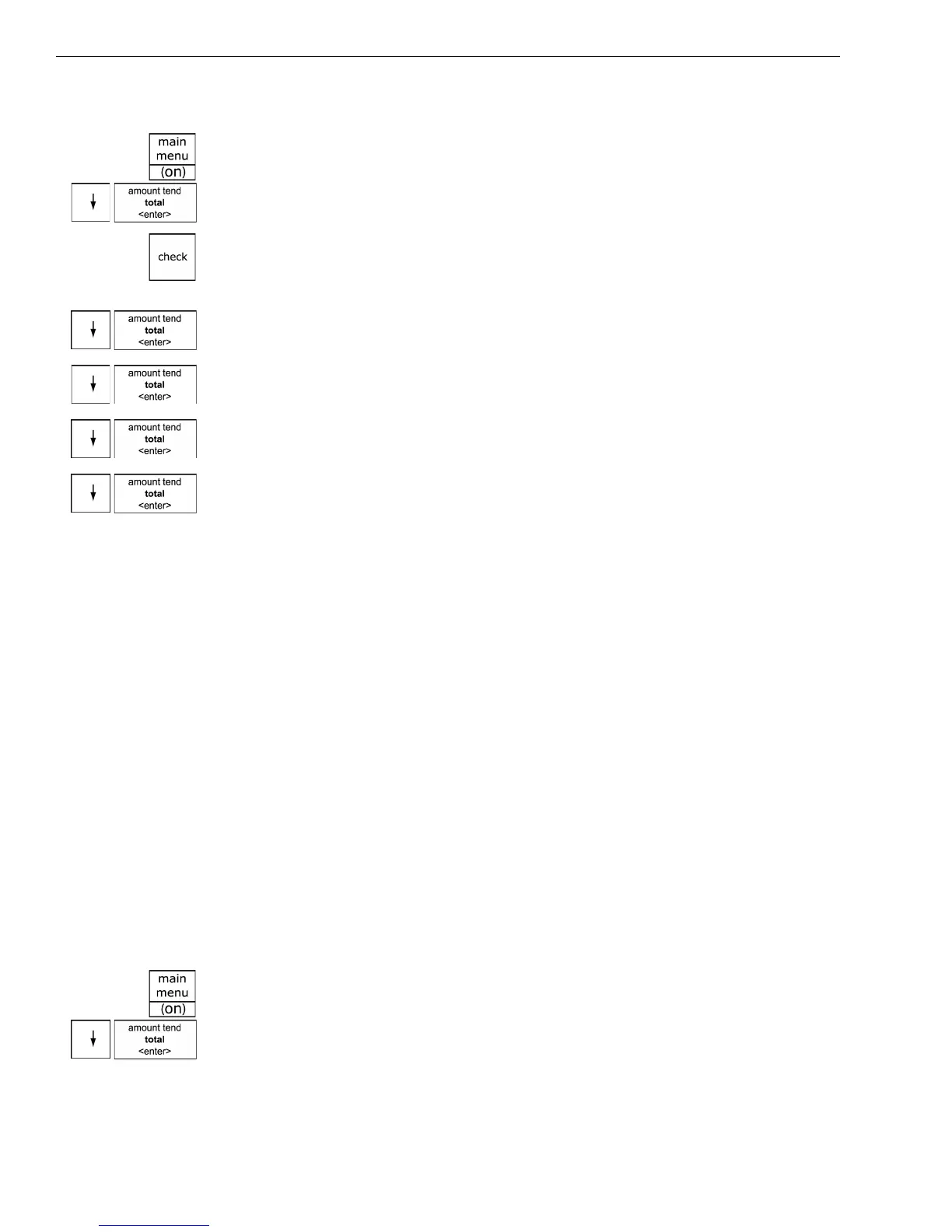
1 Press the Main menu (on) key.
2 Press the Arrow Down key to select Programming. Press the Amount
Tend Total <Enter> key.
3 If you are prompted for a Manager Passcode, type the passcode number
and then press the Check key. If you did not program a Manager
Passcode, go to the next step.
4 Press the Arrow Down key to select More Options. Press the Amount
Tend Total <Enter> key.
5 Press the Arrow Down key to select Config. Press the Amount Tend
Total <Enter> key.
6 Press the Arrow Down key to select Tax System. Press the Amount Tend
Total <Enter> key.
7 Select the tax system you want to use. Press the Amount Tend Total
<Enter> key.
8 Now you need to specify the values for the tax rate(s):
• Straight tax values for Tax 1 and, optionally, Tax 2 through 4. See the
next section.
• Table tax values. See Programming Table Tax in the United States on
page 72.
• Canadian tax rates. Using Canadian Tax Rates on page 76.
• VAT tax rates. See Using VAT Tax Rates on page 78.
Programming Straight Add-on Tax in the United States
After you select the tax system to use, you must specify values. This
section explains how to specify straight add-on tax rates for the United
States. Straight add-on tax is the most common in the United States. You
must specify at least 1 tax rate and, optionally, you can specify up to 3
others.
To program straight Add-on tax rates for the United States
ProgrammingTax Set Up
1 Press the Main menu (on) key.
2 Press the Arrow Down key to select Programming. Press the Amount
Tend Total <Enter> key.



 To Next Page