Alpha 710ML User’s Guide 24
Setting Header Messages and Footer Messages
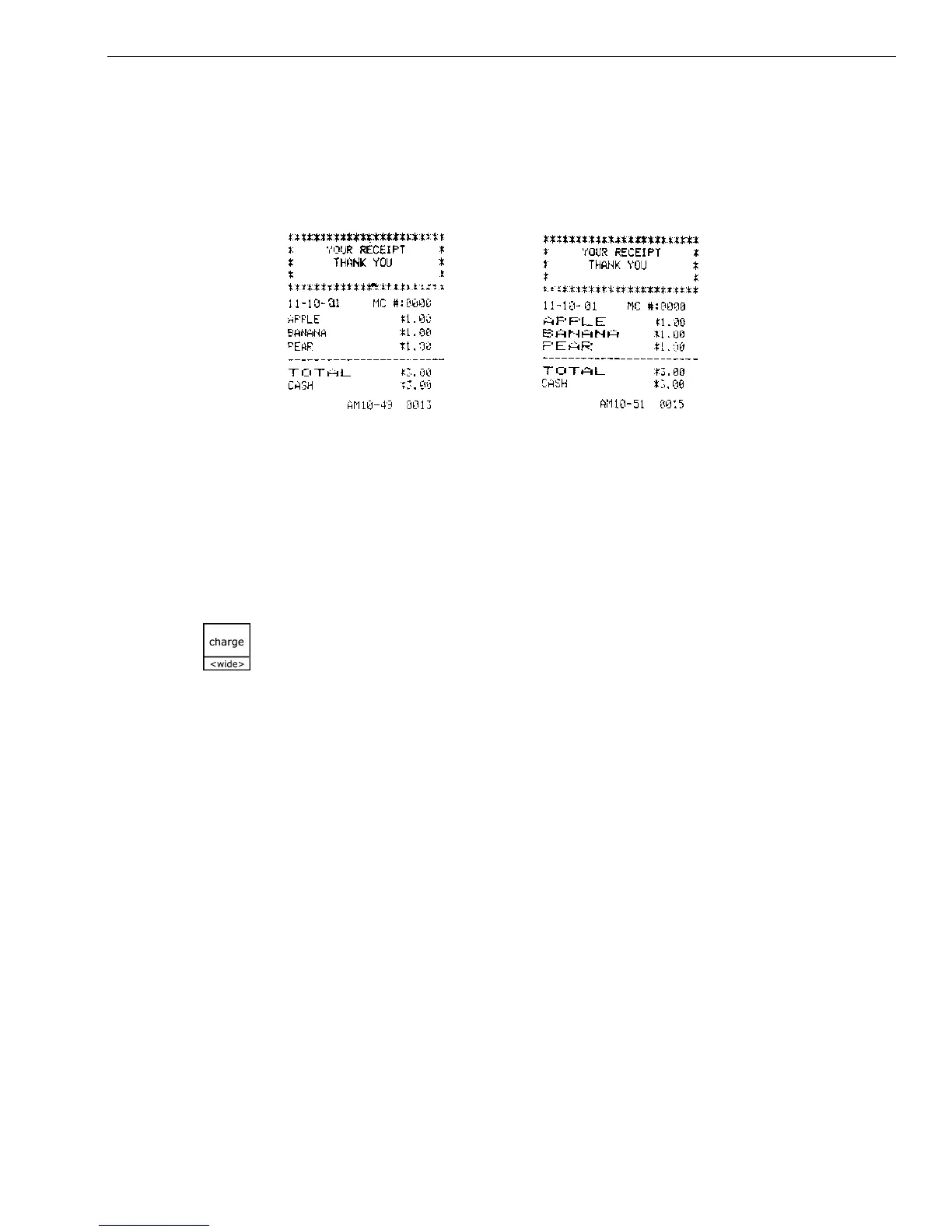
Using Double Wide Characters
For extra emphasis, you can program double wide characters for a specific
character or a line of characters.
If you use double wide characters, the maximum number of characters
you can use is reduced by half.
To make a character print extra wide, press the Charge <wide> key before
each character as you type in the description.
Setting Header Messages and Footer Messages
You can specify a header message and/or footer message to print on
customer receipts. Each message can be a maximum of 5 lines. Each line
can have 24 characters.
YOUR RECEIPT
THANK YOU
is the default printout for the header message.
HAVE A NICE DAY
PLEASE COME AGAIN
is the default printout for the footer message.
Make a copy of the blank Worksheet below for future changes or revisions
to your header message or footer message.
Normal Size Double Wide
• Department 6 Characters
• PLU 6 Characters
• Clerk Name 12 Characters
• Header and Footer messages 5 Lines (12 characters each)



 To Next Page