Alpha 710ML User’s Guide
Setting Up Your Cash Register
Parameters
This chapter shows you more advanced programming for your cash
register. This chapter is organized to show you the menu options shown in
the clerk display. Use this chapter to quickly find a menu option you want.
Some of the menu options in this chapter are already discussed elsewhere
in this manual. In those cases, we provide references where you can see
more detailed information.
Print Options
The Print Options menu includes the options listed in this section.
To open the Print Options menu
ProgrammingMore OptionsPrint Options
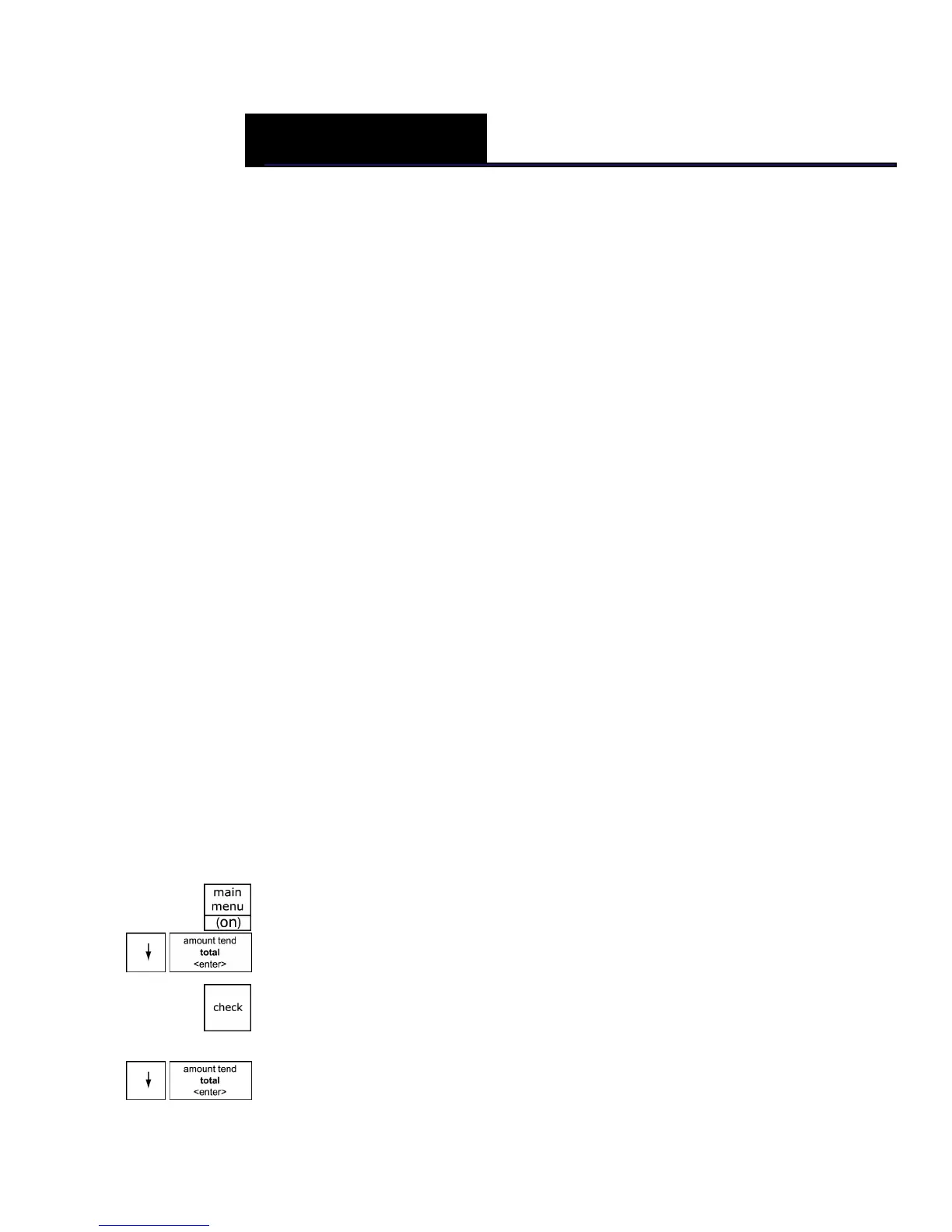
1 Press the Main menu (on) key.
2 Press the Arrow Down key to select Programming. Press the Amount
Tend Total <Enter> key.
3 If you are prompted for a Manager Passcode, type the passcode number
and then press the Check key. If you did not program a Manager
Passcode, go to the next step.
4 Press the Arrow Down key to select More Options. Press the Amount
Tend Total <Enter> key.
CHAPTER 5



 To Next Page