Chapter 4 Setting Up Your Cash Register - the Basics
31 Alpha 710ML User’s Guide
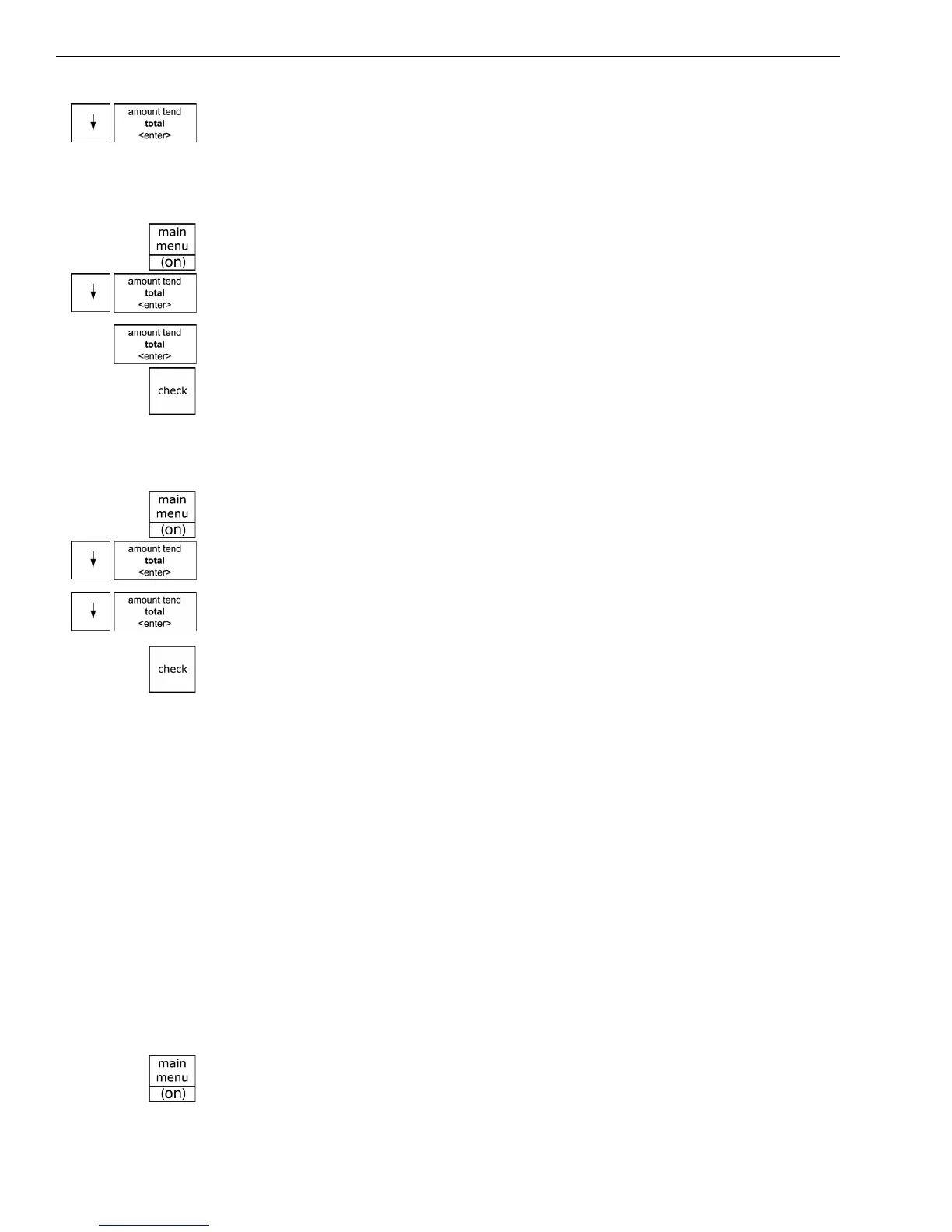
4 Press the Arrow Down key to select X Mode Passcode. Press the Amount
Tend Total <Enter> key.
5 Follow the instructions on the display.
To use the X mode passcode
Example 2: Go to the X mode, using the X Passcode 1212
1 Press the press the Main menu (on) key.
2 Press the Arrow Down key to select Reports. Press the Amount Tend
Total <Enter> key.
3 Select X Reports. Press the Amount Tend Total <Enter> key.
4 Using the round Number keys, press 1212 and then press the Check
key.
5 You are now ready to run X Reports.
To use the manager passcode
Example 3: Go to the Z mode, using the Manager Passcode 1313
1 Press the press the Main menu (on) key.
2 Press the Arrow Down key to select Reports. Press the Amount Tend
Total <Enter> key.
3 Press the Arrow Down key to select Z Reports. Press the Amount Tend
Total <Enter> key.
4 Using the round Number keys, press 1313 and then press the Check
key.
5 You are now ready to run Z reports.
Setting the Machine Number
You can assign your cash register its own number. This is useful if you
have several cash registers and want to track which one creates which
receipts and transactions.
The machine number prints on all receipts/journal records, and
management reports. The machine number can be up to 4 digits long.
After you are done programming the machine number, you can check
your results. See Printing the Program Confirmation Report on page 44.
To set the machine number
ProgrammingMore OptionsOthers Set UpMachine Number
1 Press the press the Main menu (on) key.



 To Next Page