Alpha 710ML User’s Guide 80
Running the Department Confirmation Report
• System options
• Others setup
• Config options
• Header, footer, and scrolling messages
• Tax settings and rates
To run a program confirmation report
ProgrammingMore OptionsOptions Dump
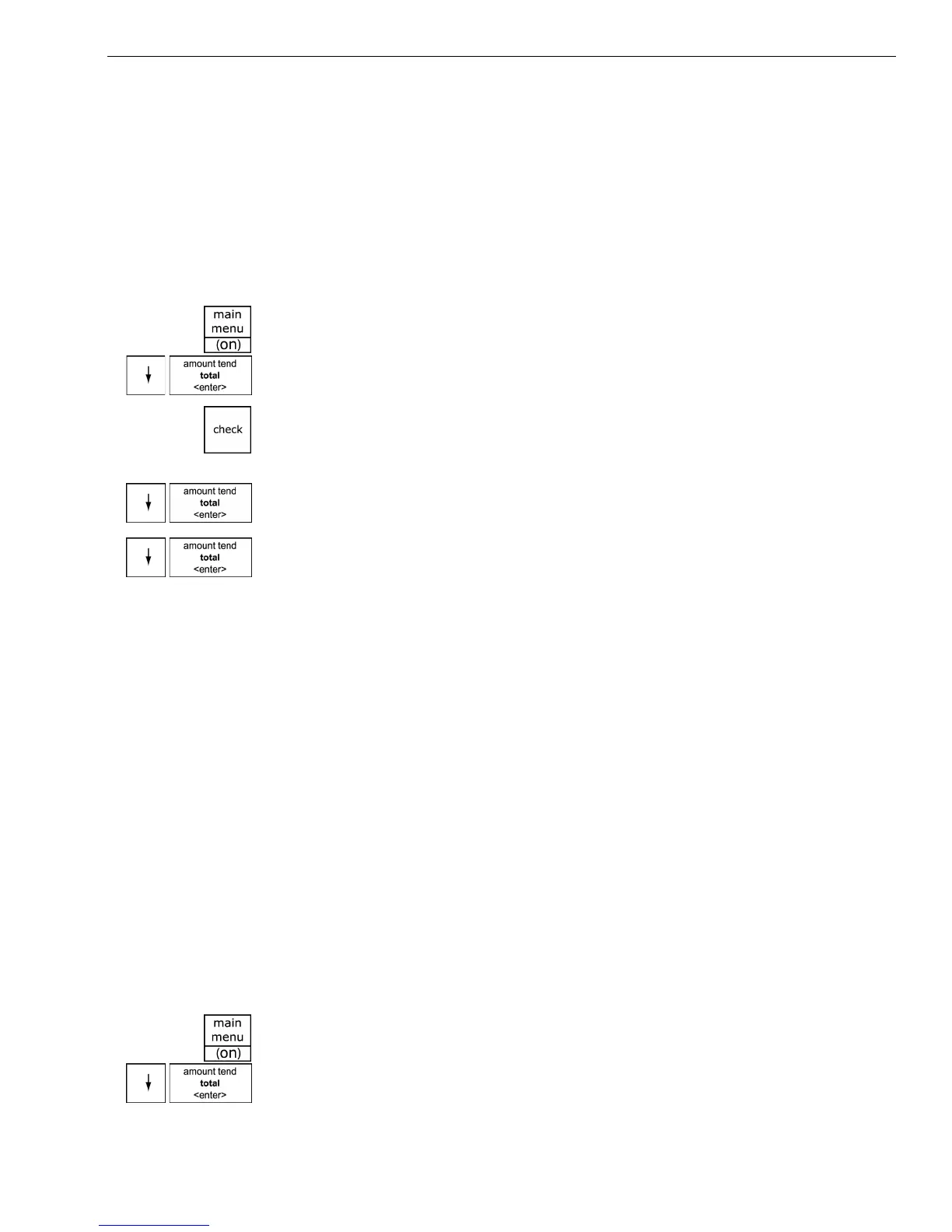
1 Press the Main menu (on) key.
2 Press the Arrow Down key to select Programming. Press the Amount
Tend Total <Enter> key.
3 If you are prompted for a Manager Passcode, type the passcode number
and then press the Check key. If you did not program a Manager
Passcode, go to the next step.
4 Press the Arrow Down key to select More Options. Press the Amount
Tend Total <Enter> key.
5 Press the Arrow Down key to select Options Dump. Press the Amount
Tend Total <Enter> key.
6 Select the print format you want. Press the Amount Tend Total <Enter>
key. The report prints.
Running the Department Confirmation Report
You can print a report that shows the programmed information for a range
of departments or for all departments. The range report is helpful if you
want to see the programmed names of some of the departments, but do
not need to see all the departments and other cash register programming.
You can also print a report that shows department information and sales.
For more information, see Running Management Reports on page 82.
Note
Unless you specify a department range, all departments print in the
Department Range Report. This will take a few minutes.
To run a department confirmation report
ProgrammingDepartment Set UpDepart Conf Report
1 Press the Main menu (on) key.
2 Press the Arrow Down key to select Programming. Press the Amount
Tend Total <Enter> key.



 To Next Page