Chapter 4 Setting Up Your Cash Register - the Basics
21 Alpha 710ML User’s Guide
Adjusting the Contrast on the Clerk Screen
You can adjust the contrast on the clerk screen to make it brighter or
darker. This makes it easier for you to see the display in different lighting.
To adjust the contrast
ProgrammingMore OptionsConfigContrast
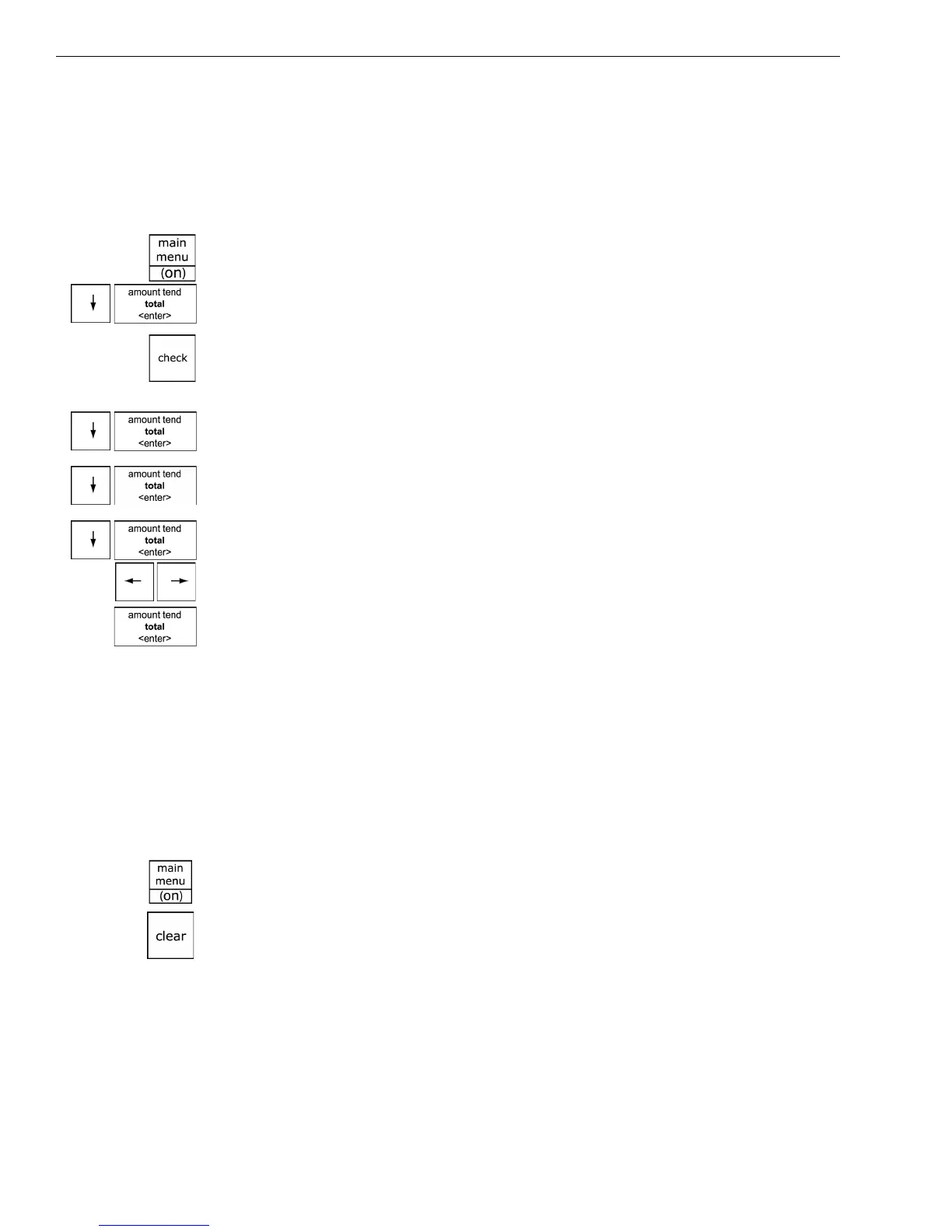
1 Press the Main menu (on) key.
2 Press the Arrow Down key to select Programming. Press the Amount
Tend Total <Enter> key.
3 If you are prompted for a Manager Passcode, type the passcode number
and then press the Check key. If you did not program a Manager
Passcode, go to the next step.
4 Press the Arrow Down key to select More Options. Press the Amount
Tend Total <Enter> key.
5 Press the Arrow Down key to select Config. Press the Amount Tend
Total <Enter> key.
6 Press the Arrow Down key to select Contrast. Press the Amount Tend
Total <Enter> key.
7 Use the Left Arrow and Right Arrow keys to adjust the contrast.
8 When you are done, press the Amount Tend Total <Enter> key.
Using Power Saving Mode
The cash register includes a power saving, or “sleep” mode. This mode
saves energy and prevents the clerk display from getting damaged by
“burn-in”—just like a screen saver on your laptop or PC.
After a specified period of minutes of inactivity, the cash register goes into
sleep mode and the clerk display goes dark. The cash register does not
actually turn all the way off, it just goes to sleep.
To wake the unit up, press the Main menu <On> key or the Clear key. The
Main menu <On> key turns the cash register on if it is in sleep mode or it
was turned off using the main menu.
The Clear key turns the display on if the cash register is in sleep mode.
The Clear key does not turn the cash register on if is was turned off on
using the main menu.
The default time before the cash register goes to sleep is 3 minutes, but
you can change this.



 To Next Page