Alpha 710ML User’s Guide 28
Setting Clerk Numbers and Names
Note
When clerks enter passcodes, passcodes appear as asterisks *** on the
displays for extra security.
After you are done programming clerk numbers, you can check your
results. See Running the Options Dump Report on page 79.
Important
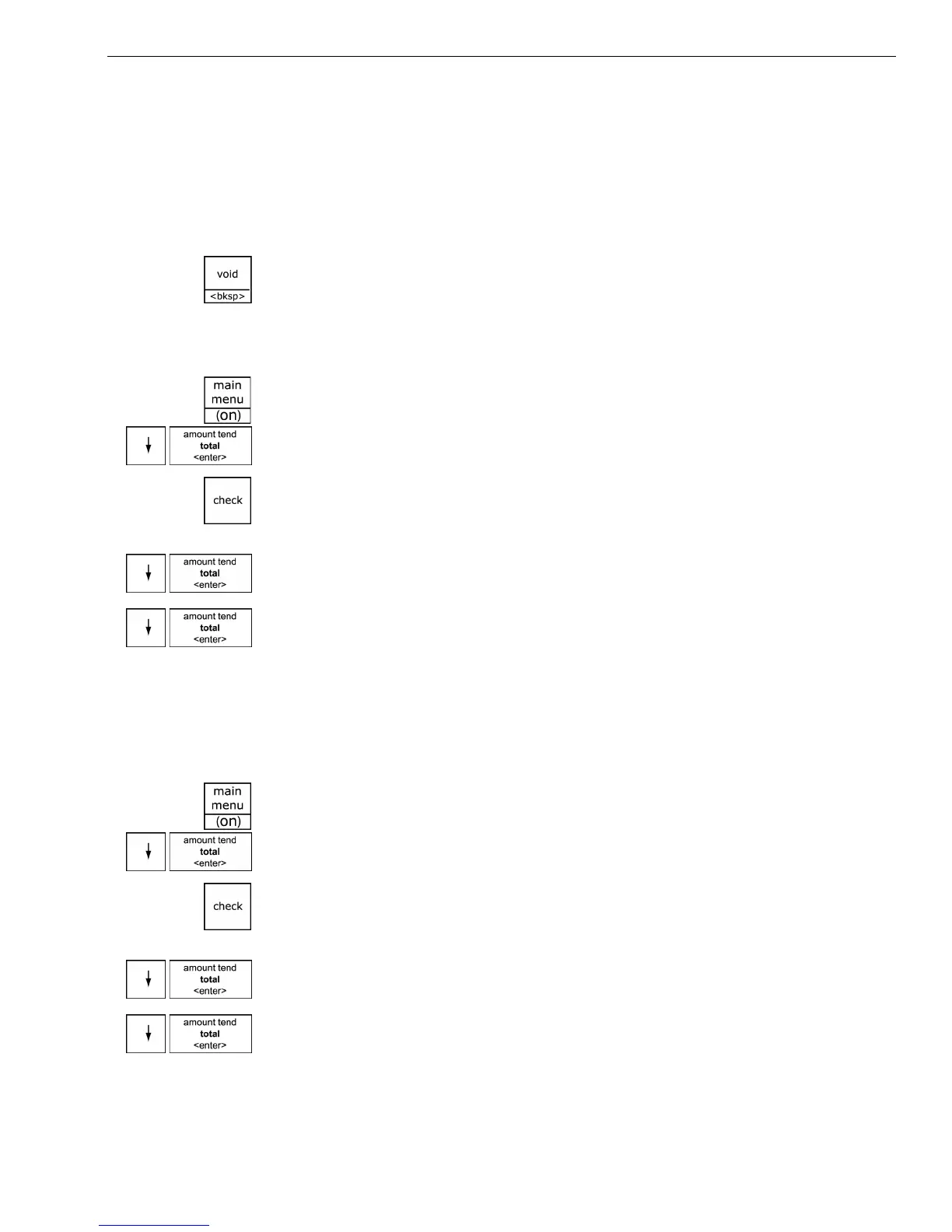
If you enter the wrong character, press the Void <bksp> key to delete the
character. Now you can continue.
To set a clerk number and program a name and passcode
ProgrammingSecurity Set UpClerk Set Up
1 Press the Main menu (on) key.
2 Press the Arrow Down key to select Programming. Press the Amount
Tend Total <Enter> key.
3 If you are prompted for a Manager Passcode, type the passcode number
and then press the Check key. If you did not program a Manager
Passcode, go to the next step.
4 Press the Arrow Down key to select Security Set Up. Press the Amount
Tend Total <Enter> key.
5 Press the Arrow Down key to select Clerk Set Up. Press the Amount
Tend Total <Enter> key.
6 Follow the instructions on the display.
Now you need to turn on Clerk Security.
To turn on Clerk Security
ProgrammingSecurity Set UpClerk System
1 Press the press the Main menu (on) key.
2 Press the Arrow Down key to select Programming. Press the Amount
Tend Total <Enter> key.
3 If you are prompted for a Manager Passcode, type the passcode number
and then press the Check key. If you did not program a Manager
Passcode, go to the next step.
4 Press the Arrow Down key to select Security Set Up. Press the Amount
Tend Total <Enter> key.
5 Press the Arrow Down key to select Clerk System. Press the Amount
Tend Total <Enter> key.



 To Next Page