SATEL VERSA 61
ASP-100 siren
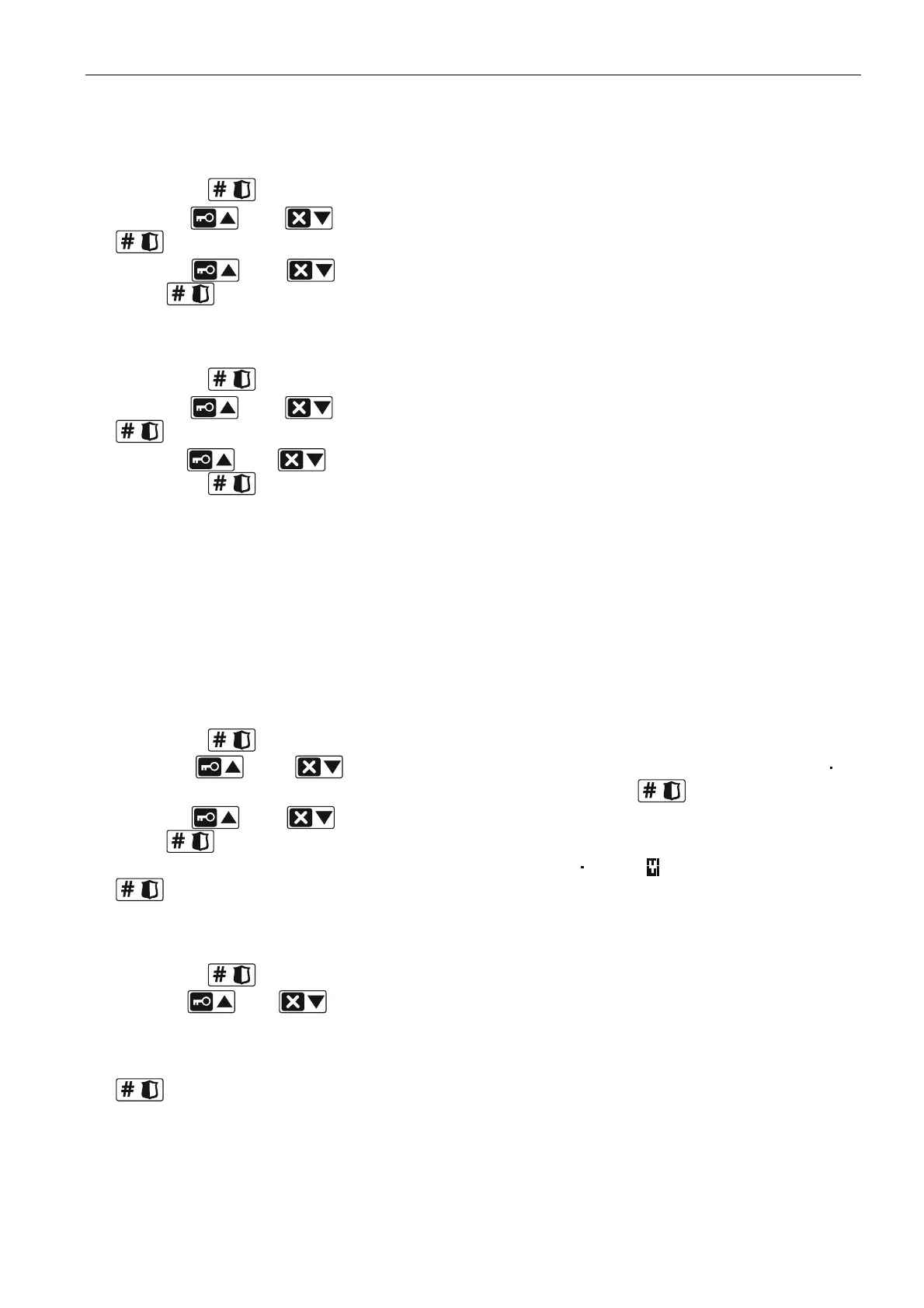
1. Enter 0, if presence of the siren is not to be checked, or enter a number from the 1 to 50
range, if presence of the siren is to be checked (the number entered is irrelevant – if there
is no communication during a 1-hour period, absence of the device will be reported), and
then press .
2. Use the and keys to select the type of acoustic signaling, and then press
.
3. Use the and keys to define the maximum duration of signaling, and then
press
.
ASP-105 siren
4. Enter a number from the 0 to 50 range to define the rules of device presence control, and
then press
.
5. Use the and keys to select the type of acoustic signaling, and then press
.
6. Use the
and keys to define the maximum duration of acoustic signaling, and
then press .
ASP-205 siren
For the ASP-205 siren, you can program two different ways of signaling:
having selected the first of the zones to which the siren is assigned: signaling triggered by
the first output controlling the siren,
having selected the second of the zones to which the siren is assigned: signaling triggered
by the second output controlling the siren.
Configuration is similar for both zones, however, the step in which the rules of device
presence control are defined is skipped for the second zone.
1. Enter a number from the 0 to 50 range to define the rules of device presence control, and
then press .
2. Use the
and keys to define how the acoustic signaling will work (
–
disabled; 1, 2 or 3 – type of acoustic signaling), and then press
.
3. Use the
and keys to define the maximum duration of signaling, and then
press .
4. Define whether the optical signaling is to be enabled ( – no, – yes), and then press
.
ASW-100 E / ASW-100 F controller
1. Enter a number from the 0 to 50 range to define the rules of device presence control, and
then press .
2. Use the and keys to define mode of operation of the button (“inactive” – the
electric circuit is controlled remotely only; “interim control” – the electric circuit can be
controlled remotely or manually; “combined control” – the electric circuit can be controlled
remotely or manually, but the remote control can be manually overridden), and then press
.
8.4.4 Specific character of the operation of wireless devices
This chapter describes the peculiar character of the operation of individual groups of wireless
devices, which affects the method of programming the zones and outputs to which the
wireless devices are assigned.















 To Next Page