SATEL VERSA 47
8. Devices
You can connect to the control panel communication bus additional devices (keypads,
expanders, other modules) which will be needed in the alarm system.
8.1 Configuring the devices
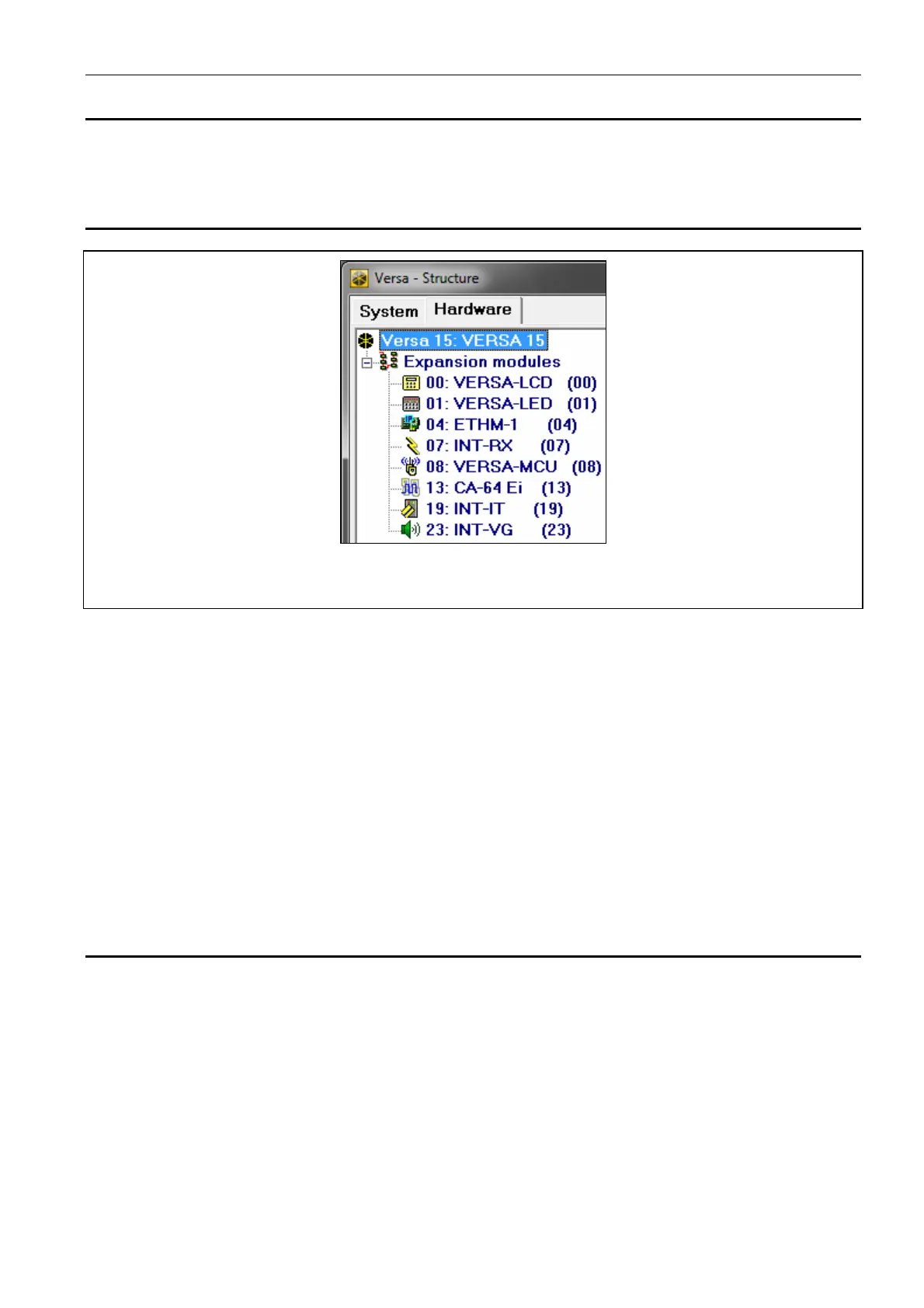
Fig. 12. DLOADX program: List of devices connected to the control panel, displayed in the
“Hardware” tab, “VERSA – Structure" window.
You can configure the devices as follows:
DLOADX program: “VERSA – Structure” window “Hardware” tab. The list of devices is
presented in the form of tree structure on the left side of the window (Fig. 12). Click on the
name of device you want to configure.
keypad: SETTINGS function (SERVICE MODE 2. HARDWARE 1. KPDS & EXPS.
2. SETTINGS). Programming is performed by means of the “step by step” method (see:
p. 6). In the first step, select the device you want to configure.
The following can be programmed for all devices connected to the communication bus:
Name – individual name of the device (up to 16 characters).
Tamper signaled in part. – the partition in which tamper alarm will be triggered in the event
of tamper or disconnection of the device from the system.
Descriptions displayed on LCD keypad are shown in square brackets.
8.2 Keypad
8.2.1 Parameters and options
Descriptions displayed on LCD keypad are shown in square brackets.
CHIME signal of zones [Zone chime] – the keypad can audibly signal violation of selected
zones. If the zone is armed, violation will not trigger the CHIME signal.
Date/Time format – the way how date and time will be presented on the display.
LCD backlight – the way how the display backlight will work in the LCD keypad.
Keys backlight – the way how the keys backlight will work.
Auto-backlight – the way to turn on the automatic backlight of keys (in the LCD keypad, also
the display).
Sounder volume – control of the volume level of sounds generated in the keypad.















 To Next Page