SATEL VERSA 41
When using the DLOADX program, open the “VERSA – Structure” window, go to the
“System” tab, click on the zone, and then select whether the zone on mainboard, in zone
expander or wireless system controller is to be supervised.
When using the keypad:
you can use the WIRELSS.ZONES function (SERVICE MODE 2. HARDWARE 1. KPDS & EXPS.
3. WIRELESS DEV. 4. WIRELSS.ZONES) to select whether a wireless or wired zone will be
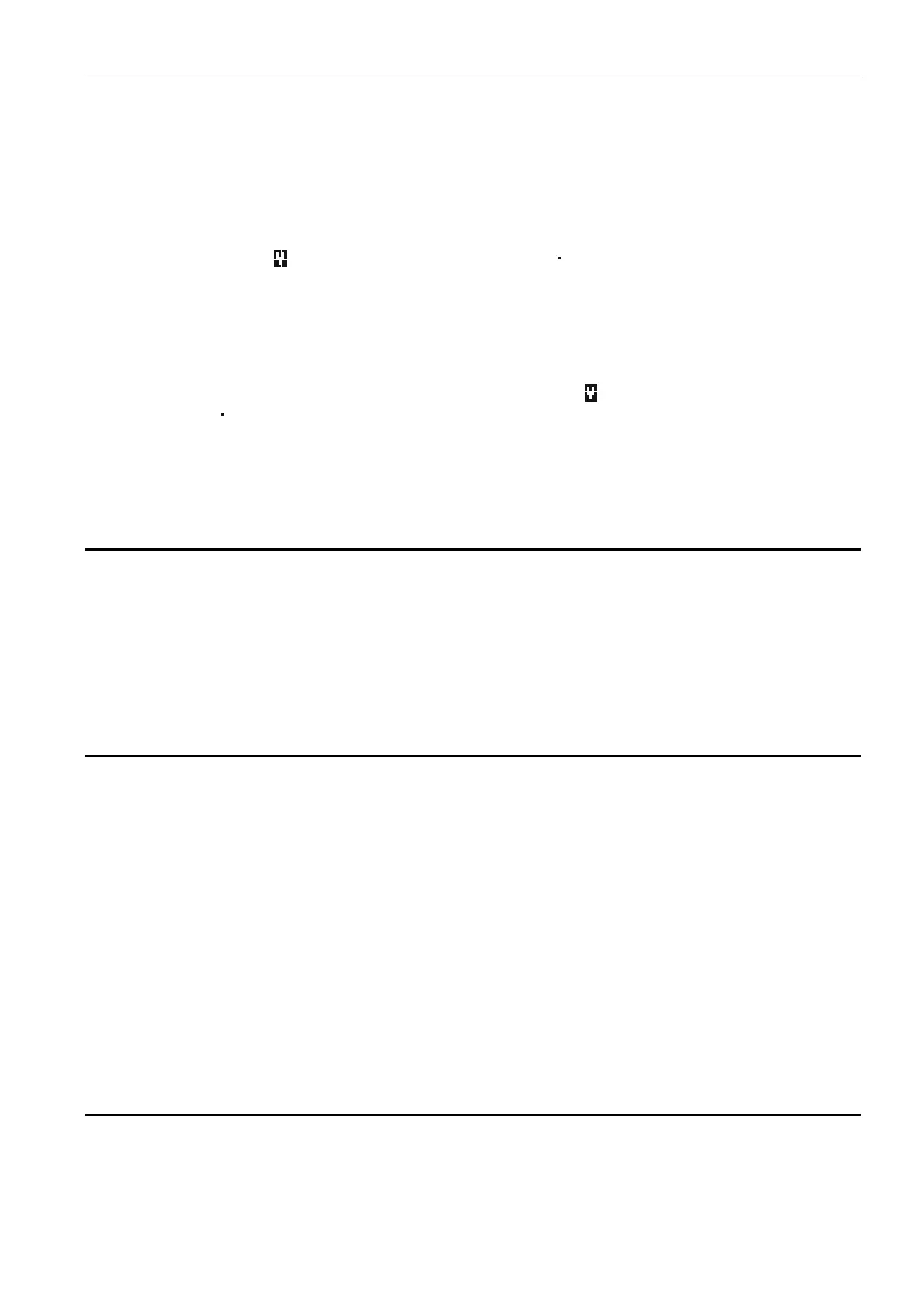
supervised. In the case of LCD keypad, the symbol next to the zone name has the
following meaning:
- wireless zone is supervised
;
- wired zone is supervised. In the
case of LED keypad, the LEDs designated by numbers (LED number corresponds to zone
number) provide the following information: LED ON – a wireless zone is supervised; LED
OFF – a wired zone is supervised.
you can use the VERSA ZONES function (SERVICE MODE 2. HARDWARE 7. VERSA
ZONES
) to select the wired zone to be supervised. In the case of LCD keypad, the symbol
next to the zone name has the following meaning:
- zone on the mainboard is
supervised
;
- zone in the zone expander is supervised. In the case of LED keypad, the
LEDs designated by numbers (LED number corresponds to zone number) provide the
following information: LED ON –
zone on the mainboard is supervised
; LED OFF – zone
in the zone expander is supervised.
7. Outputs
The system supports the following outputs:
hardwired – on the control panel PCB and in the expander.
wireless – after connection of the ABAX wireless system controller (ACU-120, ACU-270,
ACU-100 or ACU-250). The number of available wireless outputs depends on the number
of wireless devices registered in the system and is determined during the procedure of
adding them.
7.1 Configuring the outputs
You can configure the outputs as follows:
DLOADX program: “VERSA – Outputs” window (Fig. 10).
keypad:
OUTPUTS function SERVICE MODE 2. HARDWARE 3. OUTPUTS). Programming is
performed by means of the “step by step” method (see: p. 6):
1. Select
output.
2. Output function.
3. Cut-off time.
4. Triggering zones [the partition armed mode is selected for the outputs with functions
18. ARMED STATUS and 20. ALARM/ARM STATUS, and the troubles for the output with
function 19. TROUBLE STATUS (see: Section OUTPUT PARAMETERS)].
5. Output options.
6. Output name [only in LCD keypad].
7.2 Output functions
0. NOT USED
1. EXTERNAL SIREN – signals the burglary, panic and tamper alarms.
2. INTERNAL SIREN – signals the burglary, panic and tamper alarms, as well as the warning
alarms.















 To Next Page