6 VERSA SATEL
If the SERVICE MODE FROM RESET PINS option is disabled in the control panel then,
depending on the type of keypad in which the lowest address is set:
LCD: the , and LEDs of the second partition will be lit, and the message
“Restore factory settings ? 1=Yes” will come up on the display,
LED: the and LEDs of the second partition will be lit and the
LED will be
blinking rapidly.
Pressing the key will restore the factory default settings of the control panel,
thus making it possible to enter the service mode.
2.3 Navigating through the menu and running functions
2.3.1 Using the arrow keys
This method is only available in the LCD keypad.
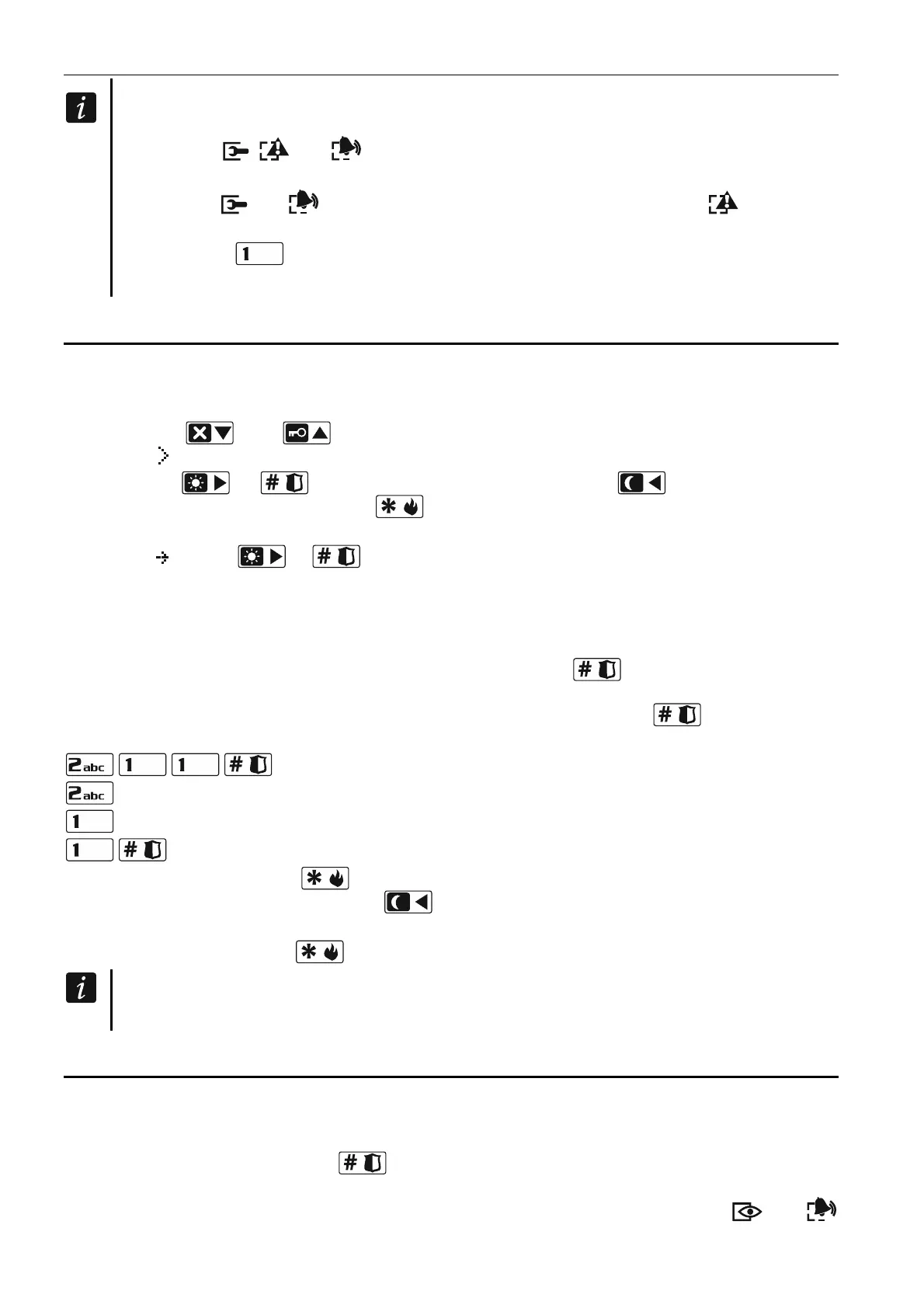
1. Using the and keys, find the required submenu (the submenu indicating
cursor: ).
2. Press the or key to enter the submenu (use the key to return to the
previous menu/submenu, and the key to return to the main menu).
3. Repeat the steps 1 and 2 until the required function is found (the function indicating
cursor: ). Press or to start the function.
2.3.2 Using the digit shortcuts
Submenus and functions are numbered. In order to enter a submenu, just press the key with
number corresponding to the submenu number. In order to start a function, press the key
with number corresponding to the function number, and then . You can quickly start the
selected function by entering at once a sequence of some digits (corresponding to the
consecutive submenu numbers and the function number) and pressing .
For example, to start the expander identification function, press in turn the
keys, where:
- entering the 2. HARDWARE submenu,
- entering the 1. KPDS. & EXPS. submenu,
- running the 1. IDENTIFICAT. function.
In the LCD keypad, use the key to return from a submenu to the main menu or from a
function to a submenu, and use the key to return from a submenu to the previous
menu/submenu.
In the LED keypad, use the key to return to the main menu.
Remember that the sequence of digits which starts a function e.g. from the main menu
level will not start the same function from the submenu level.
2.4 “Step by step” programming method
In case of some functions (e.g. configuring the zones, outputs, expanders, etc.), the
programming is effected by using the “step by step” method. After calling the function and
selecting the item to be configured from the list, the first parameter available for programming
will be displayed. After pressing , you will go on to programming another parameter (if
you have entered some changes, they will be saved). Having programmed all parameters,
you will return to the submenu (LCD keypad) / main menu (LED keypad). The and















 To Next Page