6. CONFIGURATION
23.
Setting the time
(TIME SETTING on the
BASIC menu)
To set the date, follow these steps:
– When the day flashes: set the current date with the + and - keys. Confirm with ↵.
– When the month flashes: set the current month with the + and - keys. Confirm with ↵.
– When the year flashes: set the current year with the + and - keys. Confirm with ↵.
The date is stored. Once the last confirmation is given, you return to the second-level menu.
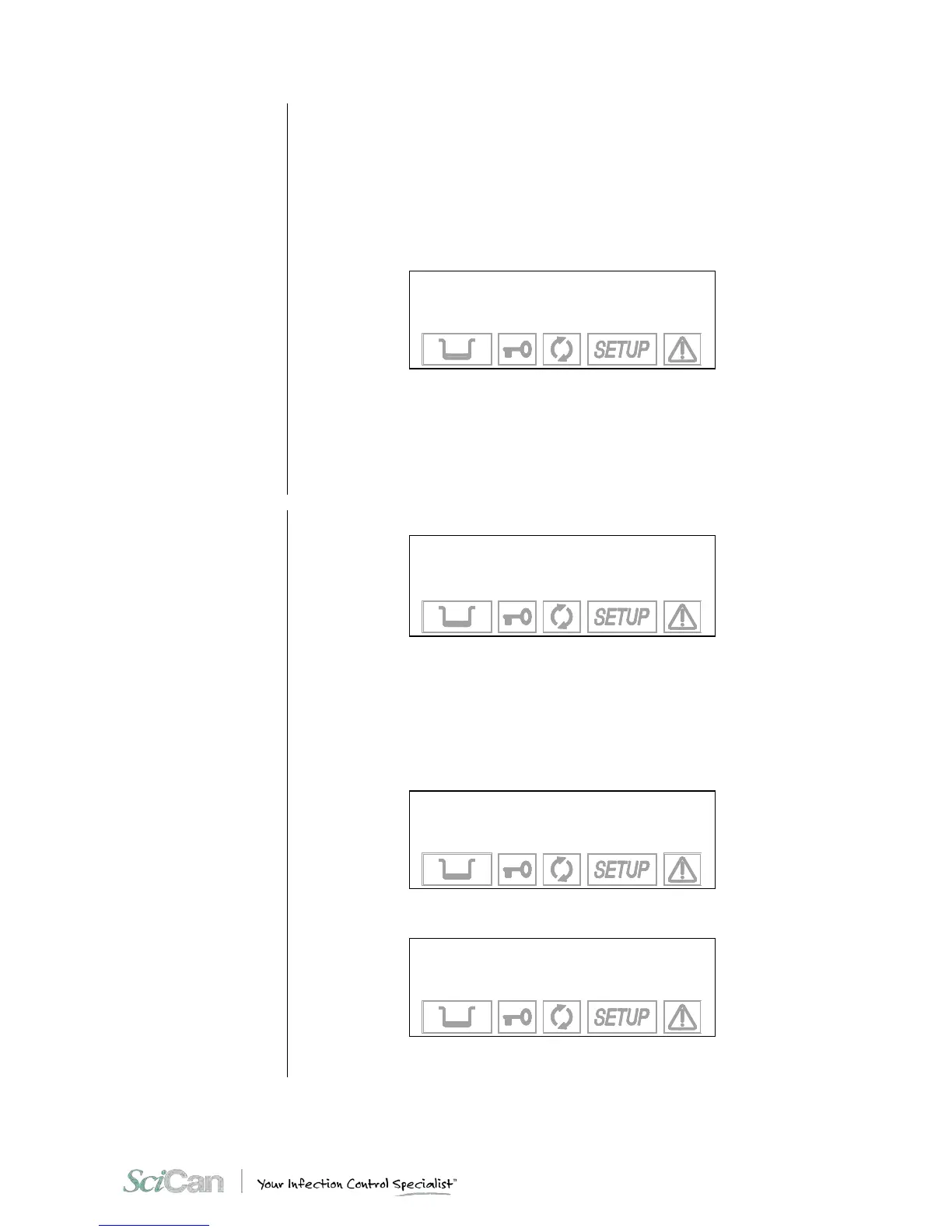
When TIME SETTING is selected with the ↵ key, you will see:
hh:mm:ss
+ / - to set
↵ to enter
⇑ to exit
Follow these steps:
– When the hours flash: set the current hour with the + and - keys. Confirm with ↵.
– When the minutes flash: set the current value with the + and - keys. Confirm with ↵.
When the last confirmation is given, return to the second-level menu.
Setting the password
(PASSWORD on the
BASIC menu)
When PASSWORD is selected with the ↵ key, you will see this menu:
→ DISABLED +
ANY POWER ON ↑
ANY CYCLE START ↓
EXIT -
Select DISABLED to use the device freely, without limiting operator access.
Select ANY POWER-ON to password protect the main power switch. This allows only
authorized personnel to turn the unit on. Once it is on, it can be used by any operator.
Select ANY CYCLE START to password protect the unit both at power-on and at the start of
every sterilization program. In this mode, only authorized personnel will be able to use it.
When the ANY POWER-ON or ANY CYCLE START options are selected, the following
screen is displayed:
INSERT PASSWORD
↵ to enter
⇑ to exit
Enter the password with the + and – keys (fixed length, 8 characters).
Confirm with the ↵ key. Then, the following message will appear:
CONFIRM PASSWORD
↵ to enter
⇑ to exit
Enter the password again using the + and – keys.
Confirm with the ↵ key.



 To Next Page