6. CONFIGURATION
22.
DEFAULTS
SETTINGS
The sterilizer leaves the factory with the following settings:
PROGRAMS: Preset 1: 134 POROUS/WRAPPED
Preset 2: 134 HOLLOW/UNWRAP
Preset 3: 134 SOLID/WRAPPED
Preset 4: 134 SOLID/UNWRAP
ST AN D-BY MODE: HIGH (preheating)
PRINT OPTIONS: OFF or 1 copy
FILLING OPTIONS: MANUAL
DRAIN OPTIONS: INTERNAL
CONFIGURATION
OPTIONS
Setting the language
(LANGUAGE on the
BASIC Menu)
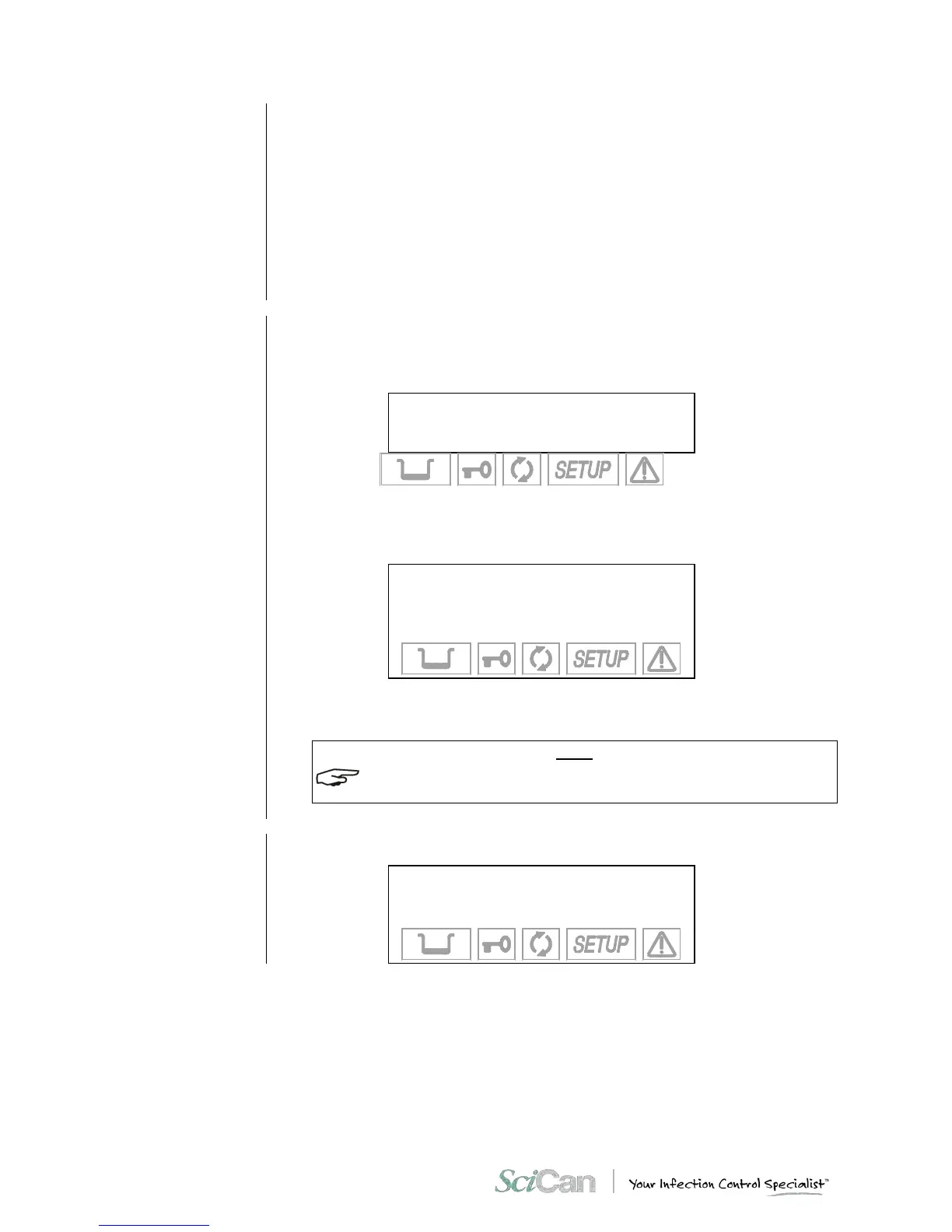
To configure the unit access the SETUP mode from the stand-by screen, enter the SETUP
mode by holding down the ⇑ key on the control panel for several seconds until the SETUP
screen appears (shown below).
Counter xxxxx/yyyyy
Stand- by HIGH
23.6 °C 30/08/02
- 0.01 bar 18:13:05
Scroll to the BASIC menu and press the ↵ key. From here, scroll and select any of the
following configuration options.
Select L AN G UA GE using the ↵ key. The following screen will appear:
→ ITALIANO +
ENGLISH ↑
FRANÇAIS ↓
DEUTSCH -
ESPAÑOL
Select the desired language. Move using the + or – keys and confirm using the ↵ key to store
the selection. After the data is confirmed, return to the second-level menu.
AS SOON AS THE SELECTION IS CONFIRMED, ALL THE MENUS OF THE SETUP PROGRAM
WILL BE DISPLAYED IN THE LANGUAGE SET.



 To Next Page