IF THE LAST CYCLE ENDED CORRECTLY OR WAS INTERRUPTED BY MAN U AL STOP, IT
IS POSSIBLE TO REPRINT THE REPORT IN EITHER N O RM AL OR EXTENDED MODE. IF,
HOWEVER, THE LAST CYCLE WAS INTERRUPTED BY AN ERROR AND CORRESPONDING
ALARM, ONLY THE EXTENDED REPORT WILL BE AVAILABLE. THIS WILL FACILITATE
LATER TROUBLESHOOTING.
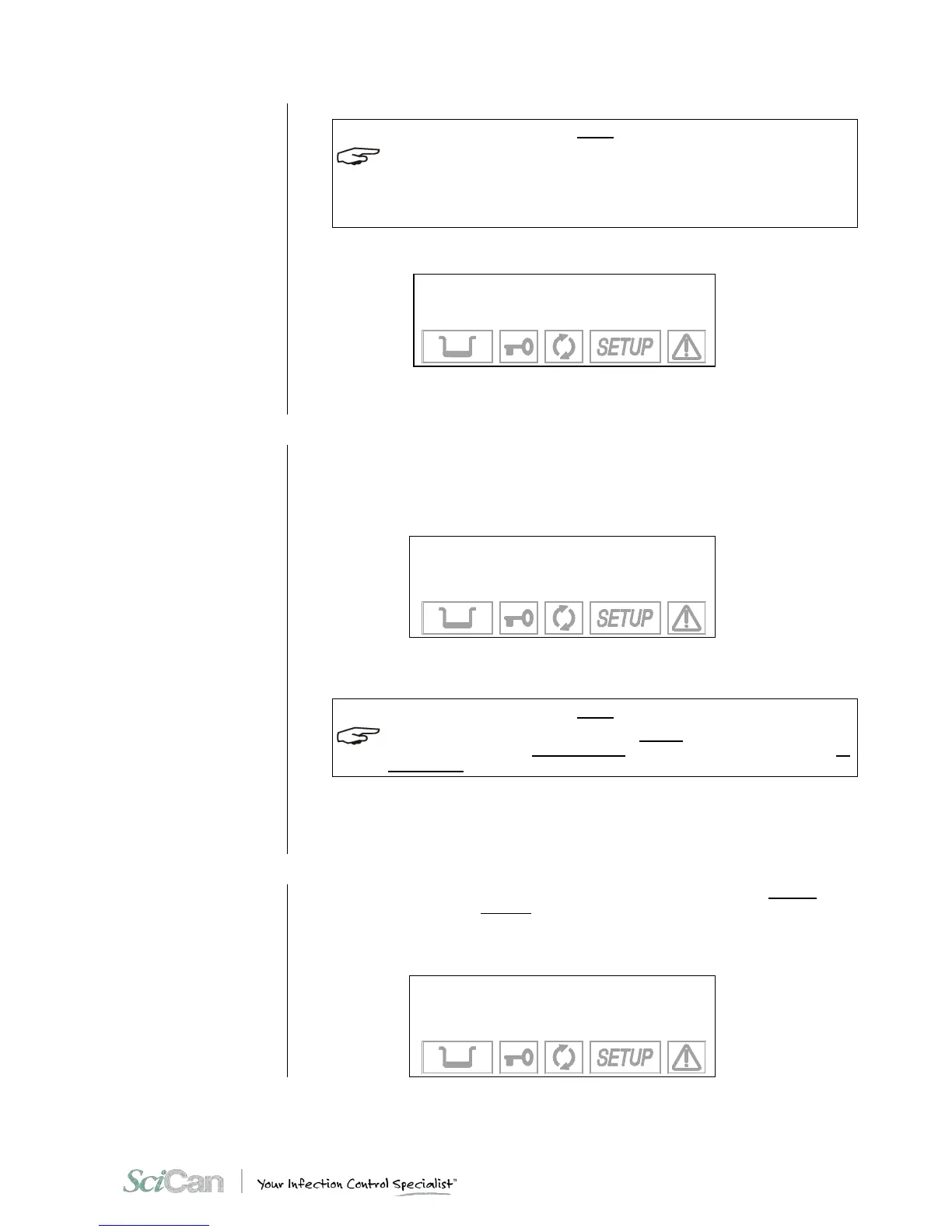
When selecting the reprint command, this message will be displayed:
NOW PRINTING
THE REPORT
PLEASE WAIT...
It will remain on the screen until the printing is complete.
Setting the tank filling
mode
(FILLING OPTIONS on
the ADVANCED menu)
The internal tank can be filled either manually or automatically. Automatic filling would occur
from an external device (container or demineralizer) connected to the Bravo - see Chapter 4 -
Installation).
Select FILL OPTIONS and the following menu appears:
→ AUTOMAT. FILLING +
MANUAL FILLING ↑
EXIT ↓
-
When AUTOMATIC FILL is selected, the unit will automatically fill the internal tank until the
maximum level (MAX signal) is reached and the MAX icon is displayed.
ONLY ACTIVATE THE AUTOMATIC FILLING MODE AFTER THE EXTERNAL TANK HAS BEEN
FILLED WITH HIGH QUALI TY DISTILLED WATER OR DEMINERALIZER. ALSO REMEMBER TO
OPEN THE TAP ON THE EXTERNAL TANK OR DEMINIERALIZER, IF REQUIRED.
When MANUAL FILL is selected, the internal tank must be filled manually (see Chapter 5 –
Instructions for Use).
To scroll through the items, use the + and - keys, and make a selection with the ↵ key.
Setting the
water draining mode
(DRAIN OPTIONS from
the ADVANCED menu)
The water used for the sterilization cycle can be drained into either the internal tank
(standard configuration) or the external SciCan tank of greater capacity (offered as an option
– see Chapter 4 - Installation) so as to reduce the frequency of emptying the used water.
Select DRAIN OPTIONS and the following menu appears:
→ INTERNAL DRAIN +
EXTERNAL DRAIN ↑
EXIT ↓
-



 To Next Page