9. RUNNING THE CYCLE
38. .
9. RUNNING
THE CYCLE
A sterilization cycle consists of a predetermined number of phases. Based on the type of air
extraction, sterilization process and drying method, the number and duration of these phases
can differ with each programs.
The electronic control system monitors the various phases, while checking that the various
parameters are respected. If any type of anomaly is encountered during the cycle, the program
is immediately interrupted, an alarm sounds and a code is displayed along with a message
explaining the nature of the problem.
STARTING THE
CYCLE
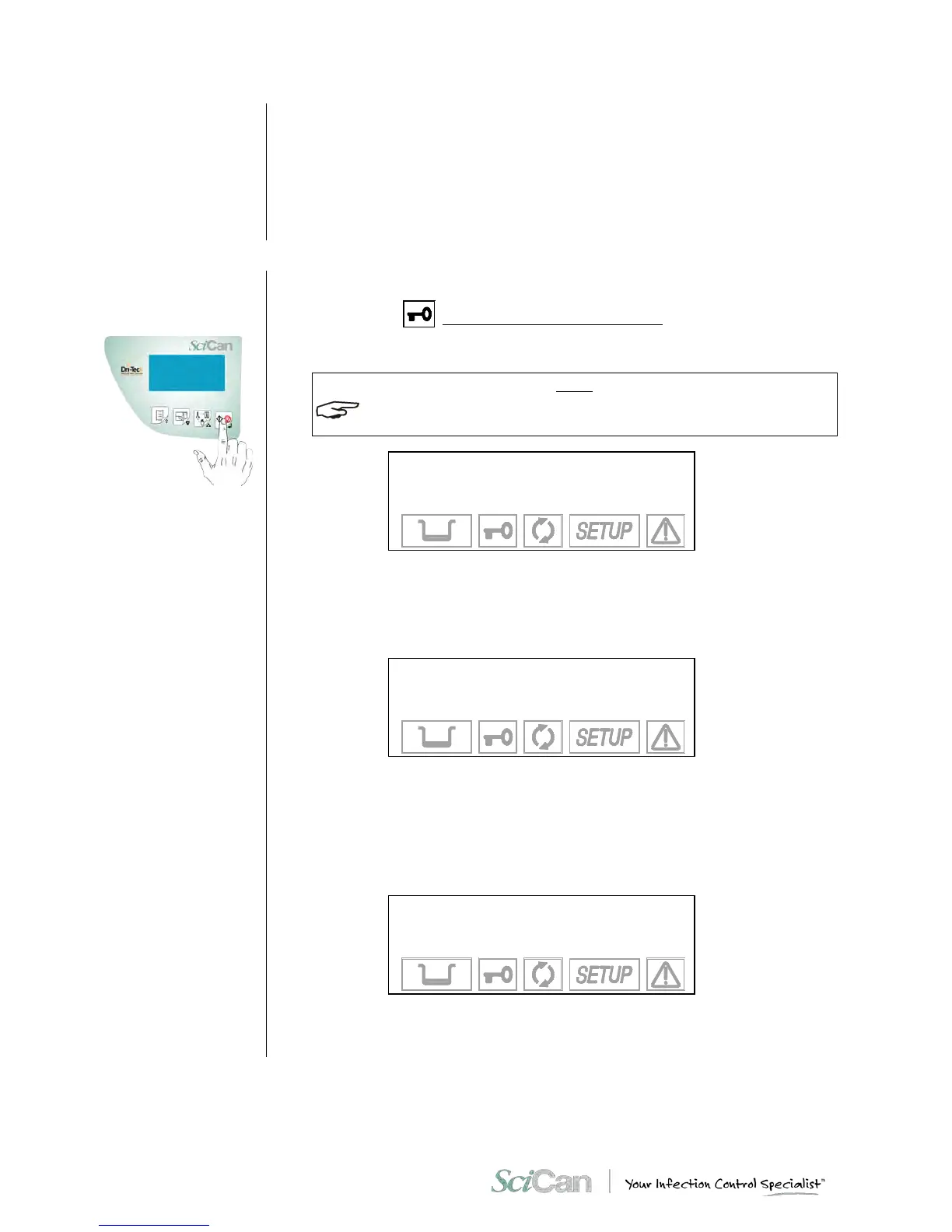
Password check
Printer paper-out check
If data recorder is
connected
After placing the load in the sterilization chamber, select the desired program and close the
door until you hear the click.
The door status icon will flash to indicate the door is closed.
Press the S T AR T button.
IF THE PASSWORD FUNCTION HAS BEEN ENABLED (SEE CHAPTER 6 - CONFIGURATION -
SETTING THE PASSWORD), YOU WILL BE ASKED TO ENTER IT:
INSERT PASSWORD
↵ to enter
⇑ to exit
Enter the password using the + and – keys and confirm with the ↵ key.
The equipment will check for the presence of the paper in the on-board printer (if installed). If it
is out of paper the following message will be displayed:
WARNING
PAPER OUT
↵ to continue
⇑ to exit
Push key ↵ to bypass, but remember to replace the paper during or at the end of the cycle).
Push key ⇑ to return in Stand-by mode.
The unit will may check for the presence of a data recording device or depending on the type
of the device, the presence of a memory card inserted. If not plugged in, the display may
shows:
WARNING
CARD MISSING
↵ to continue
⇑ to exit
Ensure the data logger is properly connected and the proper memory card is installed then
press the key ↵ on the command panel.
Push the key ⇑ to interrupt the start command and return in Stand-by mode.



 To Next Page