6. CONFIGURATION
28.
Setting the STAND-BY
mode
(STAND-BY OPTIONS on
the ADVANCED menu)
Based on the equipment's frequency of use, or other considerations, users may want to select
a high or low heating level during the STAND-BY (preheating) phase. They may also want to
select a STAND-BY time-out mode that determines when the STAND-BY is deactivated.
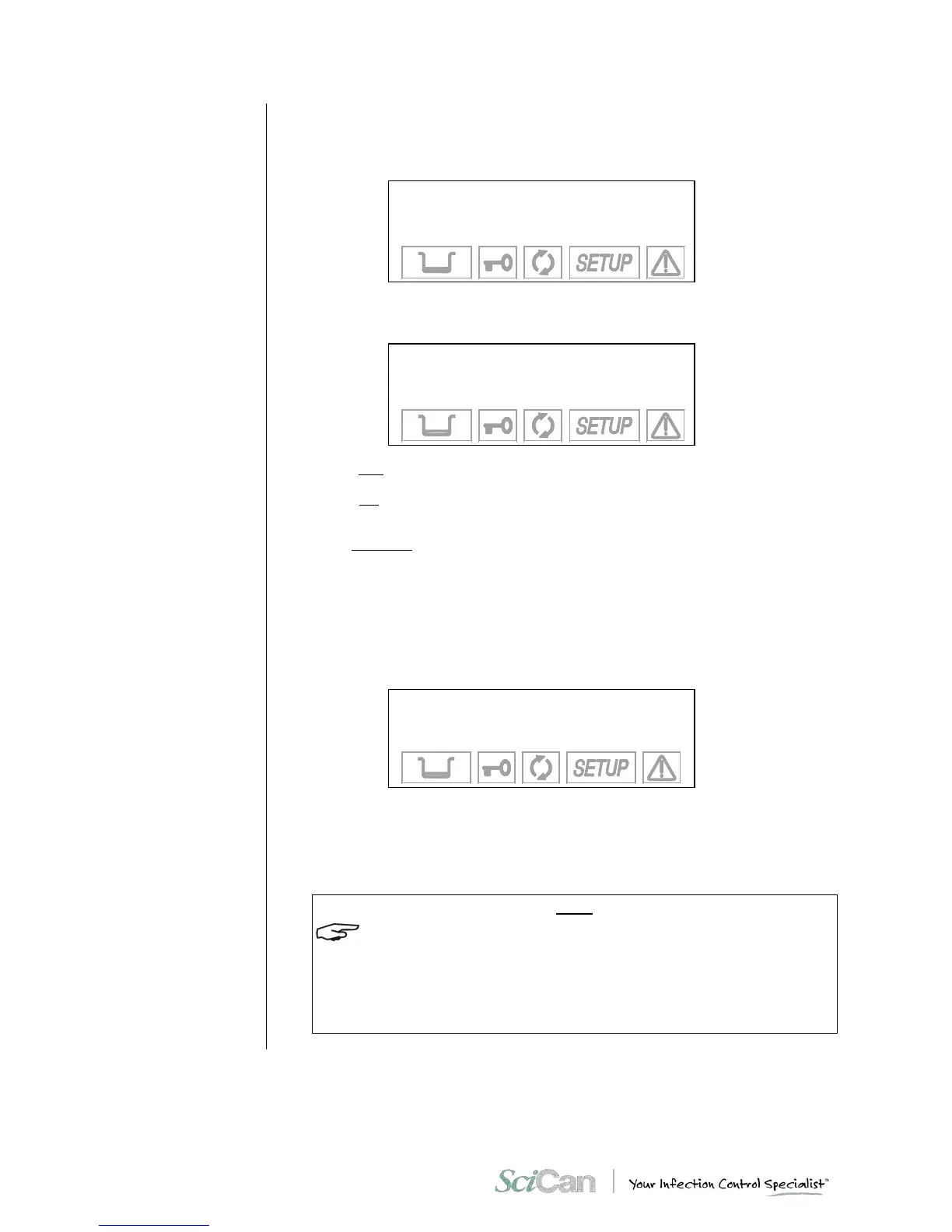
When you select S TA N D-BY OPTIONS w it h the ↵ key, you access the following menu:
→ ST- BY MODE +
ST- BY TIME- OUT ↑
EXIT ↓
-
When you select S T AN D-BY MODE, an additional menu appears where you can set the
heating level:
→ OFF +
LOW ↑
HIGH ↓
EXIT -
Select HIGH (high preheating level) to reduce the wait time between one cycle and the next.
Select LOW (low preheating) for normal use, since the wait time will be relatively shorter, in
any case.
Select OFF (deactivate preheating) for occasional use. In this case, the wait time will be longer
(up to about 10-12 minutes for a "cold start").
Move using the + and – keys, and confirm with the ↵ key.
On the other hand, when the STAN D -BY TIME-OUT option is selected, it is possible to set the
time for deactivating STAND-BY, i.e., how many minutes after the last cycle the heating
elements are turned off.
The following screen appears:
TIMEOUT: XXX min
+/- to set
↵ to enter
⇑ to exit
It is possible to set a value of between 0 and 300 minutes (in 30-minute increments), after
which the heating elements are turned off (a condition similar to STAND-BY OFF), avoiding
the useless consumption of electricity.
Set using the + and – key, and confirm with the ↵ key.
THIS OPTION IS ALSO ACTIVE WITH STAND-BY OFF. HOWEVER, IN THIS CONDITION
THE TIMER VALUE HAS NO EFFECT SINCE THE HEATING ELEMENTS ARE TURNED OFF
ANYWAY AT THE END OF THE STERILIZATION PROGRAM.
WHEN ANY CYCLE SELECTION KEY (STERILIZATION OR TEST) IS PRESSED, OR THE
MACHINE IS TURNED OFF AND ON WITH THE MAIN SWITCH, THE ORIGINAL S TA ND -BY
MODE (HIGH OR LOW) IS IMMEDIATELY REACTI V ATE D.



 To Next Page