9. RUNNING THE CYCLE
43.
Open the door
Report print
(option)
Equipment ready
AT THE END OF THE CYCLE, AND UP TO THE OPENING OF THE DOOR, THE HEATING
ELEMENTS ARE OFF TO ALLOW COOLING OF THE LOAD. ONLY AFTER THE LO A D H AS
BEEN REMOVED WILL THE UNIT RETURN TO ANY STAND-BY PREHEATING OPTIONS YOU
HAVE SELECTED.
WHEN THE STERILIZER'S DOOR IS NOT OPENED AT THE END OF THE CYCLE, THE VACUUM
PUMP IS PERIODICALLY ACTIVATED TO REMOVE ANY TRACES OF CONDENSATE FROM THE
STERILIZATION CHAMBER. THE DISPLAY SHOWS:
FORCED VENTILATION
⇑ to stop
35.2 °C
- 0.02 bar 29:40
Press ⇑ to interrupt ventilation and open the door.
Open the door and retrieve the sterilized material, using the extractor provided.
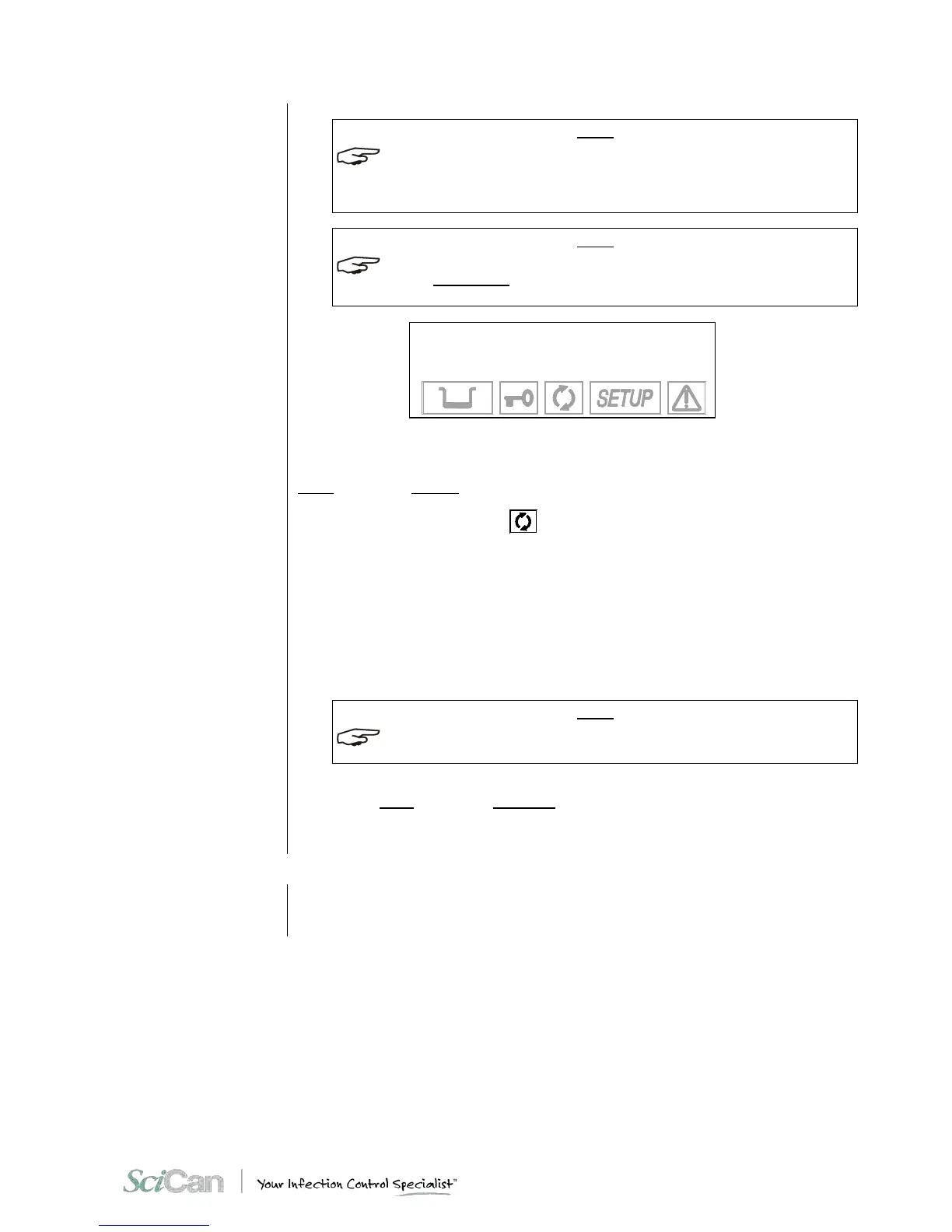
When the door is opened, the icon
symbol turns off and the device goes to STAND-B Y
mode as previously set.
When the door is opened, the report for the sterilization cycle executed is automatically
produced (if the printer or data logger is installed). Refer to the print report examples shown in
Appendix B, Programs.
If a data logger is installed, never remove the USB stick until the report is fully downloaded,
which is indicated by a quick flashing light on the USB stick and a message on the LCD
display.
IF THE PRINTOUT STEP BY STEP OPTION IS SELECTED, THE REPORT WILL BE PRINTED
AT THE COMPLETION OF E A C H PHASE OF THE CYCLE.
The device is ready to execute a new cycle.
Repeat the procedures explained in the Chapter 8 - Program Selection to execute a new
sterilization cycle.
RESULT OF THE
CYCLE
After the cycle is finished, it is important to check the sterilization results.
The report (option) of the sterilization parameters is an additional verification tool.



 To Next Page