6. CONFIGURATION
32. .
Selecting INTERNAL DRAIN enables the reading of the MAX level sensor in the internal tank.
This is the setting that should be selected if connected directly to the drain.
Selecting EXTERNAL DRAIN enables the MAX level sensor located in the external tank and
in the internal tank.
THE LEVEL SENSOR IN THE INTERNAL TANK REMAI NS AC T I VE IN EITHER MODE TO
PREVENT A POSSIBLE MALFUNCTION OF THE EXTERNAL TANK OR A MISSING OR FAULTY
CONNECTION OF THE OPTIONAL EXTERNAL DRAIN TANK.
IF THE INSTALLATION HAS CONNECTED DIRECTLY TO THE DRAIN,
SELECT INTERNAL DRAIN.
To scroll through the items, use the + and - keys, and make a selection with the ↵ key.
Acquisition of the
ambient pressure
(AMBIENT PRESSURE
on the SPECIAL menu)
The first time the sterilizer is used and after any reinstallation, the sterilizer must acquire the
ambient pressure. This operation is necessary for the correct operation of several of the
device's auxiliary systems.
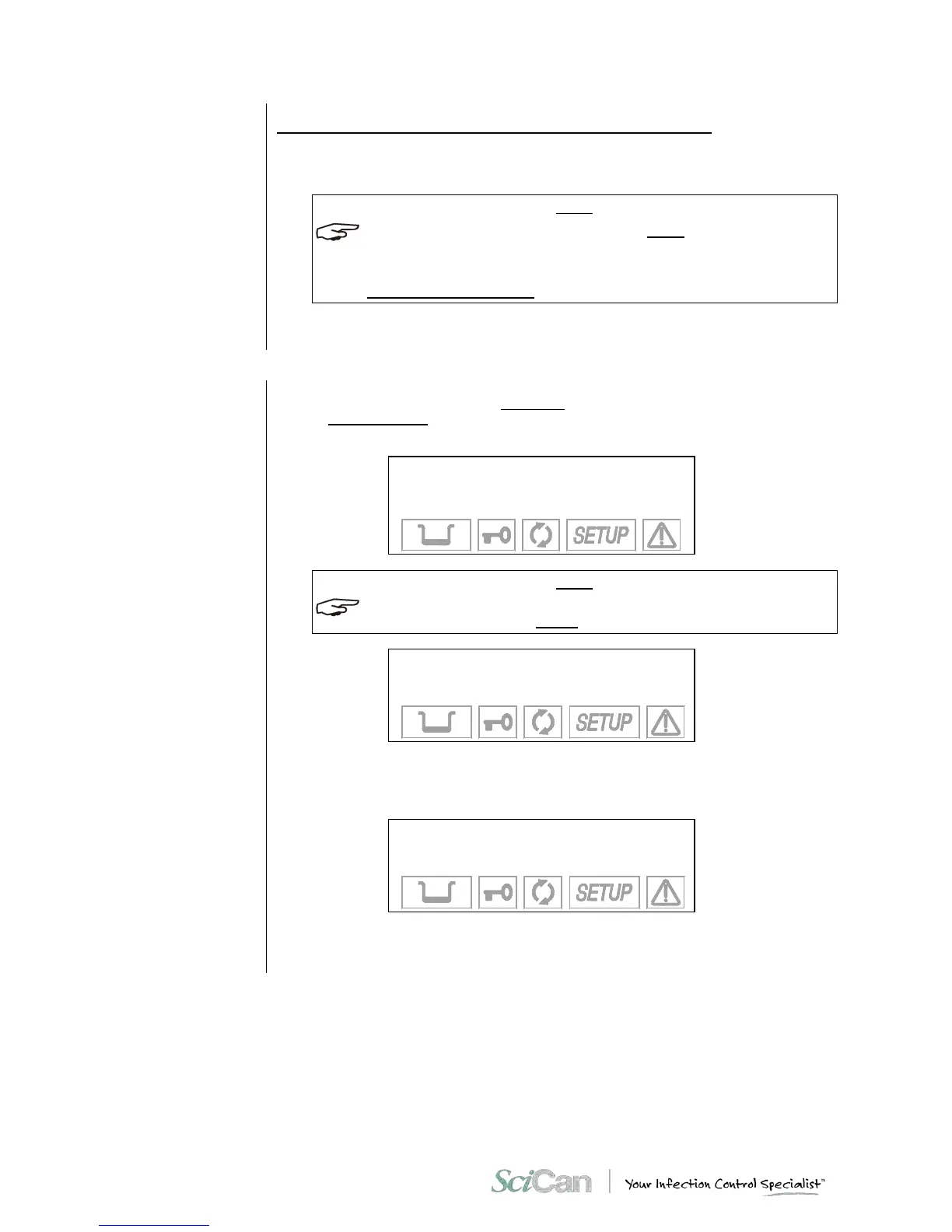
When AMBIENT PRESSURE is activated, the following screen appears:
ACQUISITION OF THE
AMBIENT PRESSURE
↵ to enter
⇑ to exit
CHECK THAT THE STERILIZER DOOR IS COMPLETELY OPEN. IF YOU TRY TO ACQUIRE
THE PRESSURE WITH THE DOOR CLOSED THE FOLLOWING MESSAGE WILL BE DISPLAYED:
OPEN THE DOOR
TO CONTINUE
and will remain until the door is opened.
Confirm the acquisition of the data by pressing the ↵ key. This message appears:
PRESSURE VALUE
SET INTO MEMORY
accompanied by a beep to say that the ambient data pressure has been acquired.
Press the ⇑ key to cancel the operation.



 To Next Page