6. CONFIGURATION
33.
Adjusting the
contrast of the liquid
crystal display
(LCD CONTRAST on the
SPECIAL menu)
The LCD contrast function adjusts the screens’ readability to compensate for the sterilizer
location’s lighting.
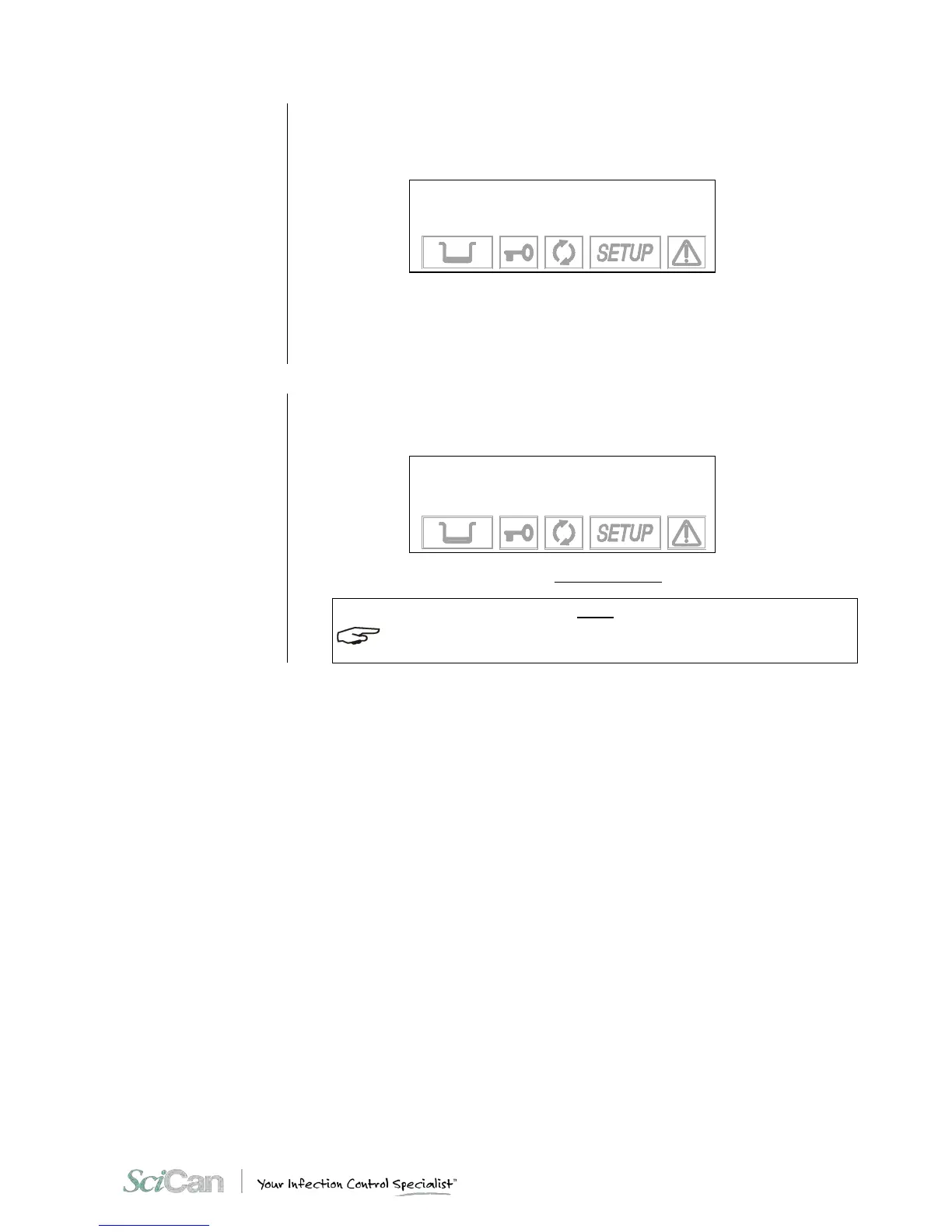
When LCD CONTRAST is activated, this screen appears:
ADJUSTMENT OF THE
LCD CONTRAST
+/- to set
⇑ to exit
Press the + key to increase the contrast and the - key to reduce it.
Adjust the contrast until the display is as clear and readable as possible, based on the
location’s normal conditions.
EXIT THE
CONFIGURATION
MODE
When you have completed the sterilizer configuration, return to the normal mode by selecting
EXIT and confirming with the ↵ key.
– This text will appear on the display:
BRAVO17
SETUP COMPLETE
↵ to exit
⇑ to resume
After several seconds, the device returns to normal operation in ST A ND -BY mode.
TO RETURN TO THE FIRST LEVEL FROM ANY MENU, JUST SELECT EXIT AND CONFIRM
WITH THE ↵ KEY. YOU CAN ALSO PRESS ⇑ (ESC) KEY ONE OR MORE TIMES.



 To Next Page