6. CONFIGURATION
30.
b) Item REPORT
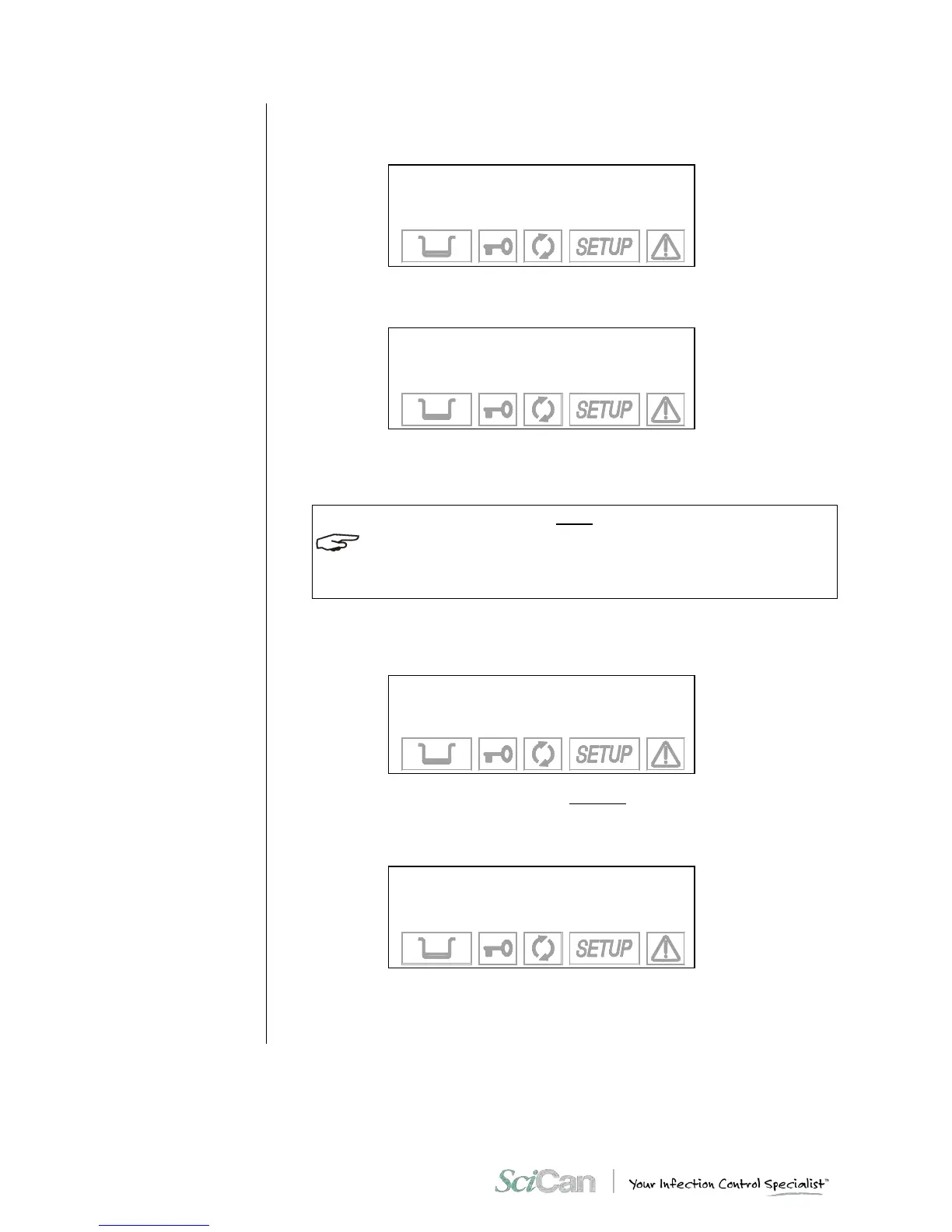
The following screen appears:
→ PRINTOUT MODE +
NR. COPIES ↑
PRINT LAST ↓
EXIT -
Select item PRINTOUT MODE to choose the mode in which the data is printed: The
following options appear:
→ AT CYCLE END +
STEP BY STEP ↑
EXIT ↓
-
Select AT CYCLE END to print the report at the end of the cycle.
Select STEP BY STEP to print the data at each phase of the cycle (see Examples of
printed report in Appendix B).
IT IS NOT POSSIBLE TO MAKE MULTIPLE COPIES OF REPORTS IN STEP BY STEP MODE.
THE VACUUM AND BOWIE & DICK TEST REPORT WILL ONLY PRINT OUT AT CYCLE
END MODE.
Activate NR. COPIES to set the number of cycle report copies to print at the end of the
program. The following text appears:
COPIES: XX
+/- to set
↵ to enter
⇑ to exit
Set the number of copies desired (up to a maximum of 5). Confirm with the ↵ key.
To print a report from the last cycle executed (whether it terminated correctly or w a s
interrupted by an alarm), select PRINT LAST . The following screen will appear:
→ NORMAL PRINT +
EXTENDED PRINT ↑
EXIT ↓
-
The NORMAL PRINT command activates normal printing (showing relevant cycle
data and produced at the end of a correctly executed cycle), while EXTENDED PRINT
activates a more complete print out (including all the data typical of a cycle interrupted
by an alarm).



 To Next Page