86 User’s Manual
Stack Menu
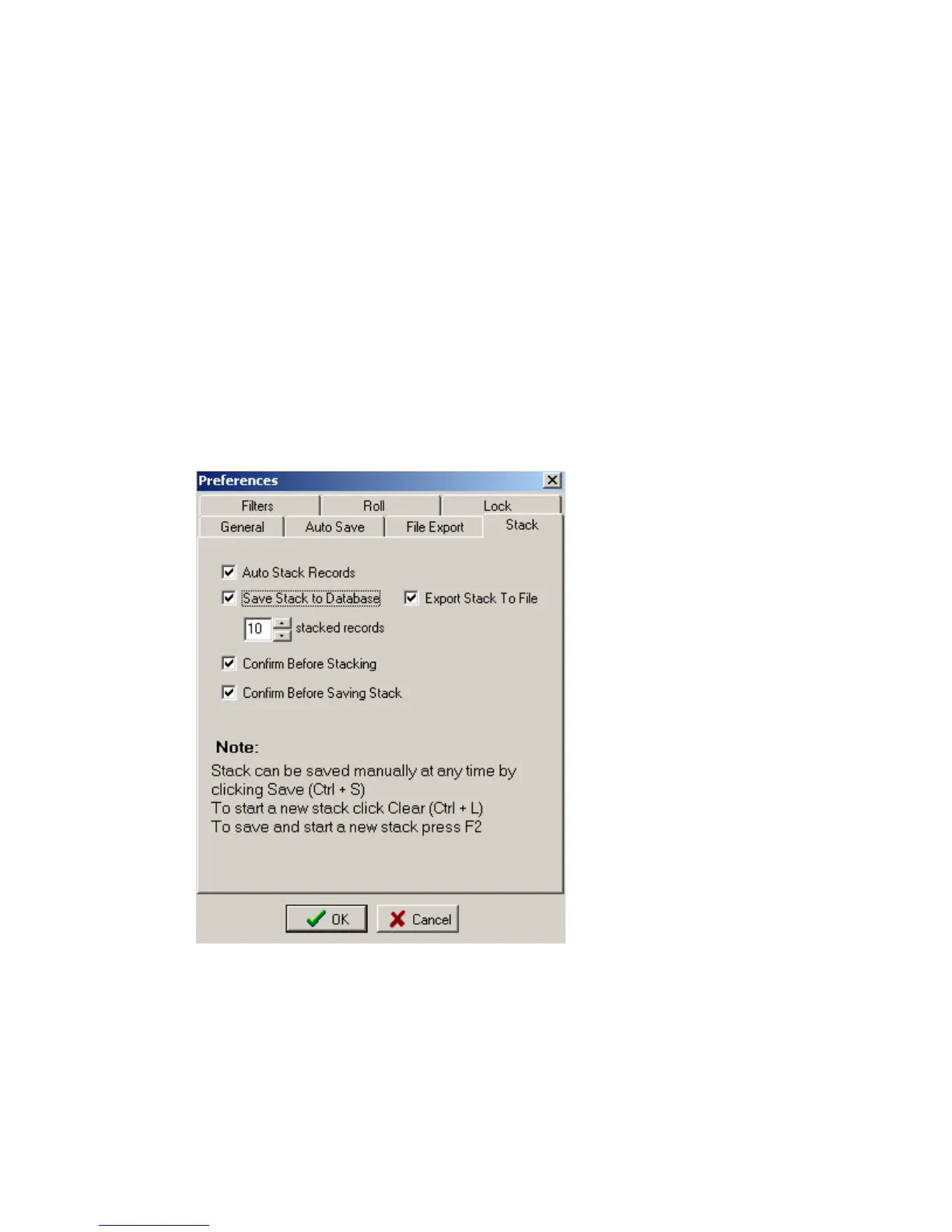
Options – Preference- Stack menu
This menu selects the options for the automatic stack function.
Data stored in database can also be stacked at a later time to eliminate bad records. To
speed up field acquisition, it is sometimes desirable to save all records and stack and review data
in the office.
Example shows saving and exporting Stacked records to database and SEG-Y files.
Number of Hits at one location is set to 10. This is normally set to a larger number than required
to allow large number of automated hits at one location. The Stacked Data will be viewed after
every Hit, and if the stack looks OK, then the Stack can be saved early by pressing the “ESC” key
to stop automatic functions, then the “F2” key to save and reset the stack.



 To Next Page