87
Real Time Noise Window
The Real Time Noise Window can be used to determine the best time to do a refraction
hit. Sometimes the Refraction study is done in an urban area with large ambient noise from
airplanes, large trucks, etc. This ambient noise should be at a minimum when Hammer Hits are
taken.
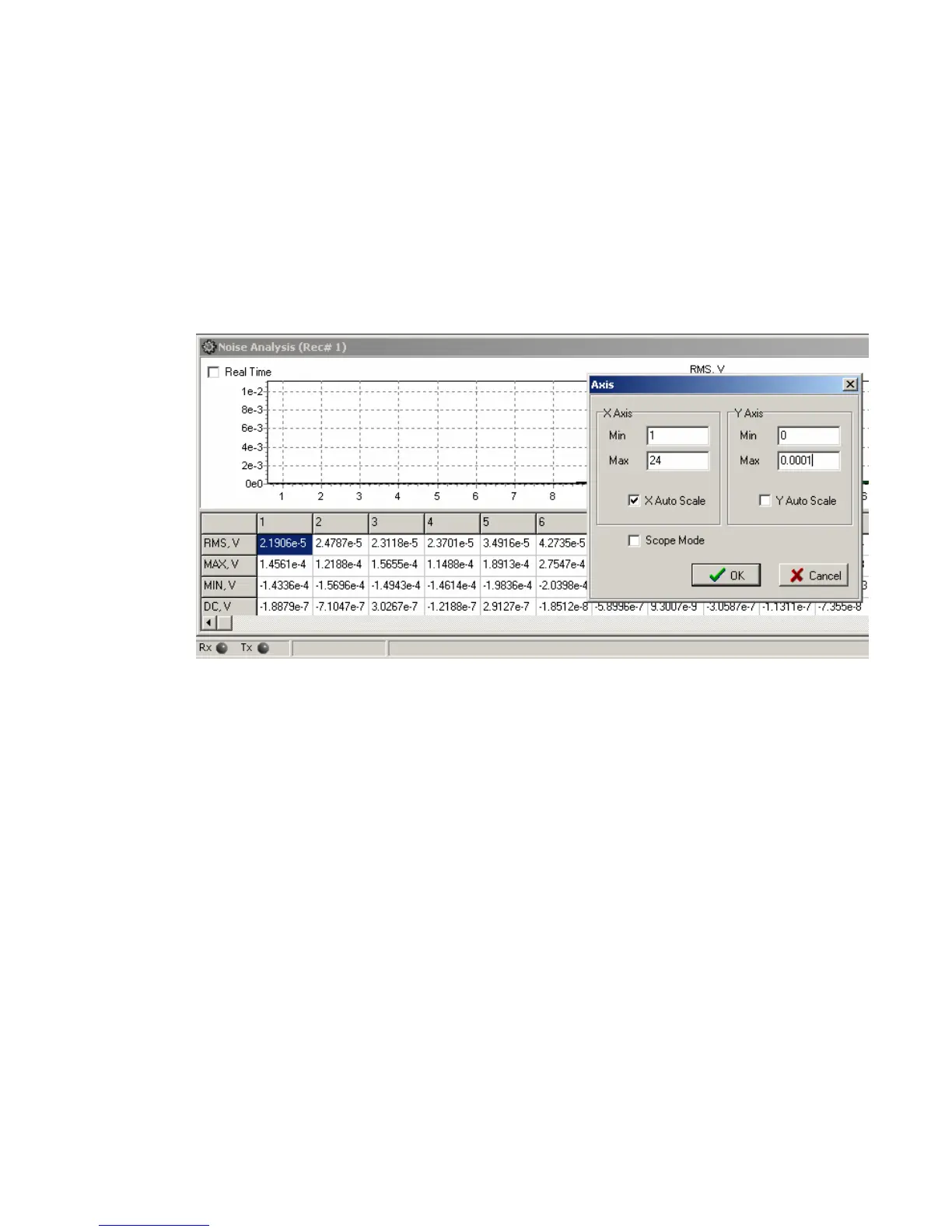
Select Noise Window and set the Noise Window for a Fixed Y Axis.
Y Min = 0 and Y Max = 0.00004, Disable the Y Auto Scale. (This will set maximum
noise to 40 microvolts RMS some area may require different max scale.)
After setting the Y-Scale, then set the Noise Analysis for “Real Time”. The Bar graphs
will continually update showing the noise level on all of the spread channels.
The HotKey “N” is used to toggle the Real Time Noise Monitor ON and OFF.



 To Next Page