Operator control and monitoring
9.2 Working with the user interface
SIMATIC MV420 / SIMATIC MV440
Operating Instructions, 04/2013, A5E02371045-06
189
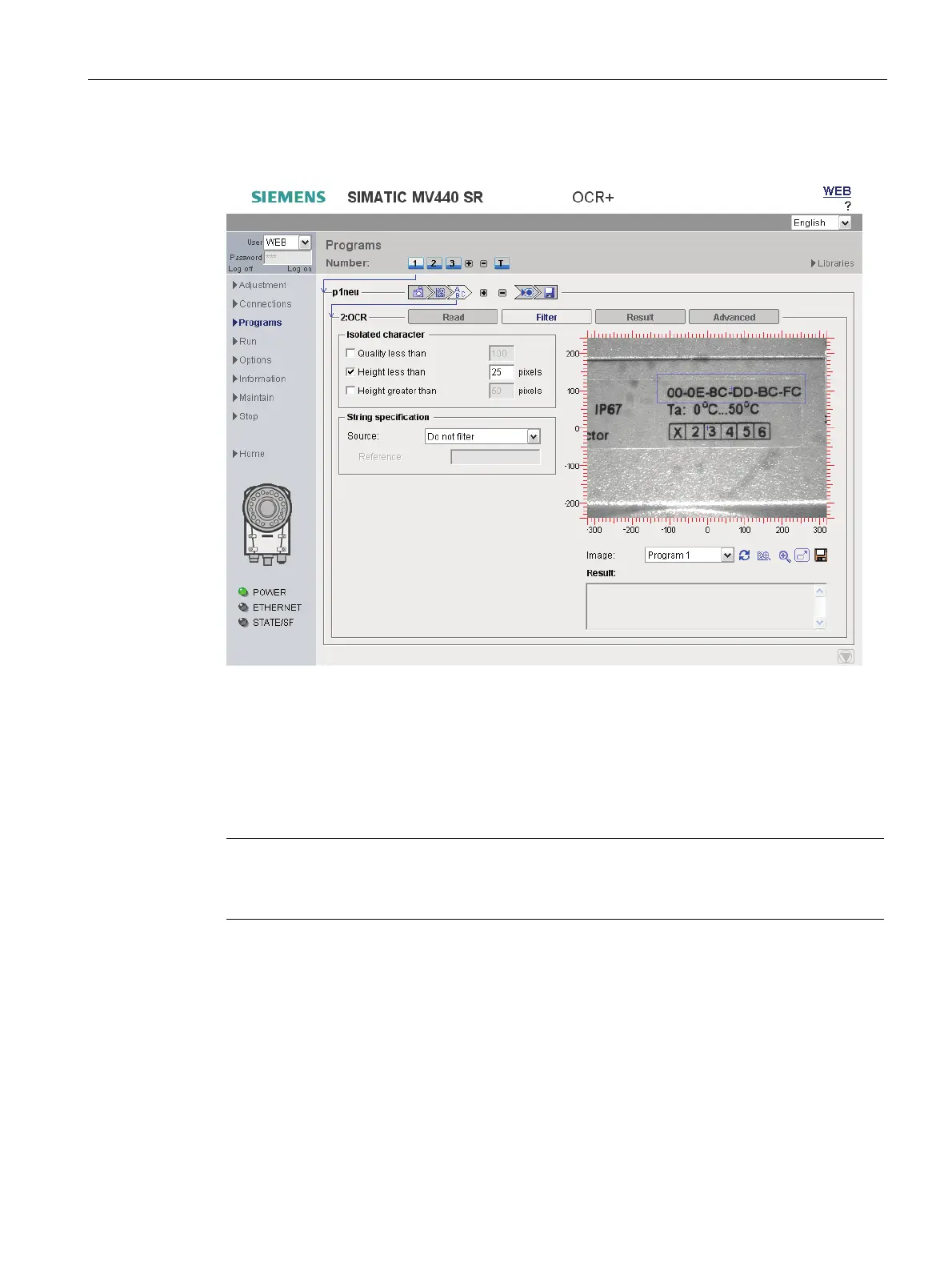
OCR step - "Filter" tab
Figure 9-21 OCR - "Filter" tab
The character recognition configured in the "Read" tab provides "character hypotheses" with
an associated quality value for ambiguous characters at each character position. "2" and "Z"
or "0" and "O", for example, are ambiguous character pairs.
Using the settings in this tab, you can provide information about your application and filter
out irrelevant results. This increases the reliability of the read result.
Note
Detailed description of parameters in the online help
For a detailed description of the parameters and possible values, refer to the online help.












 To Next Page