OPERATION
2. To select the Memory location
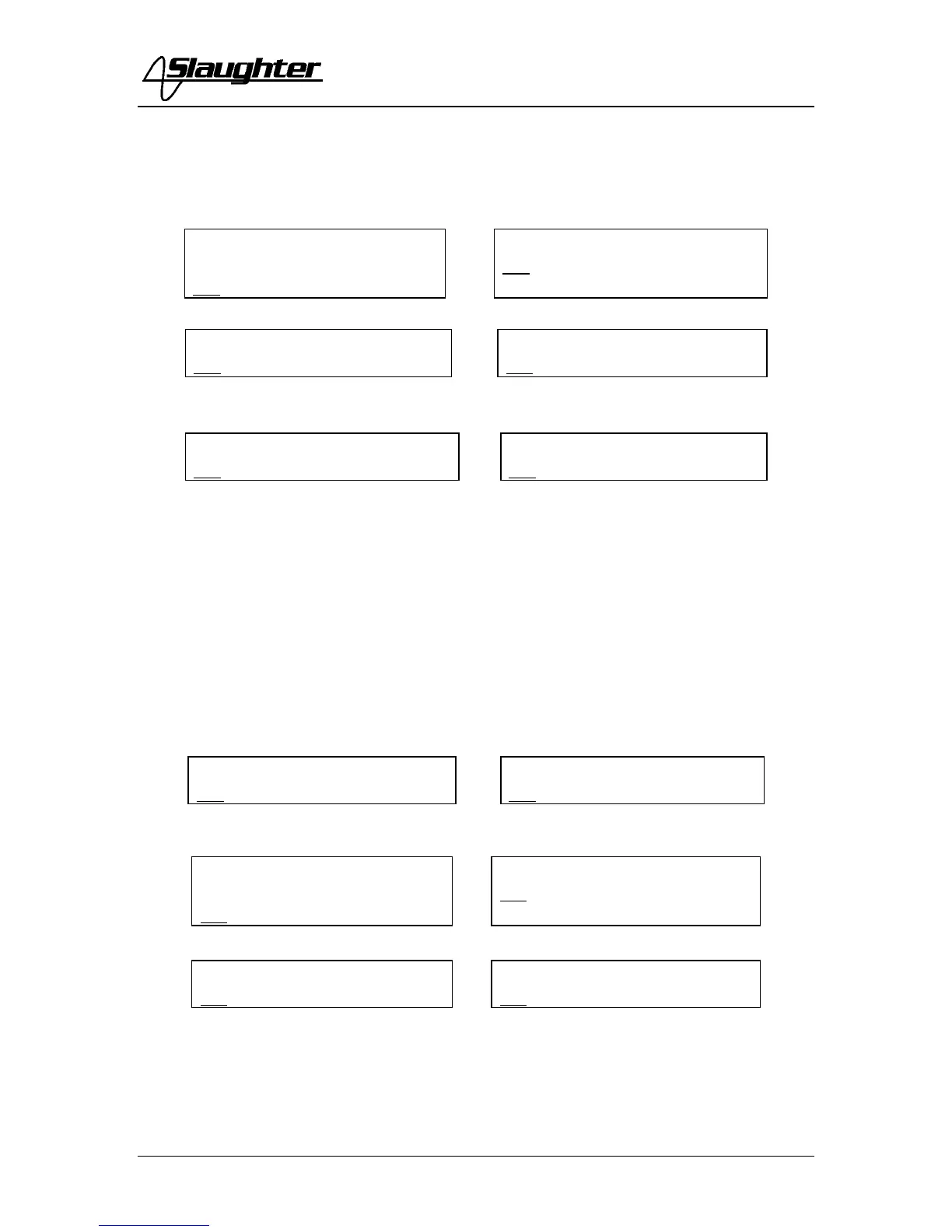
Press the SET key once. The blinking underscore symbol appears directly under digit that
represents memory location. The blinking cursor indicates that the parameter is being
edited. The display shows:
or
or
Use the Up () or Down () arrow keys to select memory locations 1 through 10.
After selecting the memory, press the SET key to view the settings that have been
recalled from memory or to make any changes to these settings. Once you have entered
all the test data such as test function and parameters of that function, as outlined in the
below procedures, press the EXIT key to store any changes and return to the test mode.
3. To select the Step location
Press the SET key twice. The blinking underscore symbol appears directly under digit
that represents step location. The blinking cursor indicates that the parameter is being
edited. The display shows:
or
or
Use the Up () or Down () arrow keys to select step locations 1 through 20, then press
the EXIT key to store the current setting and return to the test mode, or press the SET key
to advance to the next parameter.
4. To set the test type
ACW Memory
XXX.Xs
XX-XX X.XXkV XX.XXmA
DCW Memory XXX.Xs
XX-XX X.XXkV XX.XXmA
IR Memory XXX.Xs
XX-XX XXXXV XXXXMΩ
GND Memory XXX.Xs
XX-XX XXXmΩ XX.XXA
RUN Memory XXX.Xs
XX-XX XXXV XX.XXA
LLT Memory XXX.Xs
XX-XX XXXV XX.XXA
ACW Step XXX.Xs
XX-XX X.XXkV XX.XXmA
DCW Step XXX.Xs
XX-XX X.XXkV XX.XXmA
IR Step
XXX.Xs
XX-XX XXXXV XXXXMΩ
GND Step XXX.Xs
XX-XX XXXmΩ XX.XXA
RUN Step XXX.Xs
XX-XX XXXV XX.XXA
LLT Step XXX.Xs
XX-XX XXXV XX.XXA



 To Next Page