(Model J) Page 131
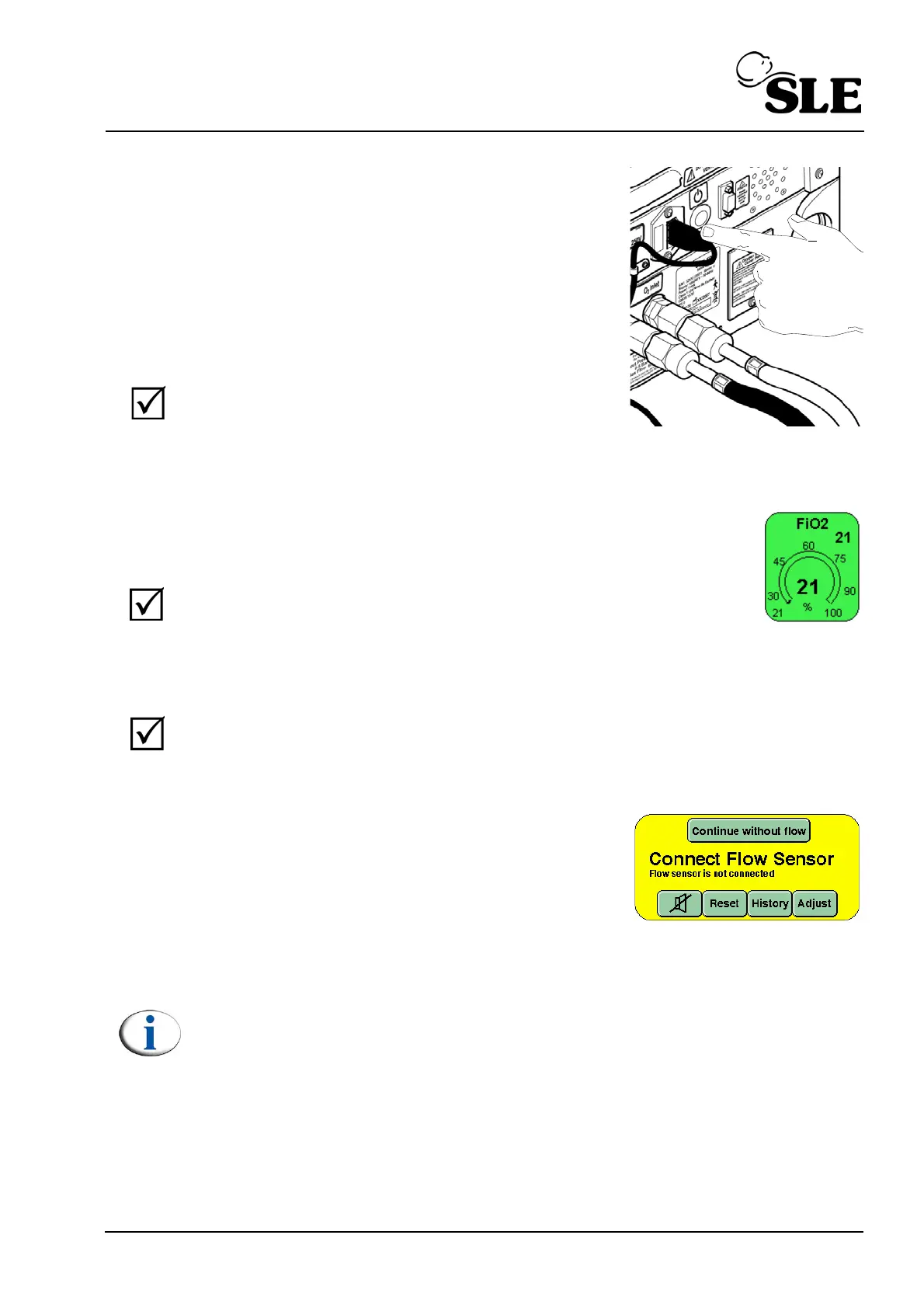
Depress and hold down the mains power switch for
2 seconds. The ventilator will power down but the
“Complete Power Fail Alarm” will be active.
To cancel the alarm depress the mains switch again
but do not hold down.
Re-connect mains power.
Turn ON the ventilator and wait for it to enter the
Ventilation OFF mode.
18.1.2 Setting FiO
2
Step 2 In the Ventilation OFF mode select the FiO
2
parameter and using
the arrow keys set the value to 21% FiO
2.
The ventilator defaults to
21% on start up.The measured value will be displayed once the O
2
cell has finished it’s self calibration routine. When finished, the set
value and measured value should correspond.
18.1.3 Back-up alarm speaker test
Step 3 Verify that a beep is sounded every time a parameter control is pressed (FiO
2
).
18.1.4 Functional Testing with No Flow Sensor
Step 4 If the ventilator is to be used without a flow sensor
fitted then press the “continue without flow”
button in the alarm panel.
Fit a test lung to the ET manifold.
The user should now advance to section 18.1.6
Note: the functional testing routines have been written with the flow sensor
fitted. The user will be told to skip a section if it applies to testing a flow
related function.



 To Next Page