Page 342 (Model J)
SLE Limited will then provide the activation code which is entered via the 6 input
boxes. An example activation code would be 20, 53, 45, 203, 229, 104.
This code would be entered as follows.
Once the code has been entered press the Keycode confirmation button.
The status text should change from Disabled to Enabled.
Restart the ventilator.
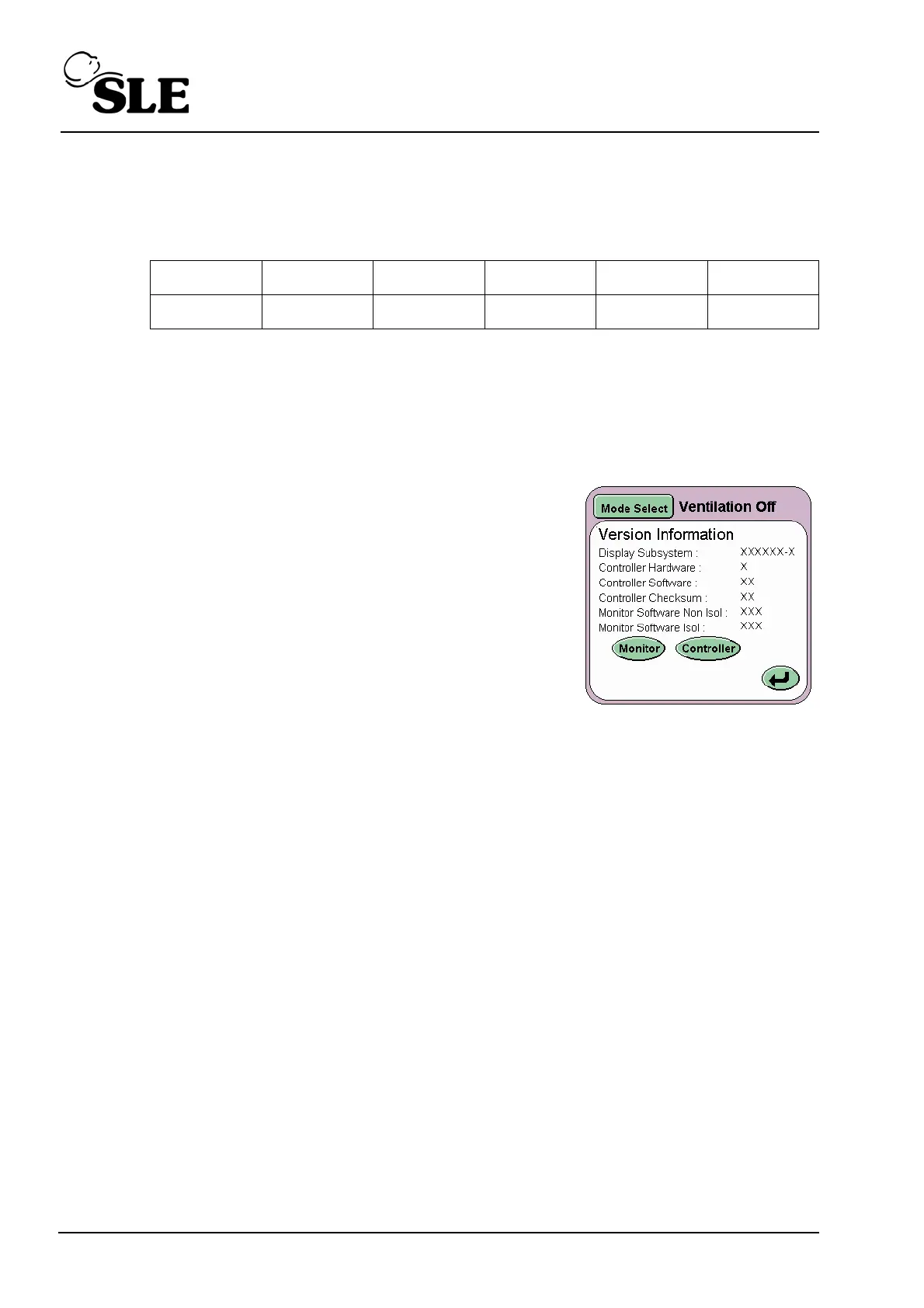
Goto the version information panel and check that
the word VueLink appears in the lower left hand
corner.
37.9 Disabling VueLink.
To disable VueLink press and hold down the disable feature button until the text
“Disable Feature” appears. The button counts down from 4 to 1, this is to avoid
inadvertent button presses.
Once Disabled the user will have to obtain a new activation code from SLE.
Digit 1 Digit 2 Digit 3 Digit 4 Digit 5 Digit 6
20 53 45 203 229 104



 To Next Page