(Model J) Page 153
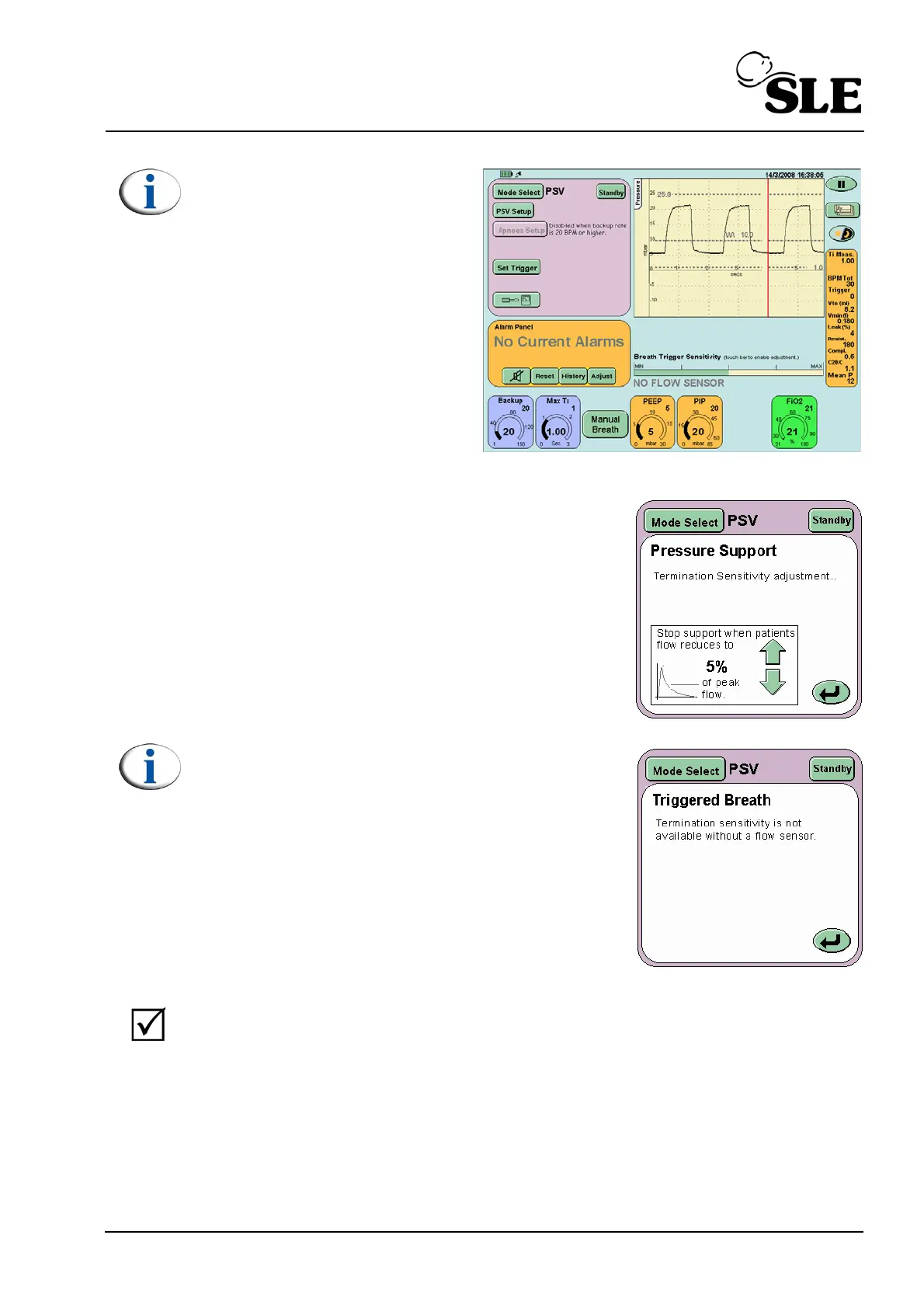
Note: If functional testing the
ventilator without a flow
sensor fitted the TTV
plus
button
will not appear and the Flow v
Time & Tidal Volume v Time
windows will be replaced by
the Breath Trigger Level bar.
Step 57 Press the PSV Setup button to display the
Pressure Support panel.
Ensure that stop support is set to 5%.
Note: Without the flow sensor fitted the user will
not able to set the stop support percentage. The
mode behaves as PTV.
Verify that:
When the test lung is pulled a waveform appears in the waveform
window. When the test lung is squeezed then released the ventilator
provides support by helping reinflate the test lung.



 To Next Page