snom technology AG • 101
[ SNOM 360 USER MANUAL V1.00 ]
AUDIO
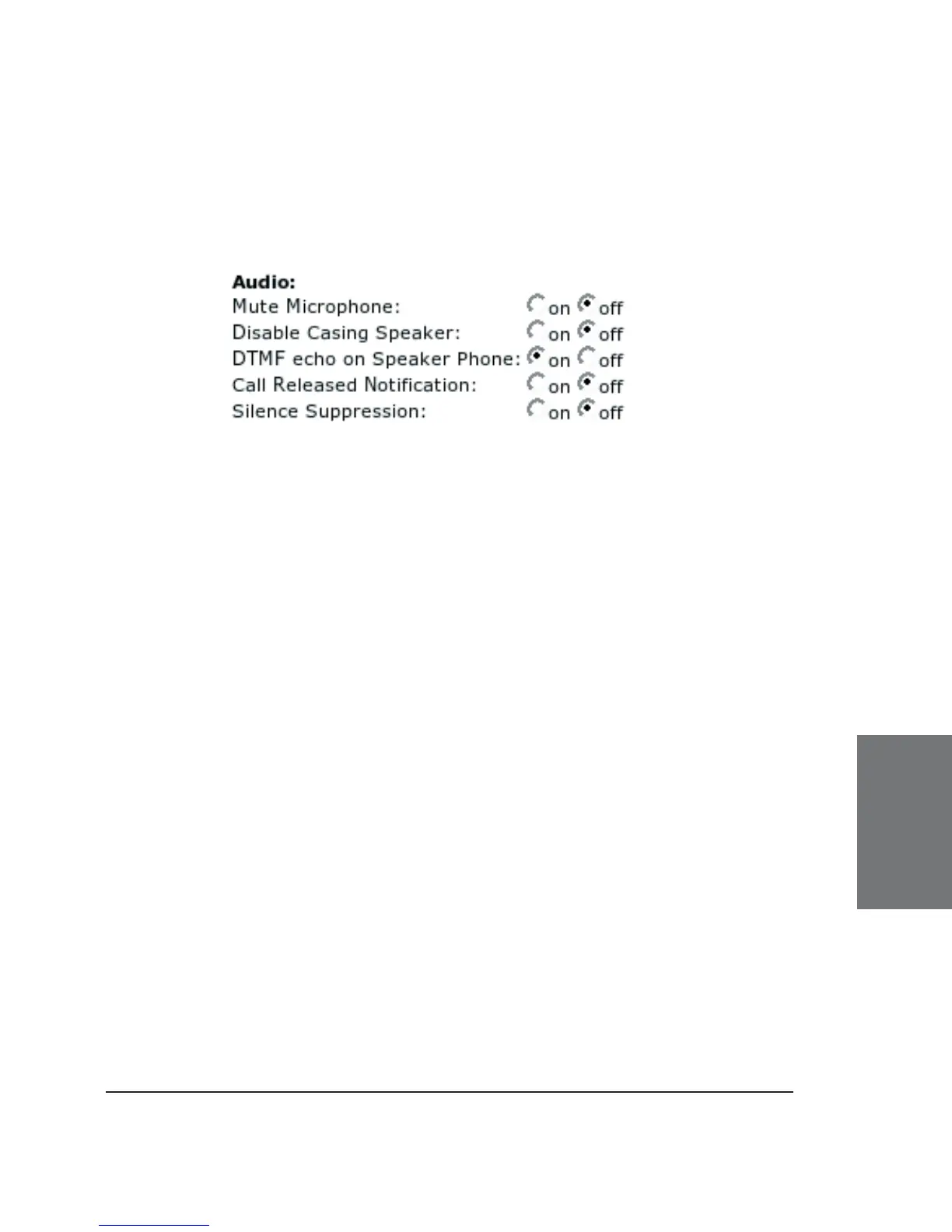
Here you can set up audio-related settings on your phone. These
settings may look like this:
Mute Microphone: Setting this to on will mute the microphone of
the phone. Tuning it off will enable the microphone again.
Disable Casing Speaker: Turn this setting on to disable your
speaker.
DTMF echo on Speaker Phone: Switch DTMF echo on or off.
Call Released Notifi cation: Turn this to “on” if you want to have
an audible indication when a call is terminated. Turning it off will take you
directly to the idle state when a call drops.
Silence Suppression: To save bandwidth in the case of silence,
select “on” to stop silent RTP audio streams for as long as the silence
lasts. When silence suppression is on, comfort noise (CNG/VAD) will be
generated locally at the other end of the call so that the other party will
not mistakenly believe that the call has been terminated.
Advanced Network
In this subsection you can change the advanced network settings
of your phone:
6





 To Next Page