snom technology AG • 31
3
Basic Functions
Idle state
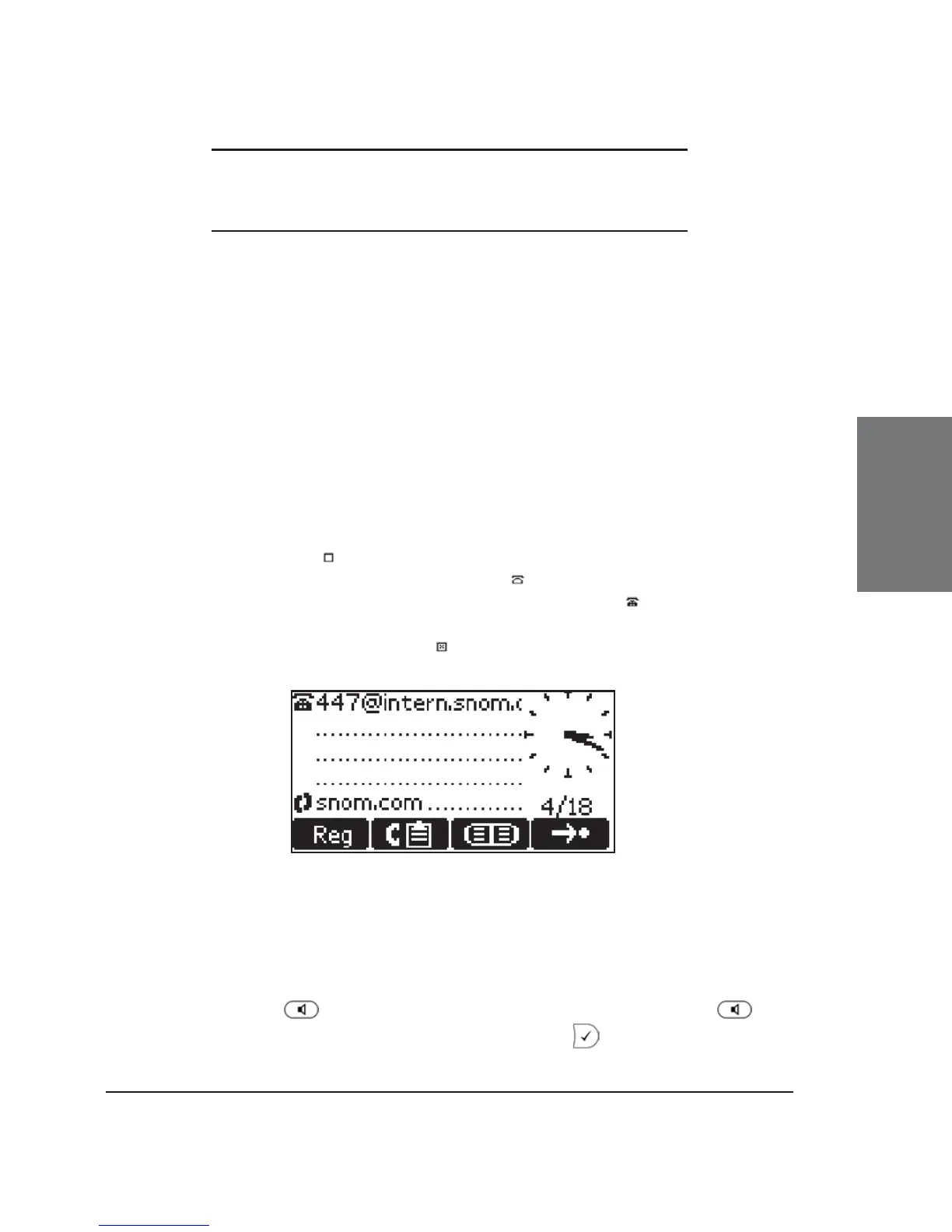
In idle state, the phone shows:
• the date and time,
• the fi rst fi ve registered users, and
• their connection status.
An empty box ( ) before the account indicates that the registration
process is in progress. A phone symbol ( ) means that the account is
successfully registered. A black-colored phone symbol ( ) means that the
account is successfully registered and that the line is the active line for
outgoing calls. A box with a cross ( ) signals an unsuccessful registration
attempt.
Dialing
There are two methods to begin a call from the idle state of snom
360. You can either dial with the handset resting in the cradle and then
pick it up or press , or you can pick up the handset or press and
then dial the number. In the latter case, press to indicate that the
number is complete and dialing can commence.





 To Next Page