snom technology AG • 65
Call Register
Phone book
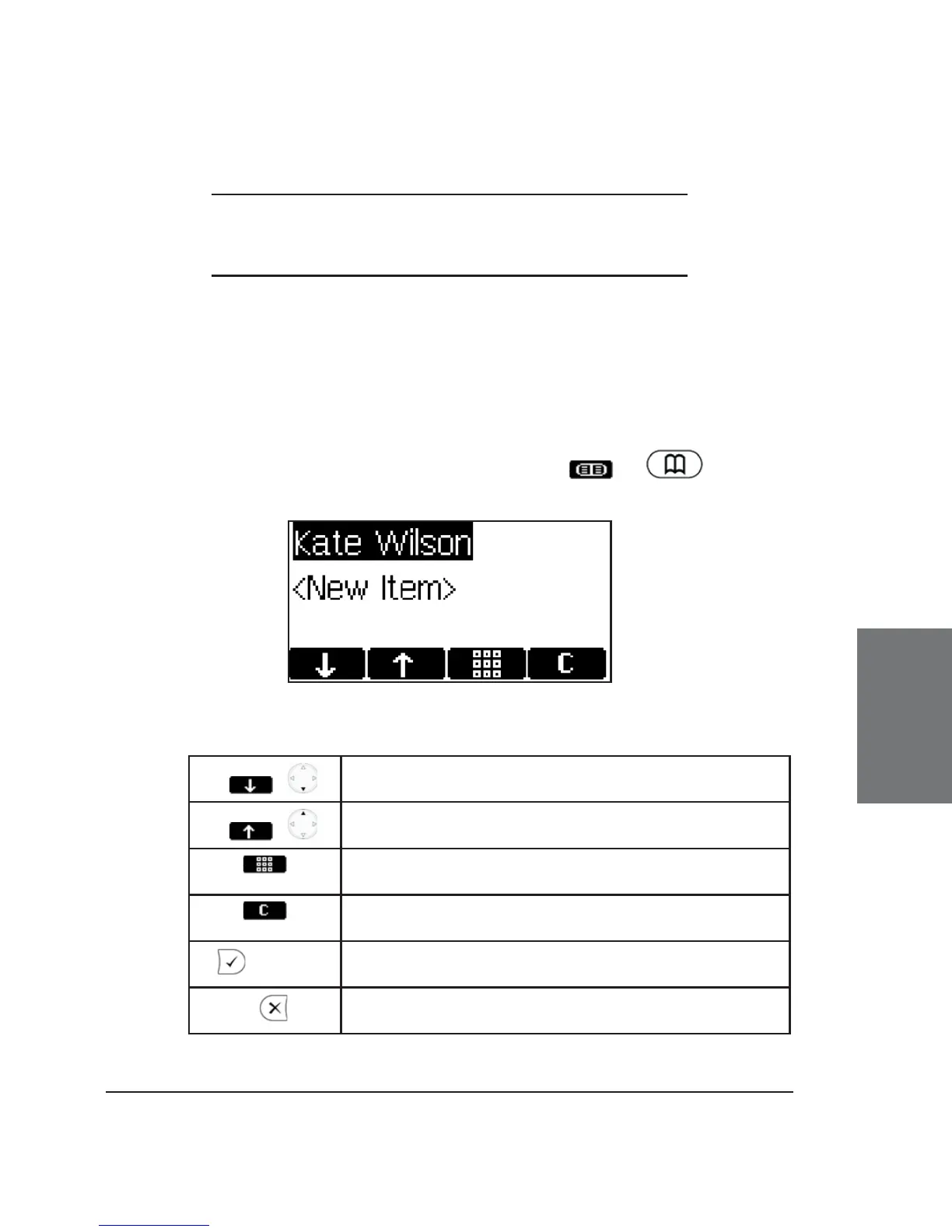
The snom 360 contains an internal phone book that can be
accessed from the phone’s idle state by pressing or :
Key mapping:
/
Scroll to the next item
/
Scroll to the previous item
Enter edit mode for the selected entry
Delete current item
/ off hook
Dial the number of the selected entry
Return phone to idle state
5





 To Next Page