28 • Logon
[ SNOM 360 USER MANUAL V1.00 ]
2
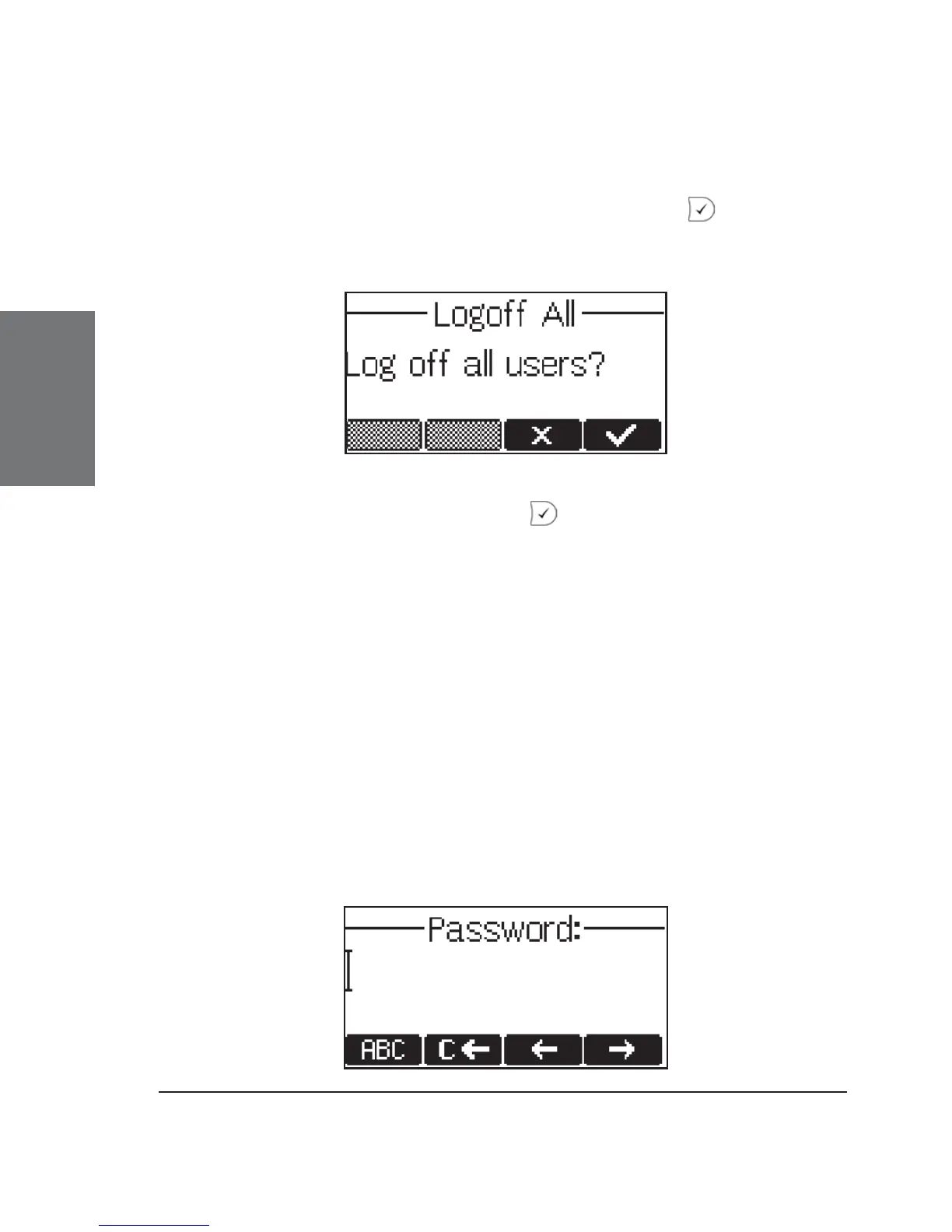
Logoff All
When you select this menu item and press the key, you will
be asked if you really want to log off all users.
If you confi rm by pressing , all currently logged-in SIP
registrations are logged off and the logon wizard, if enabled, is displayed
again. Otherwise, the idle screen is displayed.
Challenge/Authentication
In SIP, a user can set up authentication requirements for each
registration on the phone. The password for each account name is set up
via the web interface of the phone on the confi guration pages for Lines
1-7, index card ‘Login Information’.
If the authentication password is not set, or is set wrongly, the
account will not register on that domain and the phone will be challenged
for that line. A challenge response will ask for the correct password. This
may look like the following:





 To Next Page