108 • Settings
[ SNOM 360 USER MANUAL V1.00 ]
The phone looks up on this table whether an incoming TLS request
should be accepted because it is verifi ed or has been signed by a CA. In the
case of SIPS, the phone acts as a client. Hence, the certifi cate of the phone is
not used in this case. The server sends a certifi cate that the client can accept or
reject. The criterion for this is the CA list.
Setup Software Update
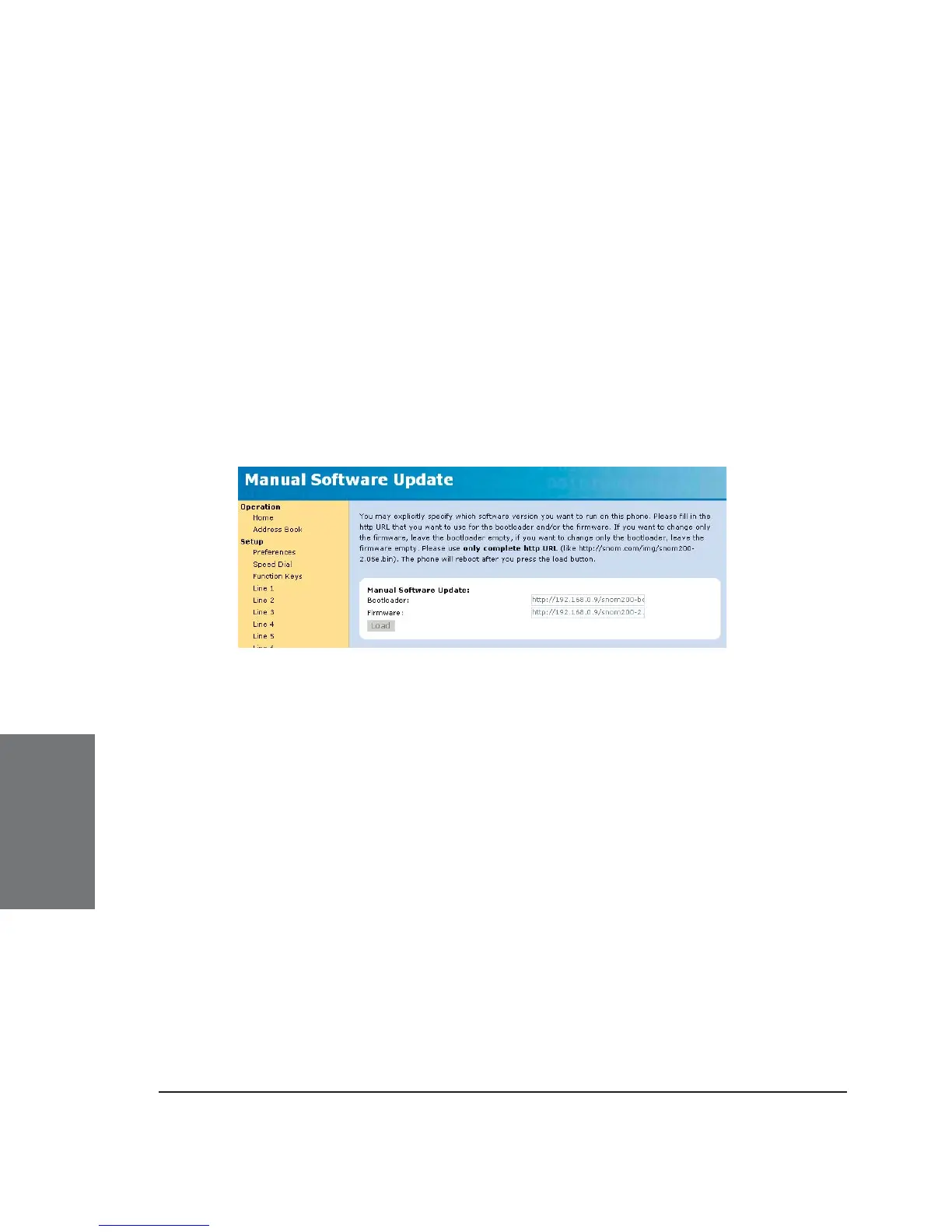
MANUAL SOFTWARE UPDATE
Here you can select the binary fi les you want to run on the phone.
This section may look like this:
Bootloader: Specify the URL for the bootloader fi le (-b) you would
like to place on the phone through this setting. This fi led is currently
inactive, the bootloader will not change when you make an entry here!
Firmware: Type in the fi rmware (-l, -r, -j) URL in this fi eld.
Press the “Load” button if you made changes to these settings.
The phone will now attempt to load the binary fi les from the
newly provided addresses. It will show “SW” on the display and then start
rebooting after a couple of seconds. If it shows “SW” but does not start
to reboot, please start the reboot process yourself.
Naming conventions of the different images:
Bootloader „-b“ is the bootloader and does not do a great deal.
We do not expect any signifi cant changes here.
Linux „-l“ consists of the linux kernel. This will only rarely
change.
6





 To Next Page