snom technology AG • 19
[ SNOM 360 USER MANUAL V1.00 ]
1
The phone has a built-in DHCP client. It will receive an IP address
and other network-related settings (Netmask, IP gateway, DNS server)
from the DHCP server.
If your network does not support DHCP, press or when
the above screen appears. The user will subsequently be asked for the
following settings:
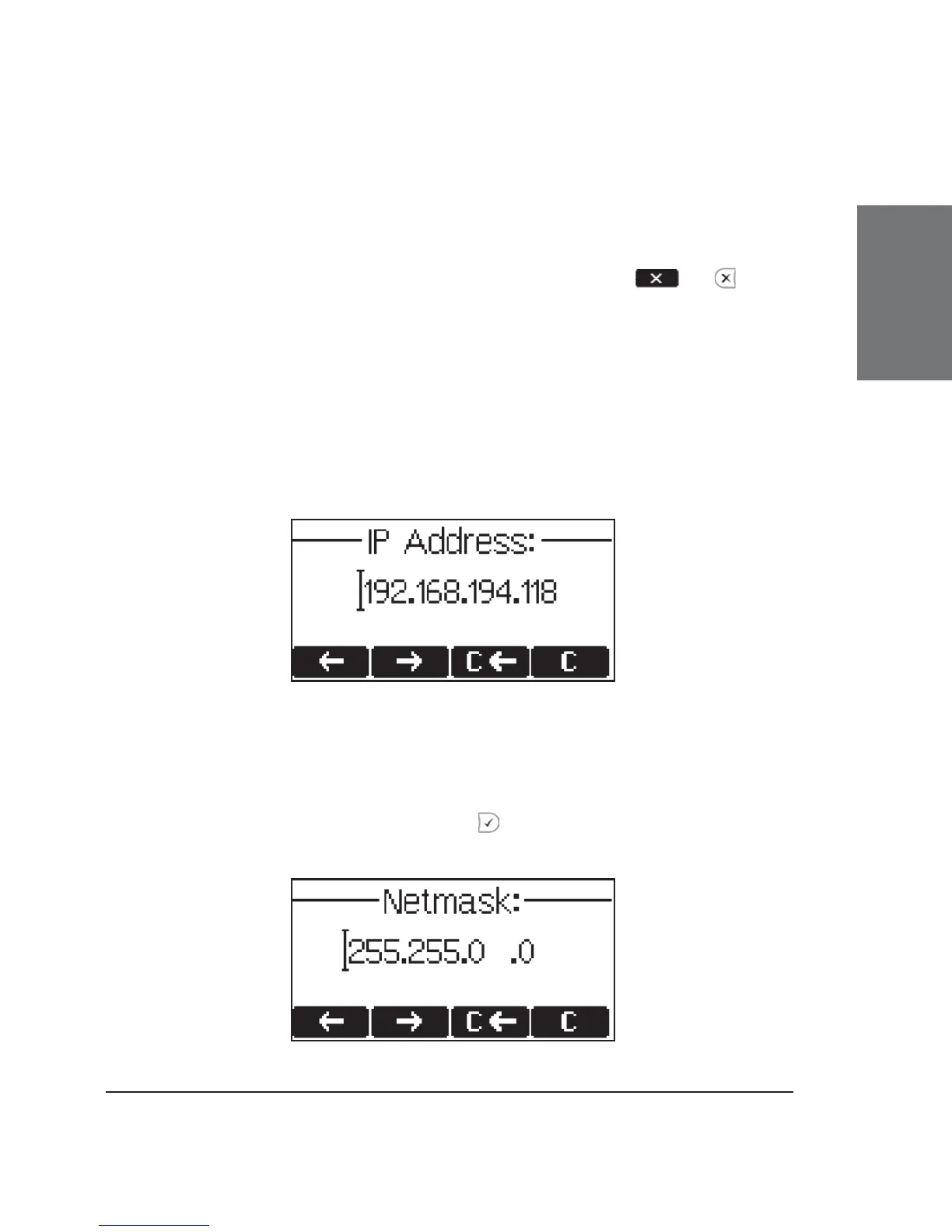
Setting the IP Address
The user can provide a static IP address for the phone if DHCP
is not used. A valid IP address appropriate to the network in which the
phone is being used can be provided.
Setting the Netmask
Similarly, the user will be asked to provide a Netmask. After
entering the information, confi rm with .





 To Next Page