snom technology AG • 75
[ SNOM 360 USER MANUAL V1.00 ]
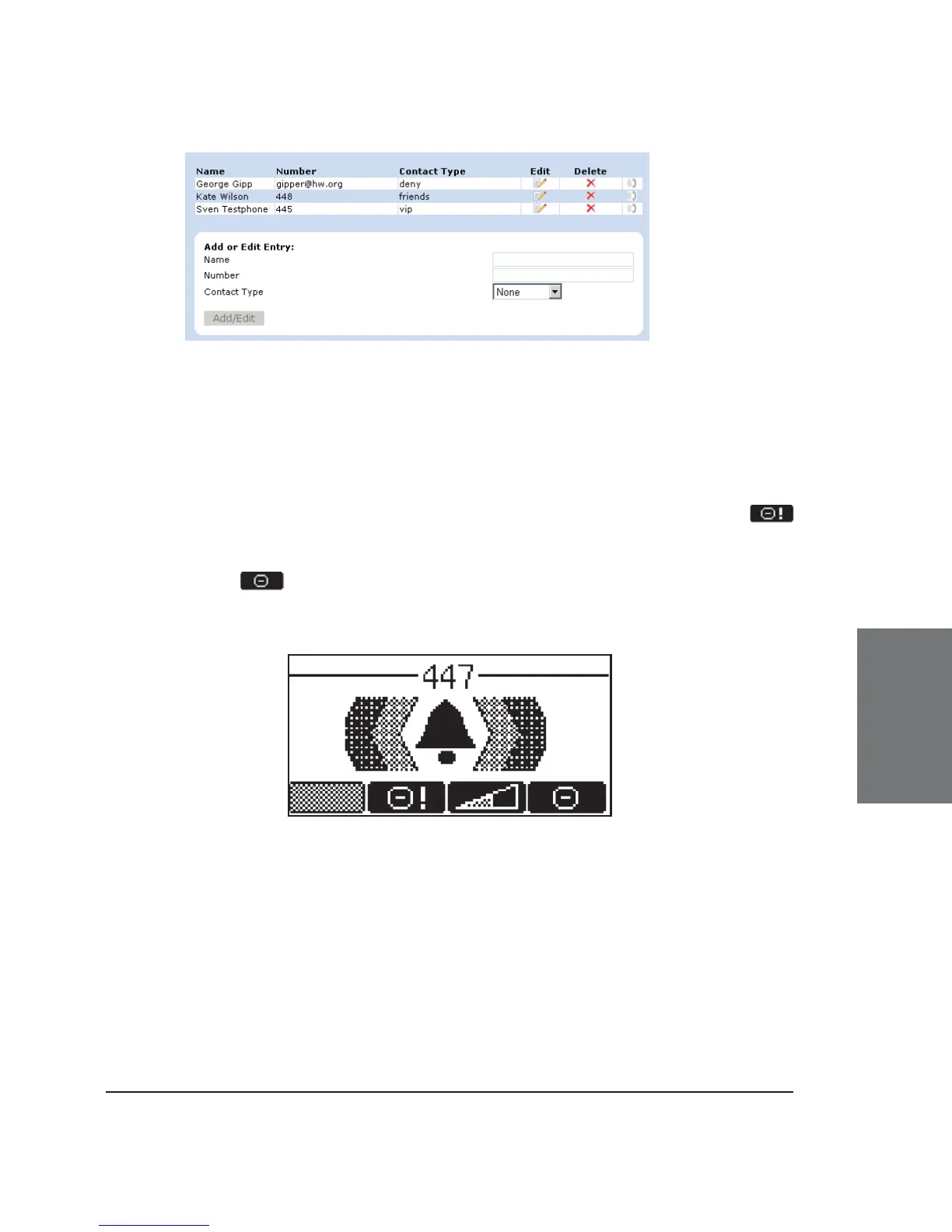
The numbers to be denied are displayed here and marked with
contact type “deny”.
Adding a number
While you are being called, you can press the “deny all” key
if this feature is activated on the webpage “Advanced Settings”. This will
not only deny the present call but will also add the number to the deny
list. Pressing on an incoming call will only deny that particular call
and will not put the phone number on the Deny List.
In addition, any number can be added to the deny list by entering
the phone number in the Address Book and selecting the contact type
“Deny list”.
Removing a number
There are two ways to remove a number from the deny list: (1)
On the “Address Book” webpage, click onto the small red crossed icon at
5





 To Next Page