snom technology AG • 53
[ SNOM 360 USER MANUAL V1.00 ]
4
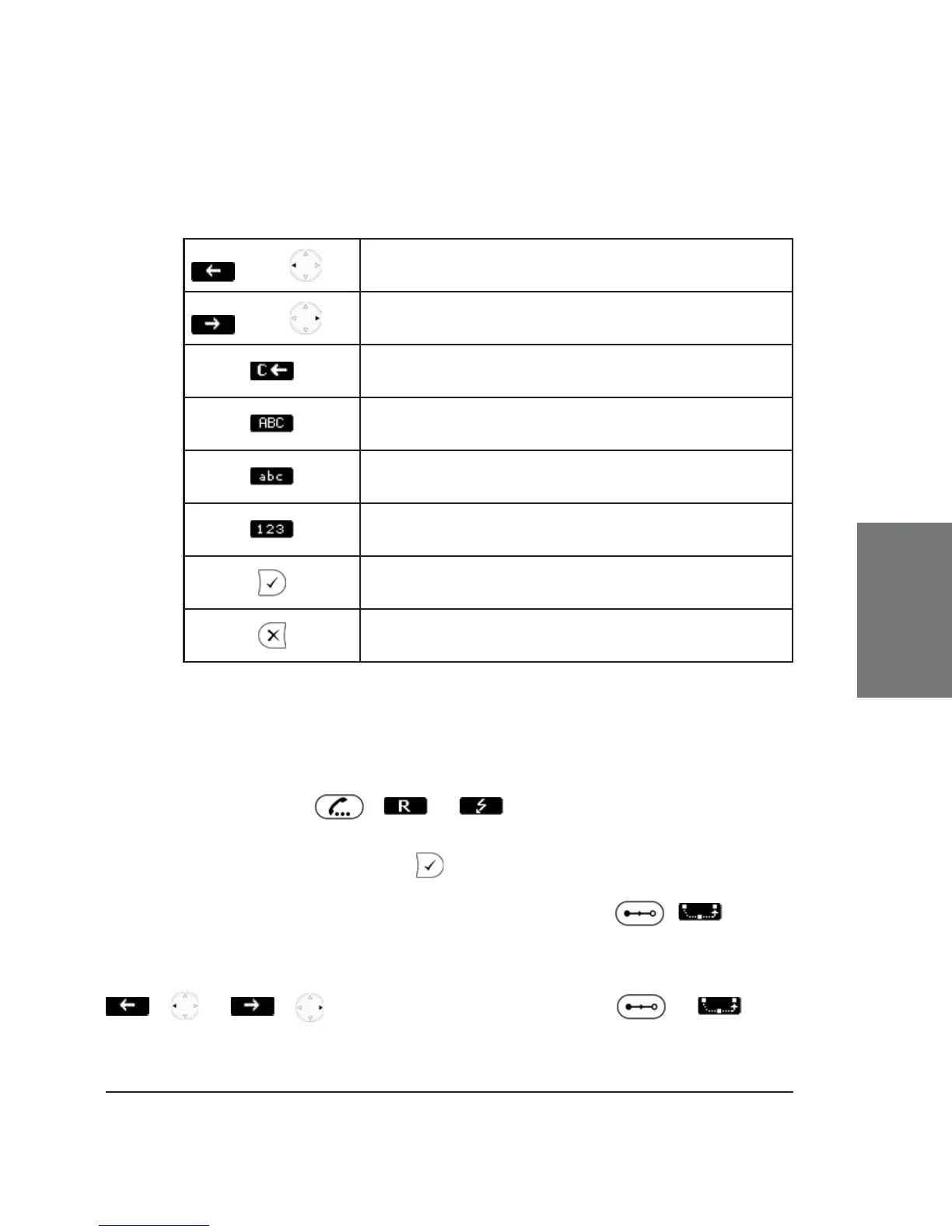
Key mapping:
/
Move the cursor to the left
/
Move the cursor to the right
Delete the character to the left of the cursor
Change input mode to capital letters
Change input mode to small letters
Change input mode to numbers
Transfer the call
Abort the transfer
Consultation Transfer
During a call in progress, put the connected party on hold by
pressing the hold key , or .
While the call is on hold, you can establish a second call by dialing
the desired number and pressing . When the second call is established,
you can consult the second party, e.g., to announce the call. You can
connect the two parties by pressing the transfer key , , or the
hook on the handset. This behavior is available only if the option “Call join
on Xfer” on the “advanced” web page is enabled. If this option is disabled
you have to select the party you want the call to transfer to by pressing
/ or / , followed by the transfer keys or .





 To Next Page