snom technology AG • 67
[ SNOM 360 USER MANUAL V1.00 ]
/
Move the cursor to the right
Confi rm the entry
Cancel the entry
Editing an entry
After pressing the edit key on the entry to be modifi ed, the
name and phone number will be brought up in sequence. Confi rm each
item by pressing .
The title of the window indicates which input is expected. Press
to confi rm the data; press to abort the editing.
Key mapping: See Adding an entry, above.
Please keep in mind that the contact type “VIP” overrides the
DND mode, i.e. calls from someone on your “VIP” list will be put
through to your phone even when DND is ‘active’!
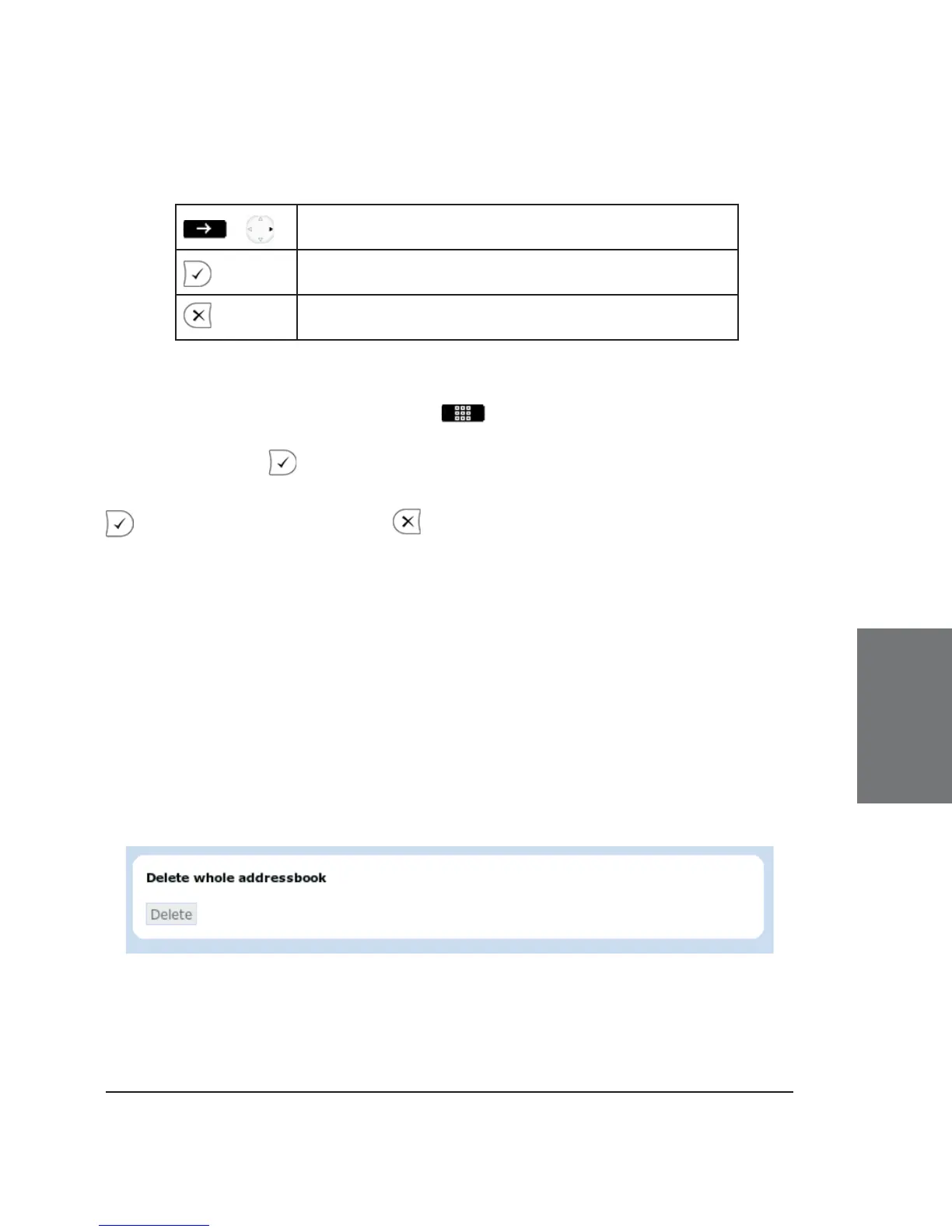
Delete whole address book
If you want to delete the entire address book, click onto the
“Delete” button on the web interface page of the address book .
5





 To Next Page