48 • Basic Functions
[ SNOM 360 USER MANUAL V1.00 ]
3
Ring Tones
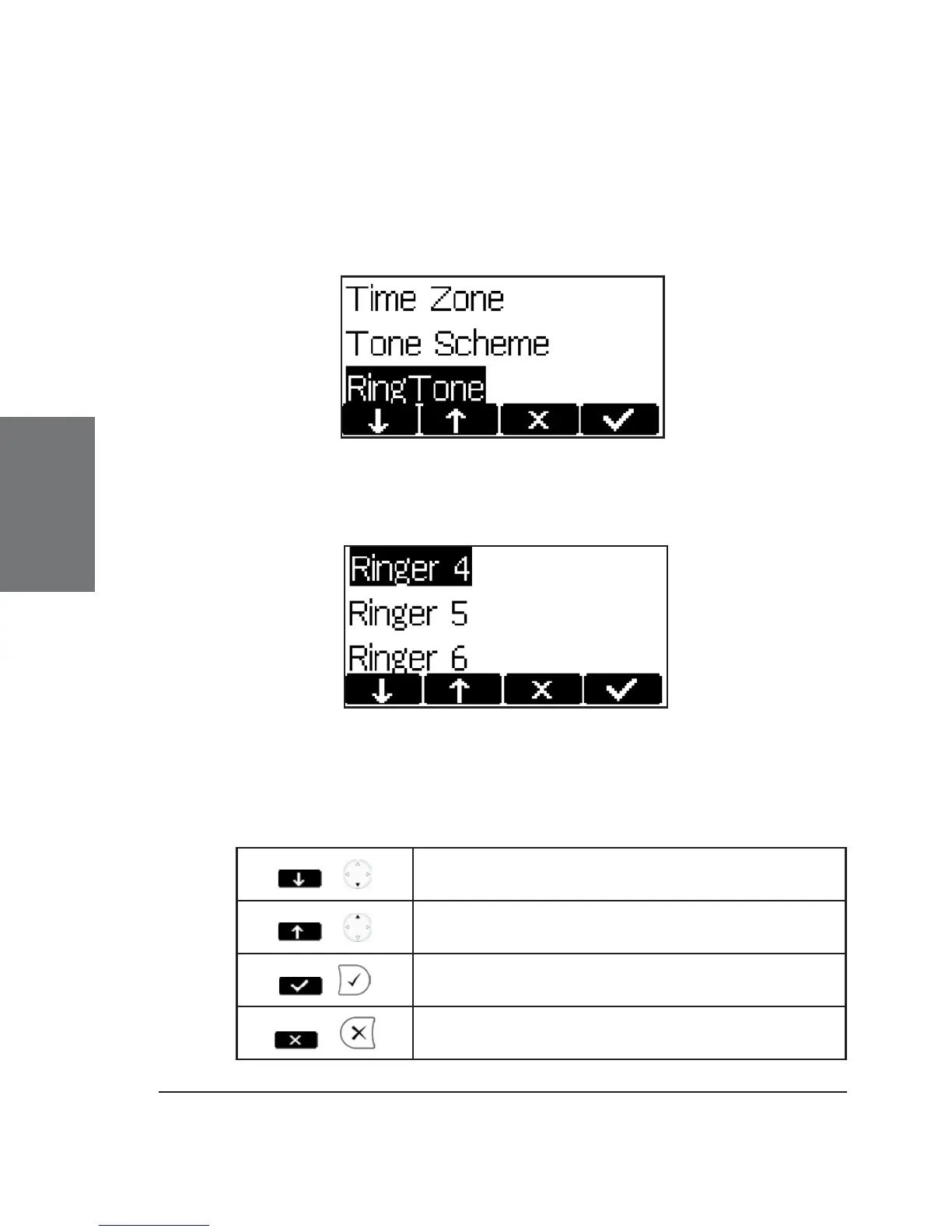
Select the submenu “Preferences”, to call up the following
window:
Select the submenu “RingTone”. Here, the ring tone can be set.
The selected ring tone is played back and you can decide on the
desired setting.
Key mapping:
/
Move the cursor to the next ring tone
/
Move the cursor to the previous ring tone
/
Activate the selection and return to idle
state
/
Return to idle state without changing the
ring tone





 To Next Page