42 • Basic Functions
[ SNOM 360 USER MANUAL V1.00 ]
3
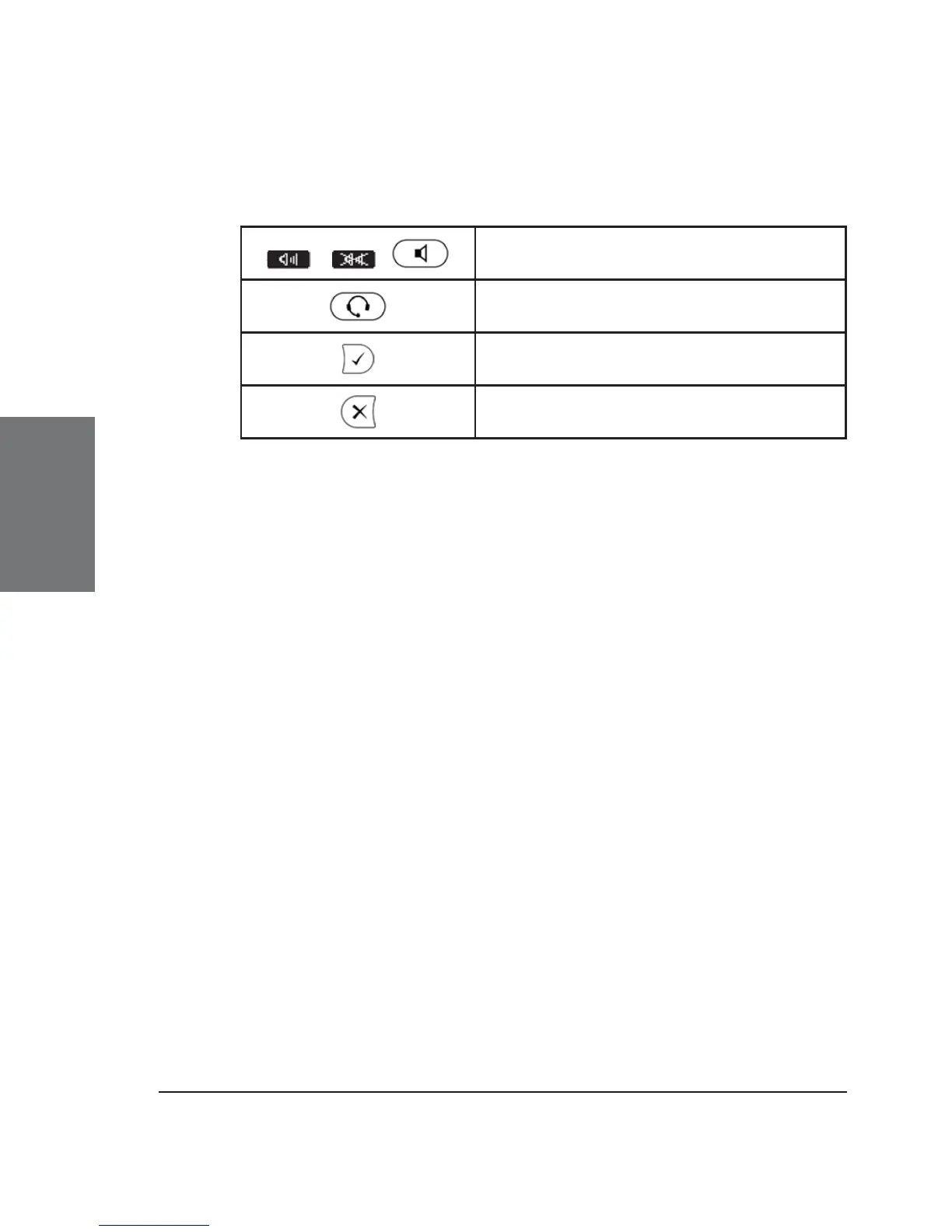
Key mapping:
/ /
Switch to handsfree mode and back
Switch to headset mode and back
Accept incoming calls in headset
mode
Return phone to idle state
Programmable Keys
The fi ve keys to the right of the number block are the programmable
function keys, which have the following options:
Line
Destination
Intercom
Park Orbit
Voice Recorder
Shared Line
DTMF
Each of these keys has an LED indicating the status of the
respective programmable key at any given time.
Some features are common to all keys:
Pressing a key when its LED is blinking and the phone is ringing
accepts the call.
Pressing a key when a call is in progress at that key, as indicated
by the constantly lit LED, puts the call on hold.
Pressing a key twice while editing a number for dialing at that
key, with the receiver in the cradle, returns the phone to idle state.





 To Next Page