46 • Basic Functions
[ SNOM 360 USER MANUAL V1.00 ]
3
DTMF
This option allows the specifi cation of arbitrary key sequences,
which will be sent via DTMF when this button is pressed.
Menus
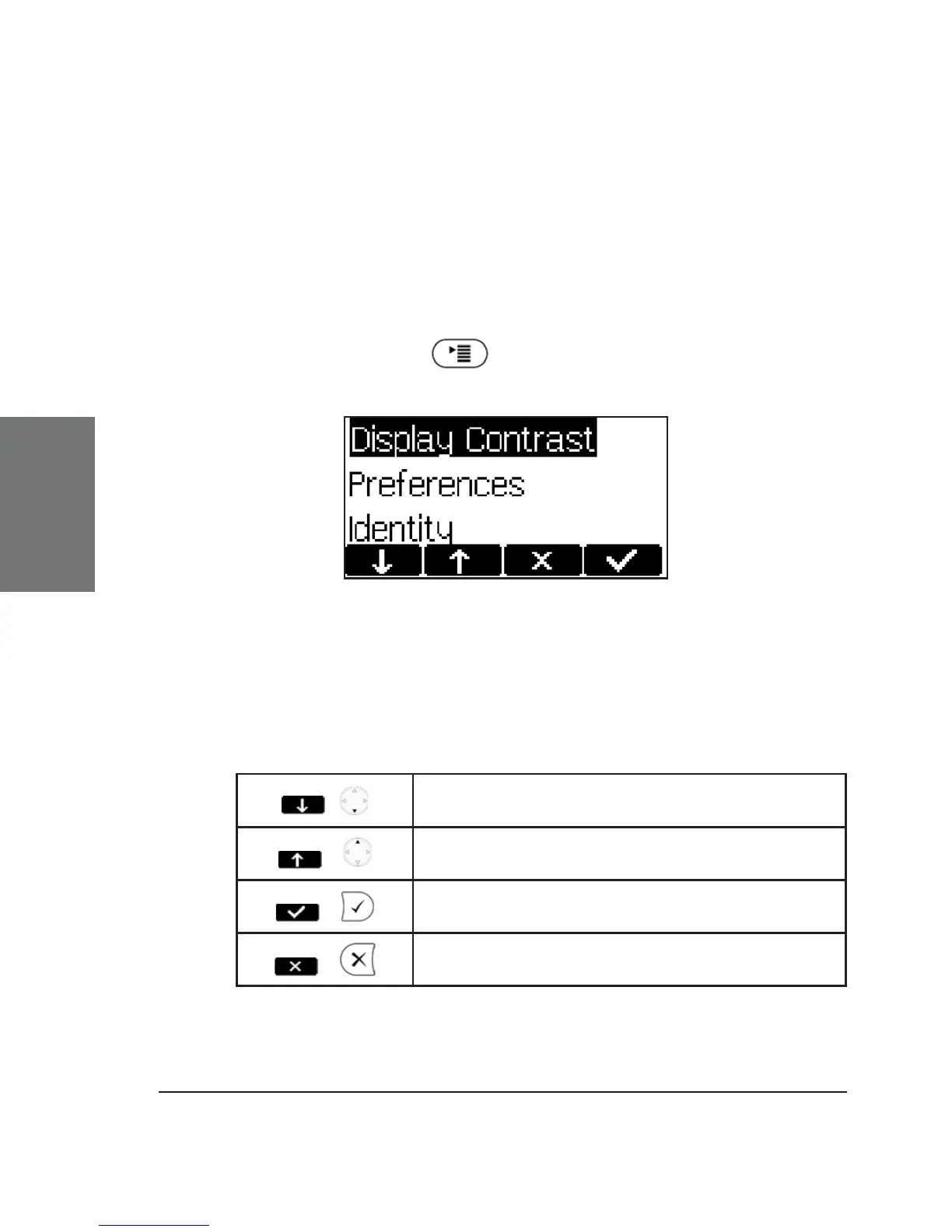
Press the menu key to call up the main menu.
Only the submenus Display Contrast, Identity, and Ring Tones
will be explained here. The other submenus will be discussed in chapter
6, Settings via Web Browser, below.
Key mapping:
/
Move the selection down
/
Move the selection up
/
Enter the submenu
/
Return phone to idle state





 To Next Page