snom technology AG • 59
[ SNOM 360 USER MANUAL V1.00 ]
4
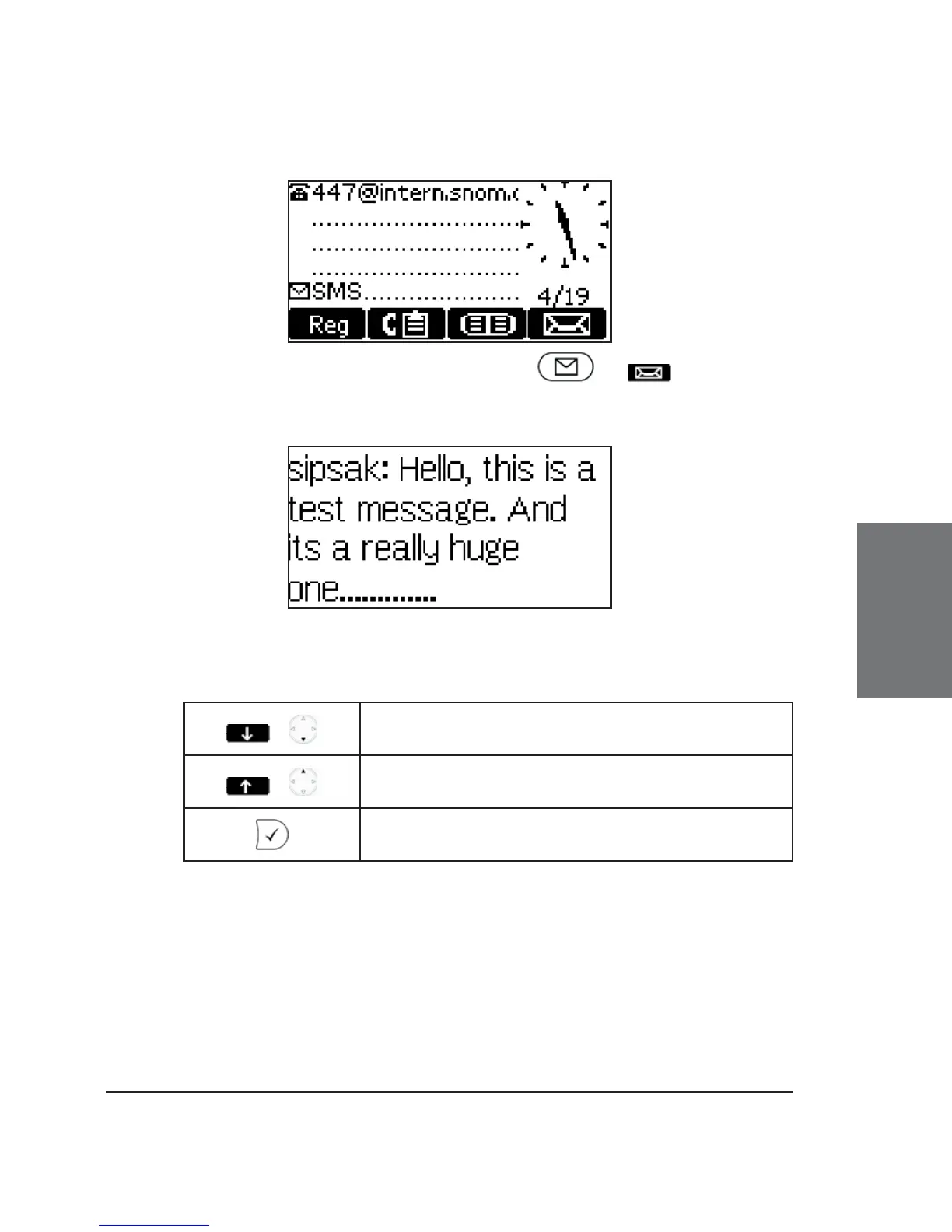
To display the message, press either or . A message
could look like this:
Key mapping:
/
Scroll the message forward
/
Scroll the message backward
Back to the idle screen
Message Waiting Indication (MWI)
If you did not answer a call and the mailbox recorded a message
for you, the idle screen shows that a recorded message is waiting for
you.





 To Next Page